Laser Cutting Machine Maintenance Tips to Reduce Downtime and Improve Cutting Accuracy


The Critical Importance of Laser Cutting Machine Maintenance
In the high-stakes world of metal fabrication, the laser cutting machine serves as the heartbeat of the production line. Whether you are processing thin-gauge sheet metal or heavy-duty structural steel, the consistency of your output depends entirely on the health of your equipment. Implementing effective laser cutting machine maintenance tips to reduce downtime and improve cutting accuracy is not merely a suggestion; it is a fundamental operational requirement for any facility aiming to maintain a competitive edge.
When a laser system is neglected, the cumulative effect of micro-vibrations, dust accumulation, and optical degradation leads to a slow but steady decline in precision. This degradation often goes unnoticed until a critical failure occurs, resulting in costly emergency repairs and missed delivery deadlines. By prioritizing proactive maintenance, fabricators can extend the lifespan of their investment, ensure operator safety, and maintain the high-tolerance standards required by modern industrial applications.
Furthermore, the financial impact of unplanned downtime is staggering. Beyond the direct cost of replacement parts and technician labor, the ripple effect through your production schedule can lead to lost contracts and damaged client relationships. A well-maintained machine operates with higher energy efficiency, consumes fewer consumables, and produces cleaner edges, which significantly reduces the need for secondary finishing processes like grinding or deburring.
Ultimately, the goal of a robust maintenance program is to transition from reactive repairs to predictive care. By understanding the mechanical and optical nuances of your HARSLE laser cutting machine, your team can identify potential issues before they manifest as catastrophic failures. This article provides a comprehensive roadmap for maintaining your equipment, ensuring that your production remains fluid, accurate, and profitable.
Daily Inspection Protocols for Peak Performance
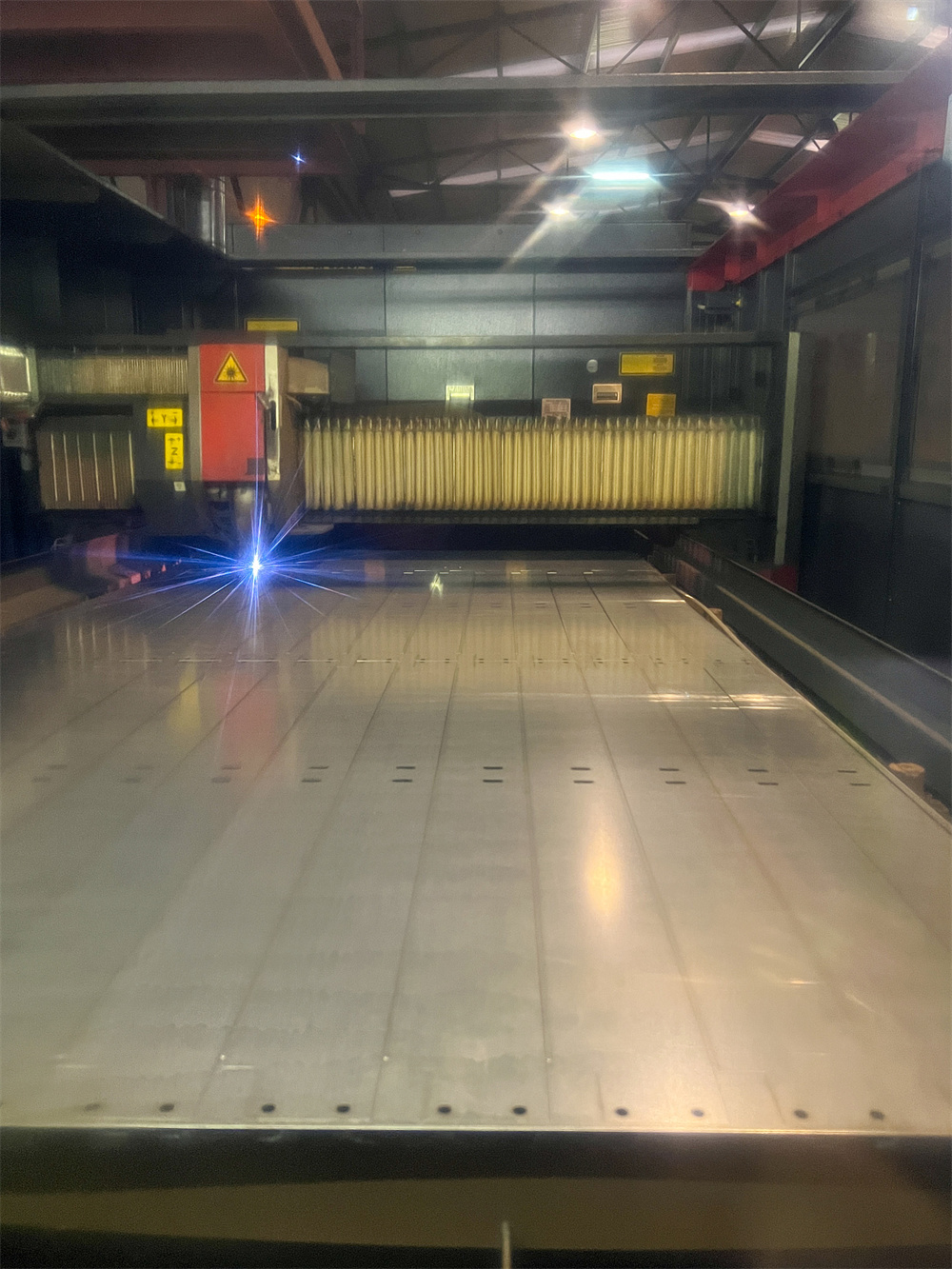
The foundation of any successful maintenance strategy lies in the daily inspection routine. Before the first shift begins, operators should perform a systematic walkthrough of the machine. This daily ritual is the first line of defense against unexpected downtime. Start by checking the laser head and the nozzle for any signs of debris or slag buildup. Even a small obstruction can disrupt the gas flow and cause the laser beam to scatter, leading to poor cut quality.
Next, examine the protective lens and the cover glass. These optical components are highly sensitive to dust and smoke. If they are clouded or pitted, the laser beam intensity will be compromised, forcing the machine to work harder and potentially damaging the internal optics. Cleaning these components with the manufacturer-recommended solvents and lint-free cloths is a non-negotiable daily task that directly impacts cutting accuracy.
The workbed and slats should also be inspected daily. Over time, molten metal slag accumulates on the support slats, which can cause back-reflections or uneven support for the workpiece. By clearing this debris regularly, you prevent the risk of the laser head colliding with an uneven surface, which is a common cause of mechanical damage in high-speed fiber laser systems.
Finally, verify the levels of your auxiliary gases—oxygen, nitrogen, and compressed air. Ensure that the pressure regulators are set to the correct specifications for the material being processed. Inconsistent gas pressure is a leading cause of dross formation and inconsistent edge quality. A quick check of these parameters at the start of every shift ensures that the machine is ready to deliver the precision your clients expect.
Hydraulic, Electrical, and Mechanical System Checks
Beyond daily cleaning, a deeper dive into the machine’s core systems is required on a weekly or monthly basis. The mechanical integrity of the gantry and the drive system is paramount. Check the rack and pinion systems for any signs of wear or misalignment. If the gantry does not move smoothly, the machine will struggle to maintain its programmed path, leading to jagged edges and dimensional inaccuracies in your finished parts.
The electrical cabinet requires careful attention as well. Dust is the enemy of electronic components. Ensure that the cooling fans are operational and that the filters are clean. If the internal temperature of the cabinet rises too high, it can lead to intermittent errors in the CNC controller or even permanent damage to the drive amplifiers. Periodically check all cable connections for signs of heat discoloration or looseness, which can cause signal interference.
Hydraulic systems, if present in your specific laser configuration (such as in automated pallet changers), must be monitored for leaks and pressure stability. Even a minor hydraulic leak can lead to a loss of force in the clamping mechanisms, causing the workpiece to shift during the cutting process. Regularly inspect hoses for cracks or abrasions and ensure that the hydraulic fluid is at the correct level and free of contaminants.
Lastly, calibrate the laser beam alignment periodically. Even if the machine seems to be cutting well, subtle shifts in the optical path can occur due to thermal expansion or vibration. Using a beam alignment tool to verify that the laser is centered perfectly through the nozzle will significantly improve cutting accuracy and reduce the consumption of expensive nozzles and lenses.
Developing a Comprehensive Lubrication Plan
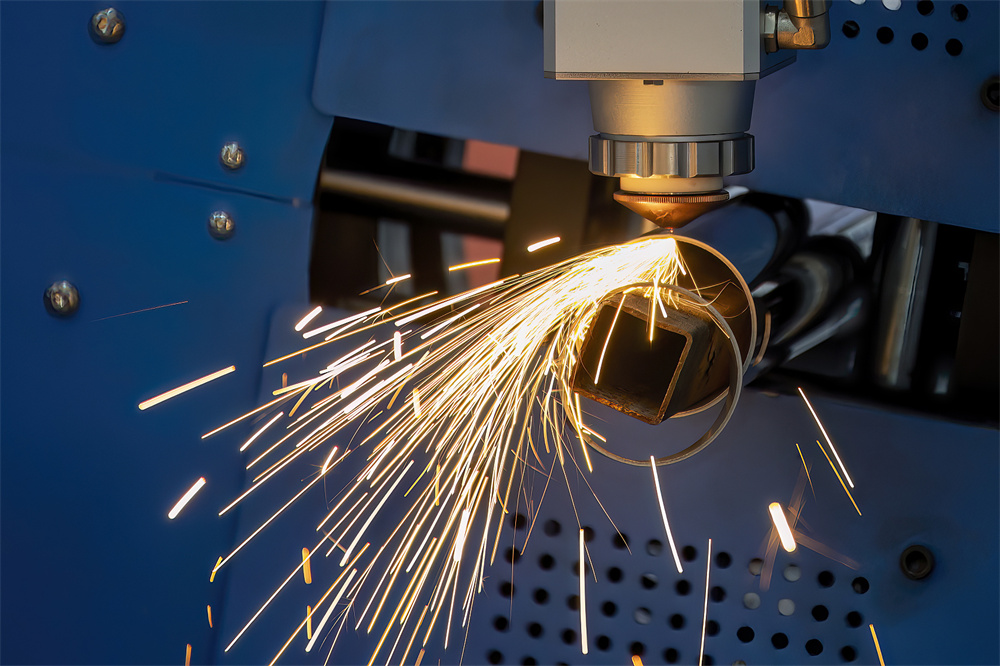
Lubrication is the lifeblood of any metal fabrication equipment. A laser cutting machine contains numerous moving parts, including linear guides, ball screws, and bearings, all of which require precise lubrication to function without friction. A well-documented lubrication plan is essential to prevent premature wear and ensure the longevity of your machine’s motion system.
Start by identifying all lubrication points as specified in your HARSLE machine manual. Use only the recommended grades of grease or oil. Using the wrong lubricant can lead to gumming, which attracts dust and creates an abrasive paste that accelerates wear rather than preventing it. Establish a schedule that dictates exactly when each point should be lubricated, and keep a logbook to track these activities.
When applying lubricant, cleanliness is vital. Wipe away old grease and debris from the grease nipples before applying fresh lubricant. This prevents contaminants from being pushed into the bearings. Be careful not to over-lubricate; excessive grease can trap heat and cause seals to fail, leading to leaks that can contaminate the work area or the optical path.
Consider the environment of your facility. If your shop is particularly dusty or operates in high-temperature conditions, you may need to increase the frequency of your lubrication intervals. By treating lubrication as a critical maintenance task rather than an afterthought, you significantly reduce the risk of mechanical binding and ensure that your machine maintains its high-speed performance over many years of service.
Troubleshooting Signals: When to Call for Help
Even with the best maintenance, issues can arise. Recognizing the early warning signs of a failing component is key to minimizing downtime. One common signal is an unexplained change in the sound of the machine. A grinding noise from the gantry or a high-pitched whine from a motor often indicates a bearing that is beginning to fail. If you hear unusual sounds, stop the machine and investigate immediately.
Another indicator is a decline in cut quality that cannot be resolved by changing the nozzle or lens. If you notice increased burrs, inconsistent penetration, or a “wavy” edge, it may indicate that the laser beam is no longer perfectly aligned or that the motion system has developed backlash. Do not attempt to force the machine to compensate by increasing power; this will only lead to further damage.
Error codes on the CNC interface should never be ignored. Even if a code clears after a restart, it is a symptom of an underlying issue. Keep a record of these intermittent errors, as they often provide a trail that helps technicians diagnose a failing sensor or a loose connection before it causes a total system shutdown.
Finally, pay attention to the machine’s cooling system. If the chiller is running constantly or if the water temperature fluctuates significantly, it could indicate a clogged filter, a failing pump, or a refrigerant leak. Since the laser source is extremely sensitive to temperature, any instability in the cooling system is a high-priority issue that requires immediate attention to prevent permanent damage to the laser resonator.
Laser Cutting Machine Maintenance Schedule Table
| Frequency | Task Description | Benefit |
|---|---|---|
| Daily | Clean nozzle and protective lens | Maintains beam quality and prevents lens damage |
| Daily | Clear slag from workbed slats | Prevents back-reflections and material movement |
| Weekly | Inspect and clean cooling system filters | Ensures stable laser source temperature |
| Monthly | Lubricate linear guides and ball screws | Reduces friction and prevents mechanical wear |
| Quarterly | Check beam alignment and focus | Ensures cutting accuracy and edge quality |
| Bi-Annually | Inspect electrical connections and cabinet | Prevents electrical faults and controller errors |
| Annually | Full system calibration and diagnostic | Maximizes machine lifespan and performance |
Frequently Asked Questions (FAQ)
How often should I replace the protective lens?
The replacement frequency depends on your cutting volume and material type. Generally, if you notice pitting or cloudiness that cannot be cleaned, it must be replaced immediately to prevent damage to the internal optics.
Can I use generic lubricants for my HARSLE machine?
It is strongly recommended to use only the lubricants specified in your machine manual. Generic alternatives may not provide the correct viscosity or heat resistance, leading to premature wear of the motion components.
Why is my machine producing burrs on the bottom edge?
Burrs are often caused by incorrect gas pressure, a worn nozzle, or improper focus settings. Check your cutting parameters and inspect the nozzle for any signs of wear or slag buildup.
What should I do if the laser beam is not centered?
If the beam is off-center, you must perform a beam alignment procedure. If you are not trained to do this, contact your HARSLE support representative, as improper alignment can damage the laser head.
How does humidity affect my laser cutting machine?
High humidity can cause condensation inside the laser source or electrical cabinets. Ensure your facility has proper climate control and that the chiller is set to a temperature that prevents condensation.