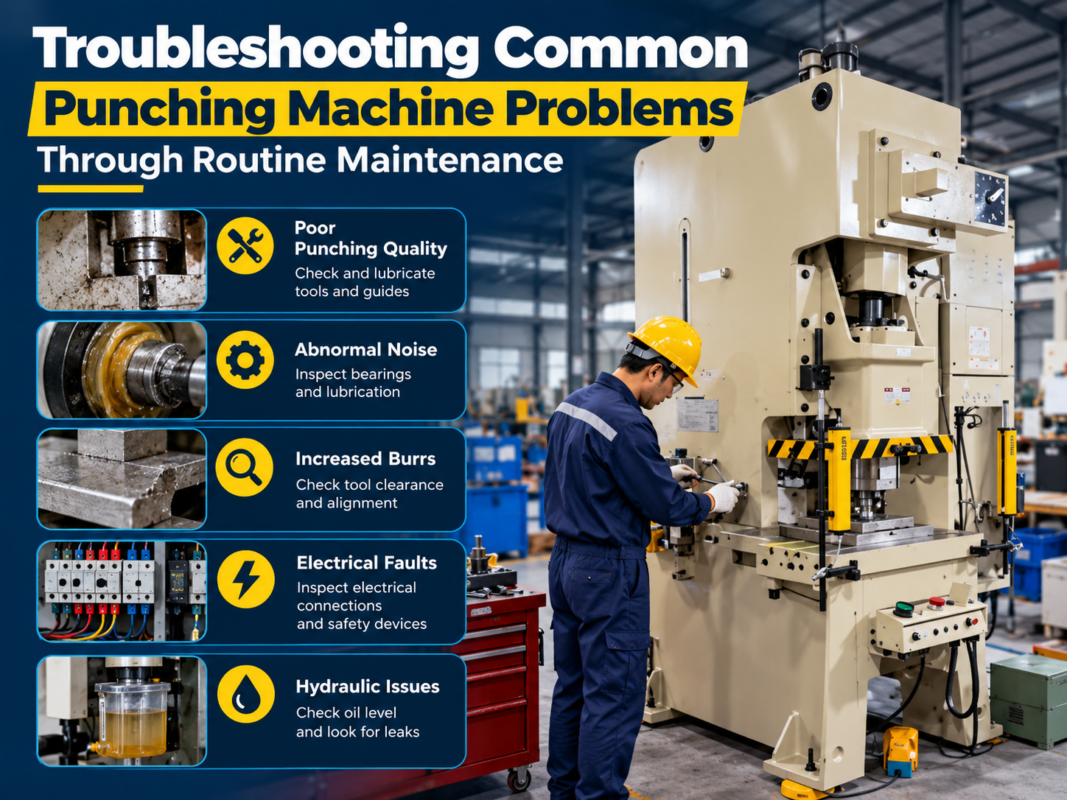
Laser Cutting Machine Program Errors: Common Causes and Quick Fixes


Introduction to Laser Cutting Machine Program Errors: Common Causes Quick Fixes
In the modern metal fabrication landscape, precision and efficiency are the cornerstones of success. HARSLE laser cutting machines are engineered to deliver exceptional accuracy, yet even the most advanced systems can encounter software-related hurdles. Understanding Laser Cutting Machine Program Errors: Common Causes Quick Fixes is essential for operators and maintenance teams aiming to minimize downtime and maintain high production standards. When a machine stops mid-cycle or refuses to load a file, the culprit is often a digital communication breakdown rather than a mechanical failure.
Program errors typically manifest as G-code syntax issues, communication timeouts between the controller and the laser source, or nesting software incompatibilities. By mastering the diagnostic process, operators can transition from reactive troubleshooting to proactive system management. This guide explores the technical intricacies of these errors, providing actionable solutions to keep your HARSLE equipment running at peak performance.
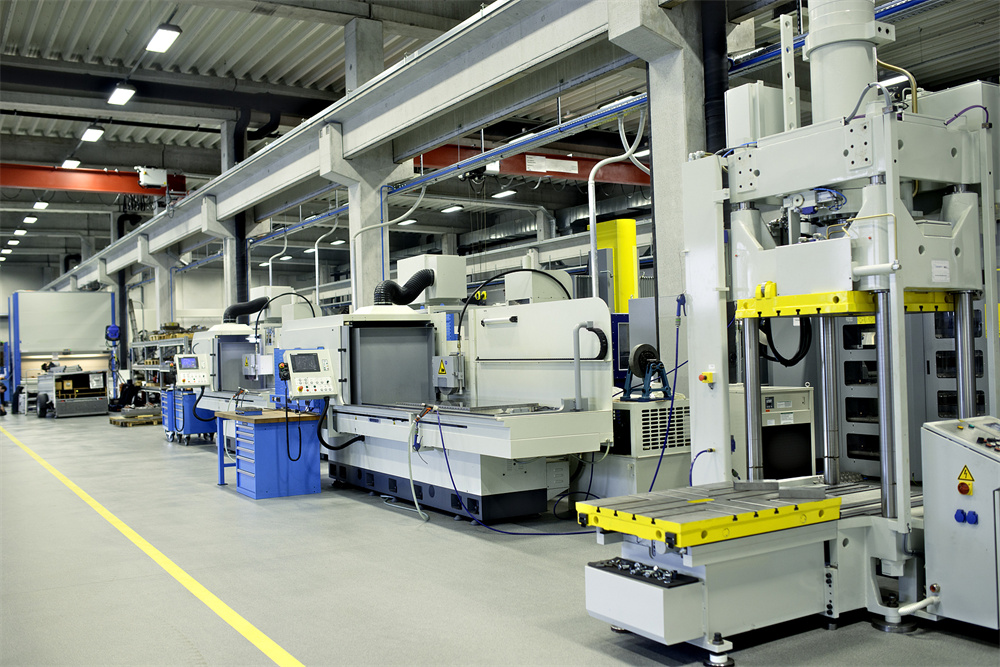
Key Considerations for Laser Cutting Software Stability
The stability of your laser cutting operation begins long before the laser beam strikes the metal. It starts with the integrity of the CAD/CAM workflow. One of the most frequent causes of program errors is the use of corrupted or improperly exported DXF/DWG files. When a drawing contains overlapping lines, open contours, or microscopic gaps, the nesting software may struggle to generate a valid toolpath, leading to runtime errors during the cutting process.
Another critical consideration is the version compatibility between your nesting software and the machine’s CNC controller. As HARSLE continues to innovate, software updates are released to enhance processing speeds and material handling capabilities. Running outdated software on a newer machine—or vice versa—can create communication bottlenecks. Always ensure that your post-processor settings are correctly configured for your specific HARSLE model to avoid syntax errors that the controller cannot interpret.
Environmental factors also play a subtle but significant role in software stability. Electromagnetic interference (EMI) from nearby heavy machinery or unstable power supplies can corrupt data transmission between the PC and the CNC controller. Implementing shielded cables and ensuring a clean, dedicated power source for your control cabinet can prevent intermittent program crashes that are often misdiagnosed as software bugs.
Finally, operator training remains a key pillar of error prevention. Many program errors are the result of incorrect parameter inputs, such as setting the lead-in/lead-out speeds too high or defining incorrect material thicknesses. By standardizing the input process and utilizing pre-validated material libraries, shops can significantly reduce the frequency of human-induced program errors. Establishing a routine for daily software health checks—such as clearing cache files and verifying network stability—can prevent minor glitches from escalating into full-scale production halts.
Technical Details: Diagnosing Common Program Errors
When a HARSLE laser cutting machine displays an error code, the first step is to categorize the issue. Syntax errors, often indicated by “Illegal G-code” or “Invalid M-code” messages, usually point to a post-processor mismatch. These errors occur when the CAM software generates commands that the machine controller does not recognize. To fix this, verify that your post-processor is set to the specific HARSLE controller version and that all machine-specific macros are correctly defined.
Communication errors, such as “Timeout” or “Connection Lost,” are frequently related to the physical or logical link between the workstation and the machine. Check the Ethernet or USB connection for physical damage. If the connection is stable, investigate the firewall or antivirus settings on the control PC, which may be blocking the communication port required for the CNC software to send data packets to the machine controller. In some cases, static IP address conflicts within the local area network (LAN) can cause intermittent drops in connectivity.
Nesting and pathing errors often manifest as “Path Not Closed” or “Invalid Geometry” warnings. These are typically resolved within the CAD software. Use the ‘Clean’ or ‘Optimize’ functions in your nesting software to remove duplicate entities and close open paths. If the error persists, check the lead-in settings; sometimes, a lead-in that is too long for the geometry of the part will cause the software to flag a collision error, preventing the program from running. Advanced users should also inspect the ‘kerf compensation’ settings, as incorrect values can lead to geometry self-intersections that the controller rejects.
Memory overflow errors occur when the program file size exceeds the machine’s buffer capacity. While modern HARSLE machines have robust memory, extremely complex designs with thousands of small nodes can strain the system. In such cases, breaking the program into smaller, manageable segments or simplifying the geometry by reducing the number of nodes can resolve the issue without compromising the final part quality. Utilizing a ‘DNC’ (Distributed Numerical Control) mode can also allow the machine to stream data directly from the PC, bypassing the internal memory limitations entirely.

Advanced Maintenance and Troubleshooting Protocols
Beyond basic fixes, maintaining a high-performance laser cutting environment requires a systematic approach to software maintenance. Regularly backing up your machine parameters is non-negotiable. If a software update or a power surge corrupts your configuration files, having a clean backup allows for a rapid restoration of settings, saving hours of manual recalibration. Furthermore, keep a log of all error codes encountered; this data is invaluable for HARSLE technical support teams when diagnosing recurring issues.
Another technical aspect involves the ‘Look-Ahead’ function in CNC controllers. If your machine is stuttering or stopping during high-speed cutting, the look-ahead buffer might be overwhelmed by high-density geometry. Adjusting the acceleration and deceleration parameters in the controller settings can help smooth out the motion, preventing the software from triggering a ‘following error’ or ‘positioning error’ due to the machine’s inability to keep up with the commanded path.
Selection Advice for Reliable Laser Cutting Systems
Choosing the right laser cutting machine involves more than just comparing wattage; it requires evaluating the software ecosystem that supports the hardware. When selecting a machine, prioritize systems that offer open-architecture software compatibility. This ensures that you can integrate your preferred CAD/CAM solutions without being locked into a proprietary system that may lack the flexibility needed for complex fabrication tasks.
Look for manufacturers that provide comprehensive technical support and regular software updates. A machine is only as good as its support network. HARSLE prides itself on providing detailed documentation and remote diagnostic capabilities, which are invaluable when troubleshooting program errors. Before purchasing, ask about the availability of training programs for your staff, as a well-trained operator is the best defense against software-related downtime.
Consider the scalability of the control system. As your business grows, you may need to integrate automated loading/unloading systems or advanced nesting algorithms. Ensure the machine’s controller has the processing power and I/O capacity to handle these future upgrades. A future-proof controller will save you from having to replace the entire system when your production requirements evolve. Always inquire about the ‘openness’ of the API, which allows for custom script integration if your shop requires specialized automation workflows.
Finally, evaluate the ease of use of the Human-Machine Interface (HMI). An intuitive interface allows operators to quickly identify and rectify minor program errors without needing to call in a software engineer. Look for features like real-time simulation, which allows you to preview the cutting path and identify potential errors before the laser ever fires, saving both time and material. A high-quality HMI should provide clear, descriptive error messages rather than cryptic codes, significantly reducing the learning curve for new operators.
FAQ: Troubleshooting Laser Cutting Machine Program Errors
- Q: Why does my laser machine stop mid-cut with a ‘Communication Error’?
A: This is often caused by EMI or a loose Ethernet cable. Ensure all communication cables are shielded and away from high-voltage power lines. Check for IP address conflicts on your network. - Q: How can I prevent ‘Syntax Error’ messages?
A: Ensure your CAM post-processor is updated to match your current HARSLE controller firmware. Always validate your G-code using the simulation feature before running it. - Q: Can a corrupted file cause a machine crash?
A: Yes. If a file contains invalid geometry or non-ASCII characters, the controller may hang. Always run a geometry check in your CAD software before exporting. - Q: What should I do if the machine memory is full?
A: Delete old, unused programs from the controller’s internal storage and use a high-speed USB drive for direct loading if the file is exceptionally large. Consider using DNC mode for large files. - Q: How often should I update my laser software?
A: We recommend checking for updates quarterly. Always back up your current settings and parameter files before performing any software update. - Q: Does ambient temperature affect software performance?
A: While the software itself is digital, extreme heat can affect the control PC’s hardware, leading to thermal throttling and potential data processing errors. Ensure your control cabinet is properly ventilated.
Conclusion
Navigating Laser Cutting Machine Program Errors: Common Causes Quick Fixes is a vital skill for any metal fabrication professional. By understanding the relationship between CAD/CAM software, machine controllers, and physical hardware, you can effectively troubleshoot issues and maintain high productivity. Remember that most errors are preventable through proper file preparation, regular software maintenance, and ongoing operator training. HARSLE remains committed to providing the tools and support necessary to ensure your laser cutting operations are as seamless and efficient as possible. By following the guidelines outlined in this article, you can minimize downtime, reduce material waste, and ensure that your HARSLE laser cutting machine continues to deliver the precision your customers demand. Investing time in understanding these digital systems today will pay dividends in operational reliability for years to come.