Troubleshooting Punching Machine Control Panel Errors and System Failures: A Comprehensive HARSLE Guide


Introduction to Punching Machine Reliability
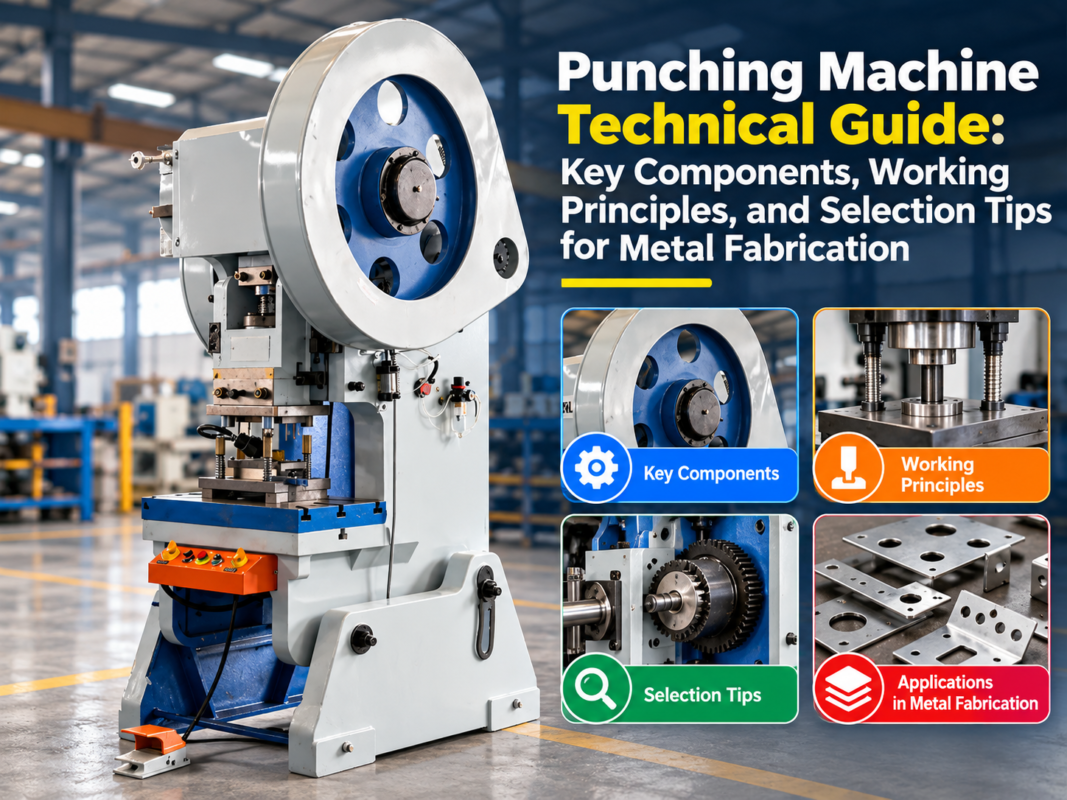
In the high-stakes world of metal fabrication, the punching machine serves as the backbone of production efficiency. When a machine stops, the entire workflow grinds to a halt, leading to missed deadlines and increased operational costs. Troubleshooting punching machine control panel errors and system failures is a critical skill for maintenance teams and operators alike. At HARSLE, we understand that precision is non-negotiable, and even minor electronic glitches can disrupt the integrity of your output.
Modern CNC punching machines are sophisticated pieces of engineering, integrating complex software, hydraulic systems, and electrical sensors. While these advancements offer unparalleled speed and accuracy, they also introduce a layer of complexity that requires a systematic approach to maintenance. Understanding the relationship between the control panel interface and the physical machine components is the first step toward minimizing downtime.
This guide is designed to provide a deep dive into the diagnostic processes required to identify, isolate, and resolve common system failures. By following these structured protocols, your team can move from reactive repairs to proactive management, ensuring that your HARSLE equipment remains a reliable asset in your facility for years to come.
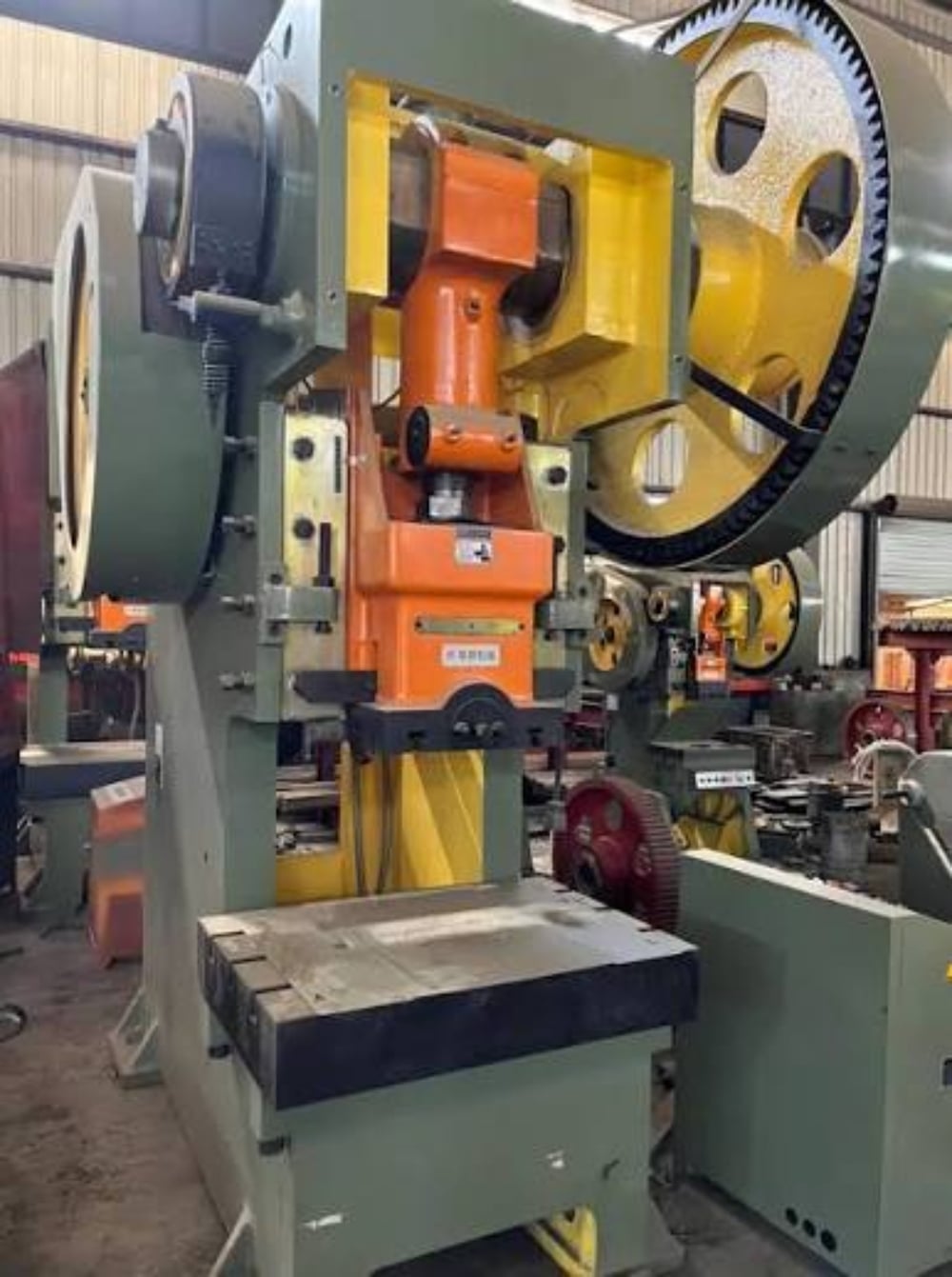
Key Considerations for System Diagnostics
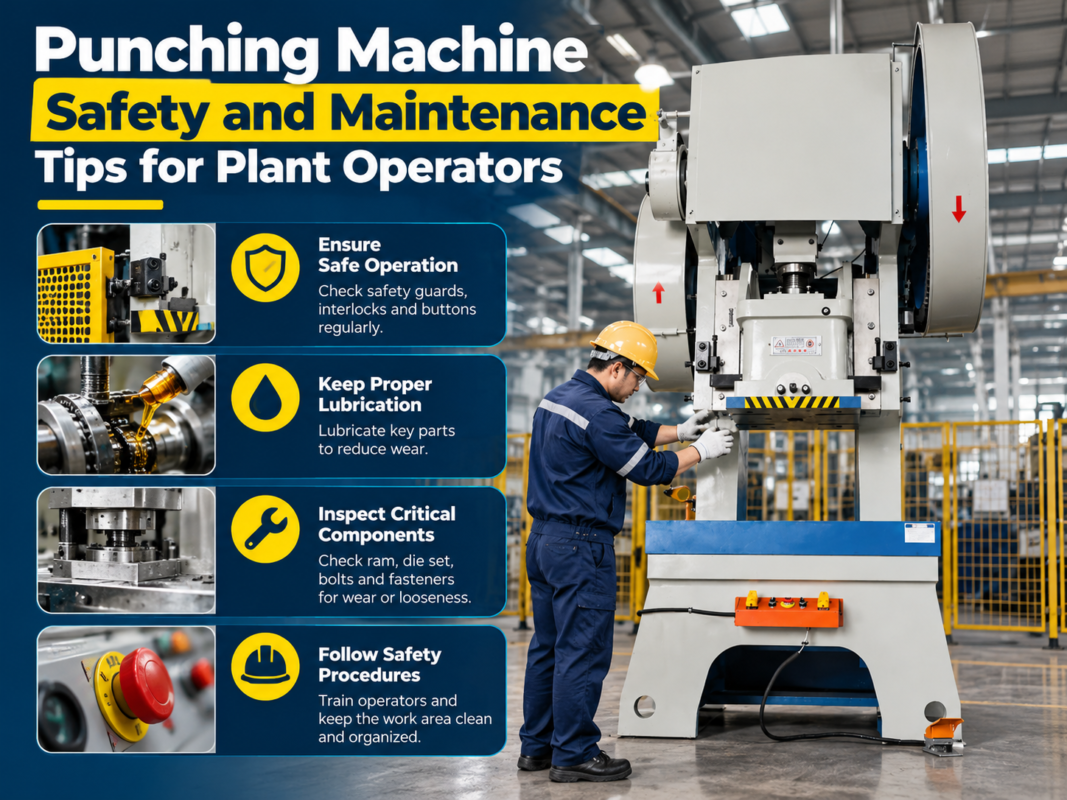
Before diving into technical repairs, it is essential to establish a safe and organized environment. Troubleshooting punching machine control panel errors and system failures should always begin with a thorough safety check. Ensure that all personnel are wearing appropriate PPE and that the machine is locked out according to standard industrial safety protocols before opening any electrical cabinets or accessing internal wiring.
The second key consideration is documentation. Every machine has a unique history of performance and maintenance. Keep a detailed log of when errors occur, what the specific alarm codes are, and the environmental conditions at the time of the failure. Often, intermittent errors are linked to external factors such as voltage fluctuations, ambient temperature, or humidity levels, which can be easily overlooked during a high-pressure repair situation.
Thirdly, distinguish between software-related errors and hardware failures. A control panel error might indicate a corrupted file or a communication timeout, whereas a system failure often points to a physical component like a faulty relay, a burnt-out sensor, or a hydraulic pressure drop. Categorizing the issue correctly saves hours of unnecessary diagnostic work and prevents the accidental replacement of functional parts.
Finally, ensure that your diagnostic tools are calibrated and ready. A high-quality multimeter, a logic probe, and access to the machine’s original electrical schematics are non-negotiable. Without these, you are essentially guessing. HARSLE provides comprehensive technical manuals with every machine; keeping these accessible on the shop floor is a fundamental best practice for any professional fabrication shop.
Technical Details: Decoding Control Panel Errors
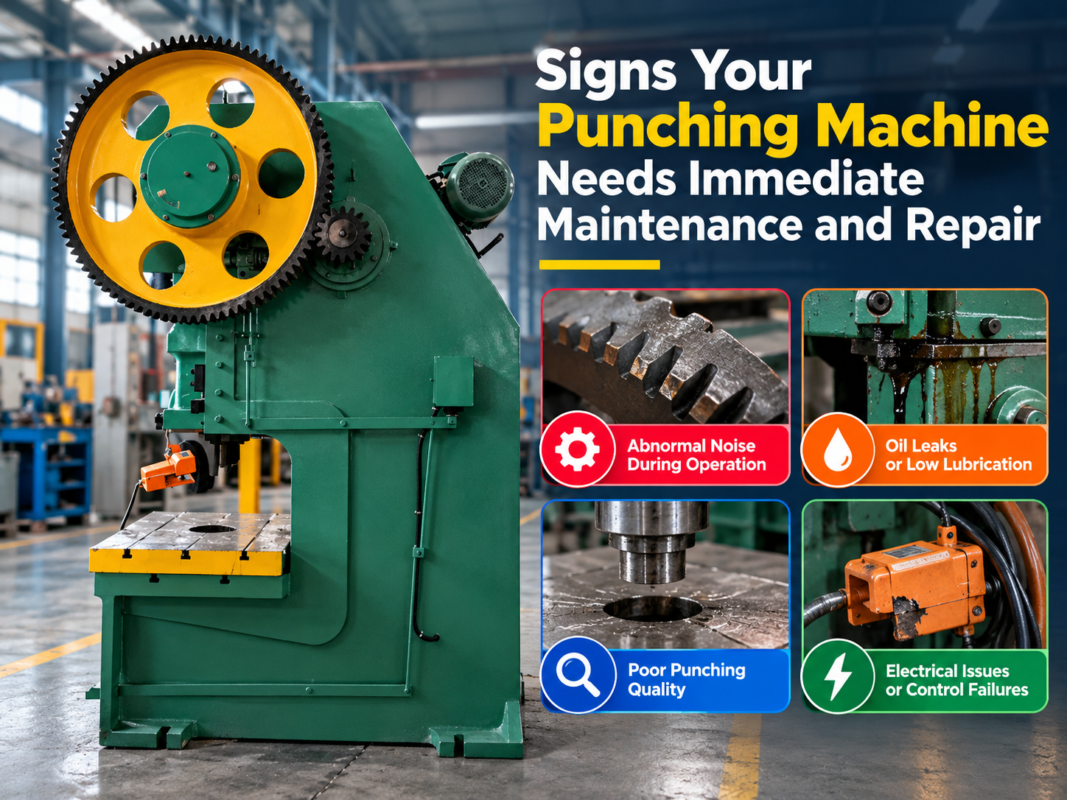
When an error code flashes on your HARSLE punching machine, the first instinct is often to reset the system. However, understanding the error code is vital for long-term reliability. Most CNC controllers use standardized alarm codes that correspond to specific subsystems. For instance, an ‘E-Stop’ error is straightforward, but a ‘Servo Drive Alarm’ requires a deeper investigation into the motor feedback loops and cabling.
Communication errors between the PLC (Programmable Logic Controller) and the HMI (Human-Machine Interface) are common. These often manifest as ‘Communication Timeout’ or ‘Data Link Error’ messages. These failures are frequently caused by loose communication cables, electromagnetic interference (EMI) from nearby high-power equipment, or outdated firmware. Checking the integrity of the shielded cables and ensuring that the control cabinet is properly grounded can resolve a significant percentage of these issues.
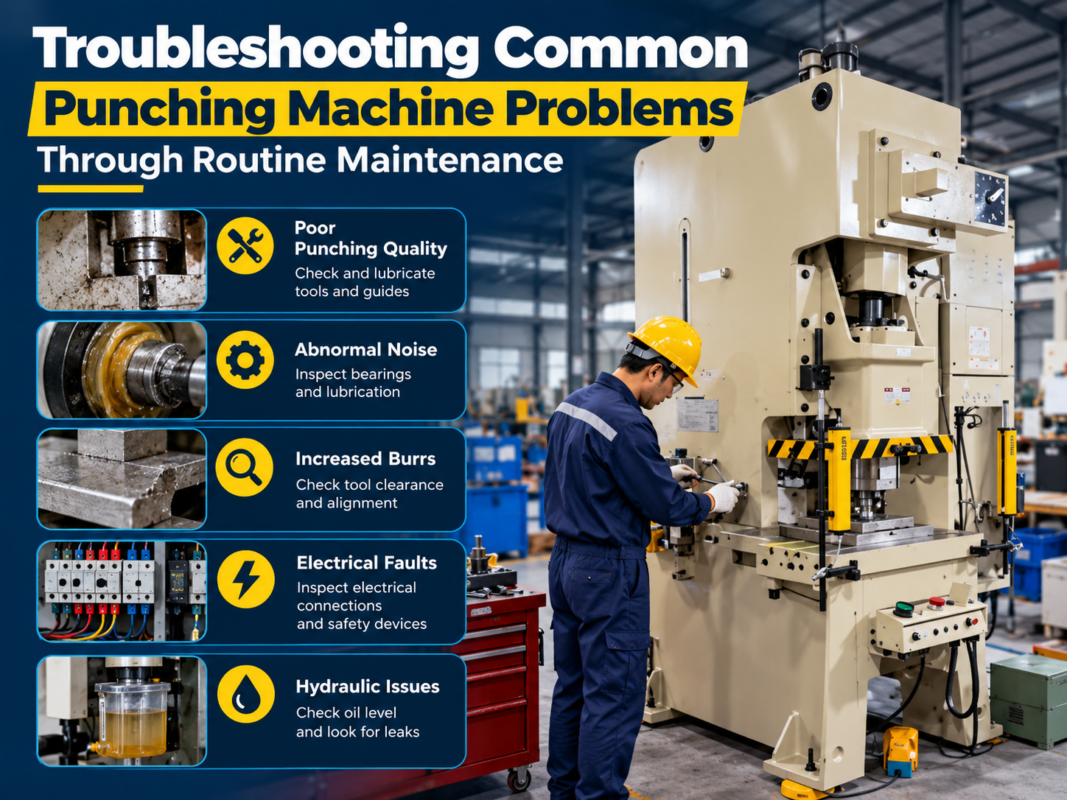
Hydraulic system failures are another frequent culprit. If the control panel displays a ‘Pressure Low’ or ‘Hydraulic Failure’ alarm, the issue may not be the electronics at all. Check the hydraulic oil levels, the condition of the filters, and the functionality of the pressure transducers. If the transducer is sending a signal that the PLC interprets as a failure, the machine will automatically enter a safety mode to prevent damage to the punch and die set.
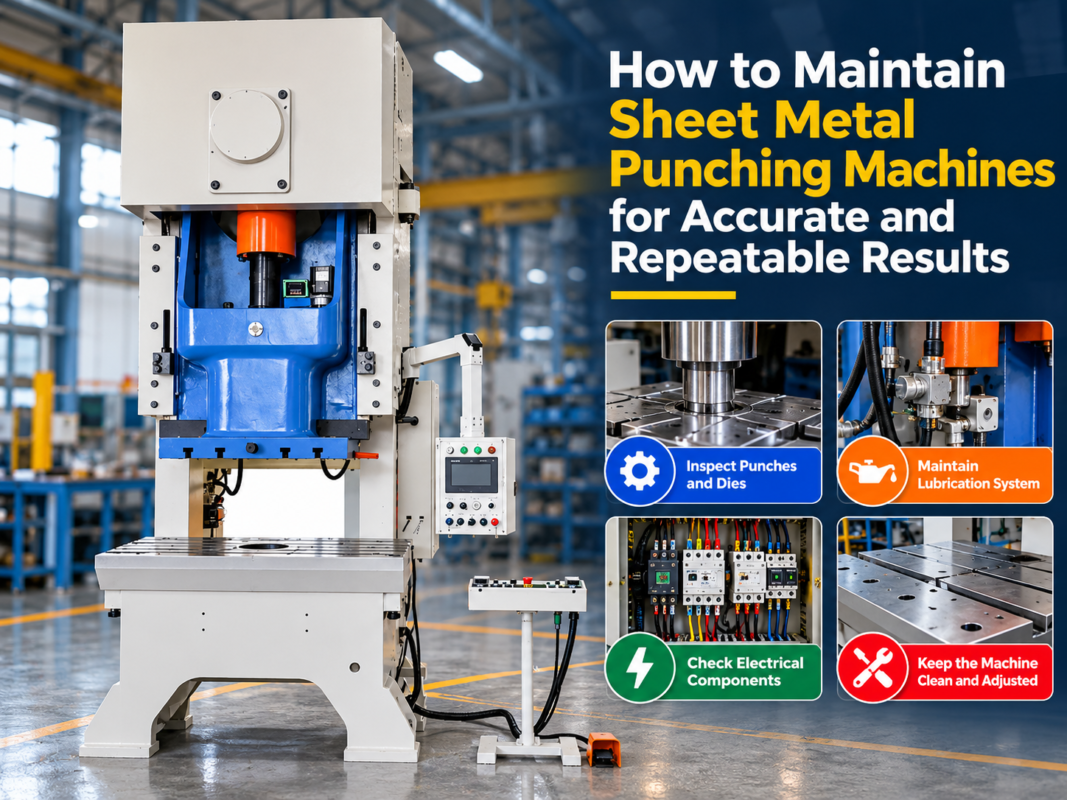
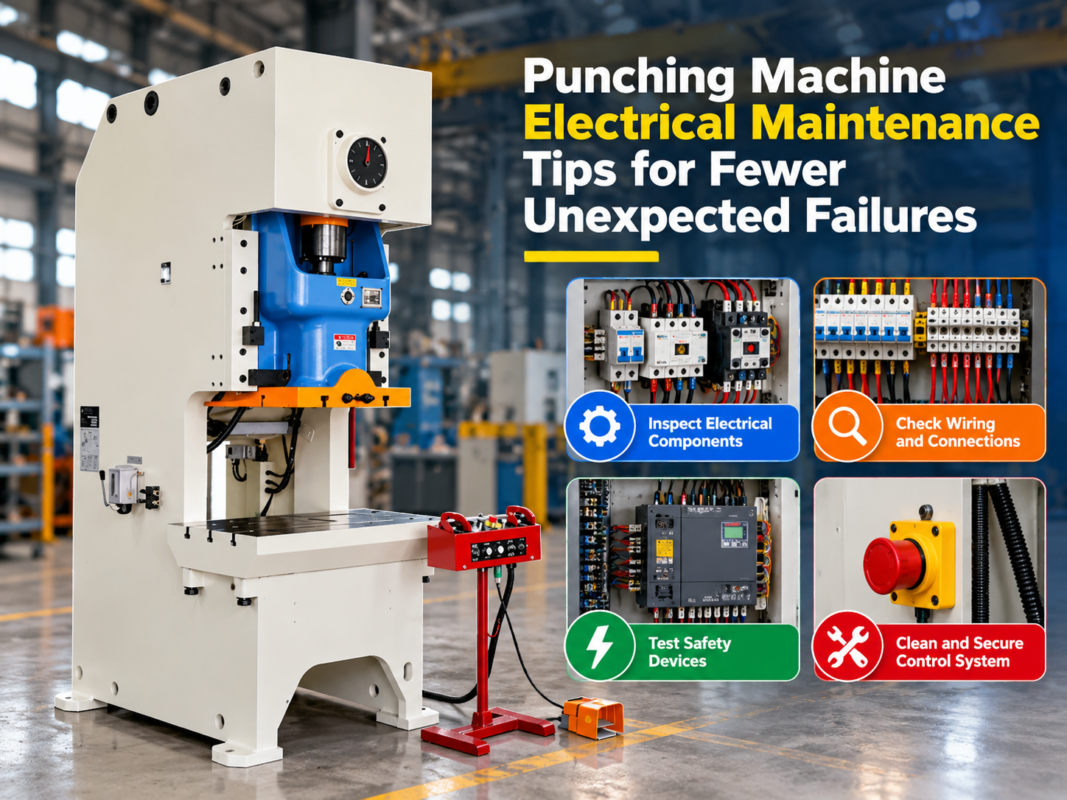
Electrical component degradation is a silent killer of productivity. Over time, contactors, relays, and terminal blocks can develop oxidation or loose connections due to the constant vibration of the punching process. A periodic ‘tightening’ maintenance schedule, where all electrical connections are inspected and secured, can prevent the majority of intermittent system failures that plague older machines.
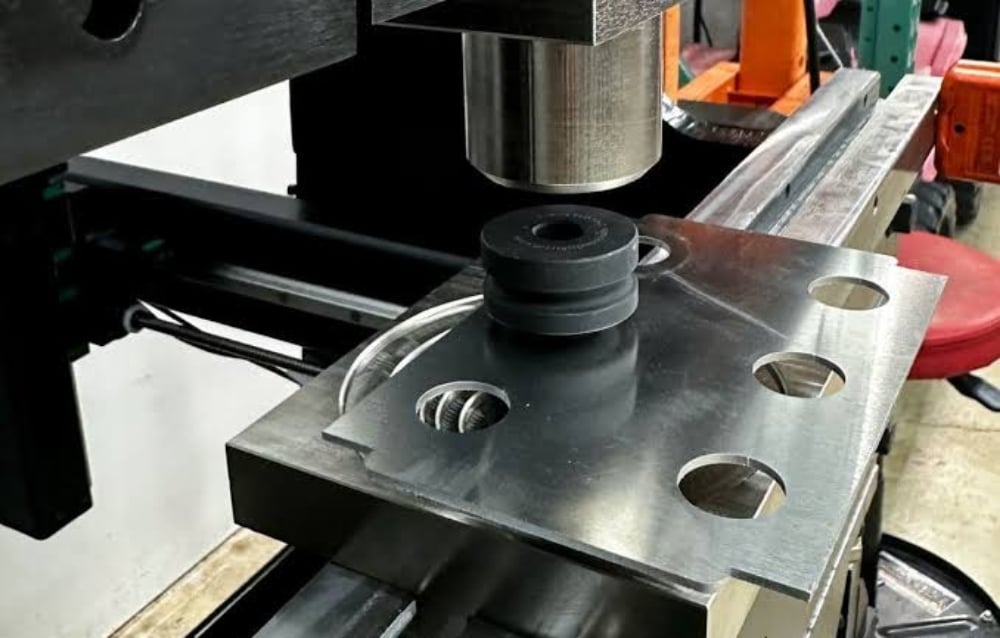
Advanced Troubleshooting Protocols
Beyond basic checks, advanced troubleshooting involves analyzing the logic flow of the machine. When a system failure occurs, use the diagnostic screen on the HMI to view the I/O (Input/Output) status. If a sensor is supposed to be ‘High’ but remains ‘Low’ despite physical activation, you have isolated the problem to either the sensor itself or the wiring path back to the PLC input card.
Furthermore, consider the role of the power supply unit (PSU). Many control panel errors are actually symptoms of ‘dirty’ power. If your facility experiences voltage spikes or brownouts, the sensitive electronics in the CNC controller may behave erratically. Installing a dedicated voltage stabilizer or an uninterruptible power supply (UPS) for the control cabinet can eliminate these phantom errors entirely.
For complex software issues, perform a backup of your machine parameters before attempting any resets. If the machine loses its ‘home’ position or tool offsets, having a recent backup file is the difference between a ten-minute fix and a full-day recalibration process. Always document the software version and any recent updates, as these are often the first questions asked by technical support teams.
Selection Advice for Replacement Parts
When troubleshooting leads to the conclusion that a component must be replaced, the quality of the replacement part is paramount. Using generic or low-quality components in a high-precision HARSLE punching machine can lead to secondary failures. Always prioritize OEM (Original Equipment Manufacturer) parts, as they are tested for compatibility with your specific machine’s electrical and mechanical architecture.
Consider the longevity of the component. If a specific sensor or relay has failed twice in a short period, it may be time to upgrade to a more robust version or investigate the root cause of the stress on that component. Sometimes, a failure is a symptom of an underlying mechanical misalignment that is putting excessive strain on an electronic sensor.
When selecting replacement control boards or PLC modules, ensure that the firmware version matches your existing system. Mixing firmware versions can lead to compatibility issues that are notoriously difficult to debug. Always consult with HARSLE technical support when upgrading or replacing critical control components to ensure that the integration is seamless and that all safety interlocks remain functional.
Finally, maintain a critical spare parts inventory. For high-volume production environments, having a ‘ready-to-go’ kit containing common fuses, relays, proximity sensors, and communication cables can reduce downtime from days to hours. Investing in these spares is not an expense; it is an insurance policy against the high cost of unplanned machine downtime.
Preventative Maintenance: The Long-Term Strategy
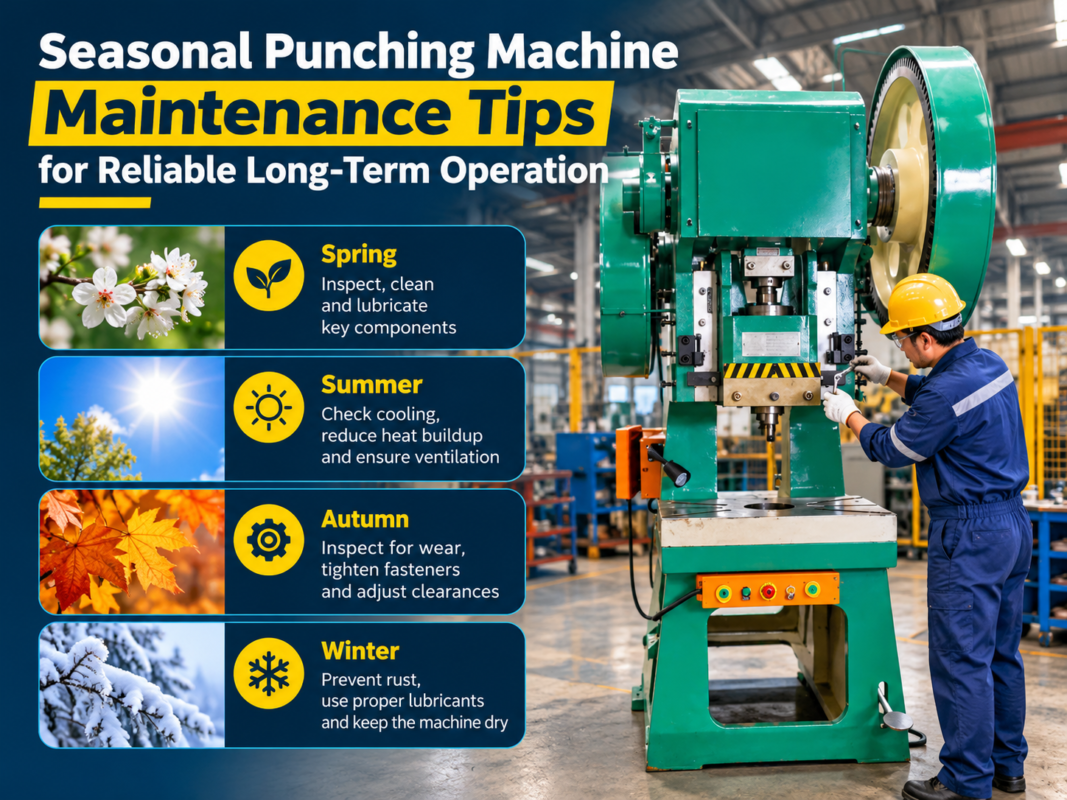
The best way to handle troubleshooting punching machine control panel errors and system failures is to prevent them from occurring in the first place. Establish a rigorous maintenance calendar. This should include cleaning the cooling fans and air filters in the electrical cabinet every month to prevent overheating, which is a leading cause of premature component failure.
Additionally, monitor the machine’s operating temperature. If the control cabinet feels excessively hot to the touch, the internal cooling system may be failing, leading to thermal throttling or complete shutdown of the PLC. By integrating thermal monitoring into your routine checks, you can identify cooling issues before they trigger a system failure.
FAQ: Common Troubleshooting Questions
Q: Why does my punching machine show a ‘Servo Alarm’ intermittently?
A: Intermittent servo alarms are often caused by loose feedback cables or electrical noise. Check the cable shielding and ensure that the motor power cables are separated from signal cables to prevent interference.
Q: How often should I perform electrical maintenance?
A: We recommend a comprehensive electrical inspection every 500 to 1,000 operating hours. This includes cleaning the cabinet, checking for loose connections, and verifying the integrity of cooling fans.
Q: Can I ignore minor control panel warnings?
A: Never ignore warnings. Even if the machine continues to operate, a warning is a precursor to a failure. Addressing the issue early prevents more costly damage to the machine’s mechanical structure.
Q: What should I do if the control panel screen is blank?
A: First, check the power supply to the HMI unit. If the power is stable, check the internal fuses of the control cabinet. If the fuses are intact, the HMI unit itself may require professional repair or replacement.
Q: Does humidity affect my punching machine’s electronics?
A: Yes, high humidity can cause condensation inside the electrical cabinet, leading to short circuits and corrosion. Ensure your facility has proper climate control or use desiccant packs inside the cabinet.
Conclusion
Troubleshooting punching machine control panel errors and system failures is a disciplined process that combines technical knowledge with a proactive mindset. By understanding the intricacies of your HARSLE machine, maintaining a clean and secure electrical environment, and utilizing high-quality OEM components, you can ensure that your fabrication operations remain efficient and profitable. Remember that the goal of troubleshooting is not just to fix the immediate problem, but to understand the root cause and prevent it from recurring. With the right approach, your punching machine will continue to be a reliable powerhouse in your metal fabrication facility.