
Guide du contrôleur de presse plieuse ESTUN E21 : Paramètres, programmation et problèmes courants

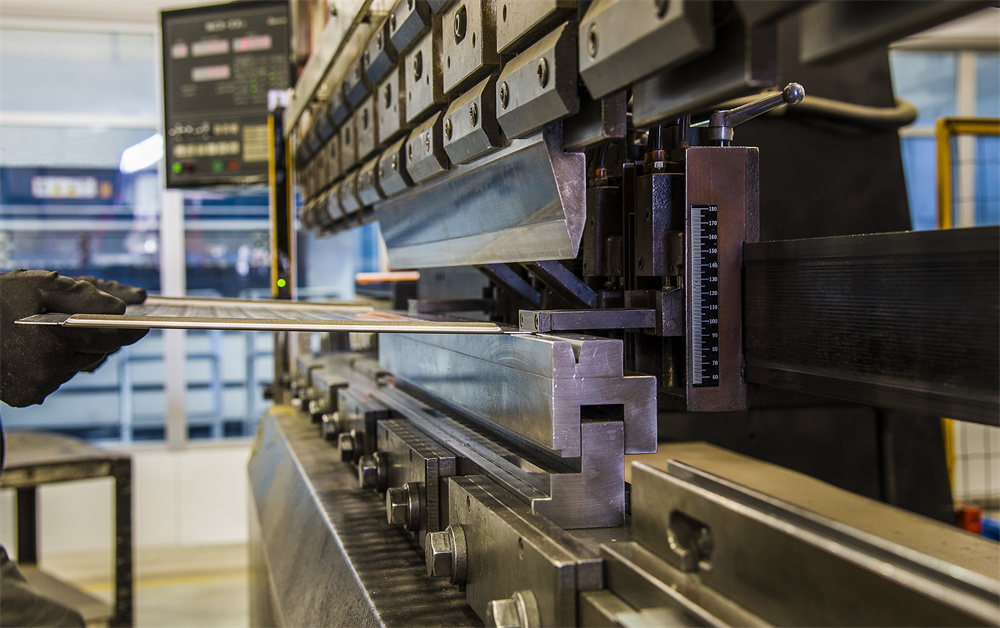
Réponse courte : le ESTUN E21 is a simple NC controller used on many torsion-bar and entry-level press brakes and shears. On press brakes it controls the X axis (backgauge) et le Y axis (ram stop position). You program each bend with XP (backgauge position), YP (ram position), DX (retract distance), HT (hold time) and DLY (retract delay), using single-step or multi-step programs. This guide explains the parameters, basic programming, axis calibration and common issues.
E21 Program Parameters
| Paramètre | Meaning |
|---|---|
| X | Actual backgauge position (display only) |
| Y | Actual ram (slider) position (display only) |
| XP | Programmed backgauge position |
| YP | Programmed ram position (bending depth / stop) |
| DX | Backgauge retract distance during bending |
| HT | Hold time of the punch at the bending point (seconds) |
| DLY | Delay before the X axis retracts (seconds) |
| PP / CP | Preset and current part counter |
Source: ESTUN E21 operation manual. Exact parameter names and ranges can differ slightly between software versions.
Single-Step Programming (One Bend)
- Go to the single-step page.
- Entrez XP, the flange length position of the backgauge.
- Entrez YP, the ram position that gives the required angle (found by test bending or from a chart for your tools).
- Entrez DX (e.g. 5–50 mm) so the backgauge moves back as the sheet lifts.
- Ensemble HT et DLY as needed (often around 1 s).
- Start, bend a test piece, measure and adjust YP for the angle and XP for the flange.
Multi-Step Programming (Several Bends)
Multi-step programs store a sequence of bends, each with its own X and Y values, and the controller steps through them automatically. For example:
| Step | XP (mm) | YP (mm) | DX (mm) |
|---|---|---|---|
| 1 | 50.0 | 85.00 | 50 |
| 2 | 100.0 | 85.00 | 50 |
| 3 | 300.0 | 85.00 | 50 |
Programs can be saved and recalled by number, which saves setup time on repeat jobs.
Axis Calibration (Teach)
If the displayed position doesn’t match the real position (after a power loss, encoder problem or mechanical adjustment), the axis must be re-referenced using the teach function in the parameter pages: move the axis to a known position, measure it, and enter the actual value. Parameter pages are password-protected; follow the machine builder’s manual and only let trained staff change them.
Common E21 Issues
| Symptôme | Cause probable | What to check |
|---|---|---|
| Position shows asterisks or wrong values | Axis not referenced (teach needed) | Re-teach the axis before running |
| Position below minimum alarm | Axis outside its soft limit | Move the axis in manual mode into range |
| Backgauge doesn’t reach position or overshoots | Speed changeover, release time or pulse time parameters; mechanical binding; encoder | Check parameters, lubrication of screws and guides, encoder cable |
| Angle varies along the bend | Machine deflection (no crowning) or tool wear | Voir le couronnement |
| Angle varies between parts | Material variation; mechanical stop wear on torsion-bar machines | Check material; check the ram stop mechanism |
E21 vs CNC Controllers
The E21 positions the backgauge and ram stop, but it doesn’t calculate bend depth from angle and material, and it doesn’t control crowning or Y1/Y2 synchronization. For frequent new parts, tight tolerances or complex sequences, a CNC press brake with a Delem or Cybelec control saves considerable setup time. See Delem vs Cybelec et le CNC vs NC price comparison.
Keep an E21 setup record before changing controller settings
Record controller identification, relevant axis readings, tool setup and the job revision. Back up approved parameter values through the documented procedure before diagnosing a repeatability or positioning concern.
Questions fréquemment posées
What do XP and YP mean on the E21?
XP is the programmed backgauge position (flange length); YP is the programmed ram position, which sets the bend depth and therefore the angle.
Can the E21 calculate the bending angle?
No. You set the ram position (YP) and adjust it by test bending. CNC controls calculate depth from the angle, tools and material.
Is the E21 used on shears too?
Yes. A version of the E21 (often E21S) is used on shearing machines to control the backgauge.
General guidance only; always follow the operation and installation manuals supplied with your machine.
Upgrade Options
KAVDO offers NC torsion-bar press brakes et Les presses plieuses électro-hydrauliques CNC. Contactez-nous to compare configurations.
