How to Troubleshoot Press Brake Control System Errors and Alarm Codes: A Comprehensive HARSLE Guide


Introduction to Press Brake Control System Reliability
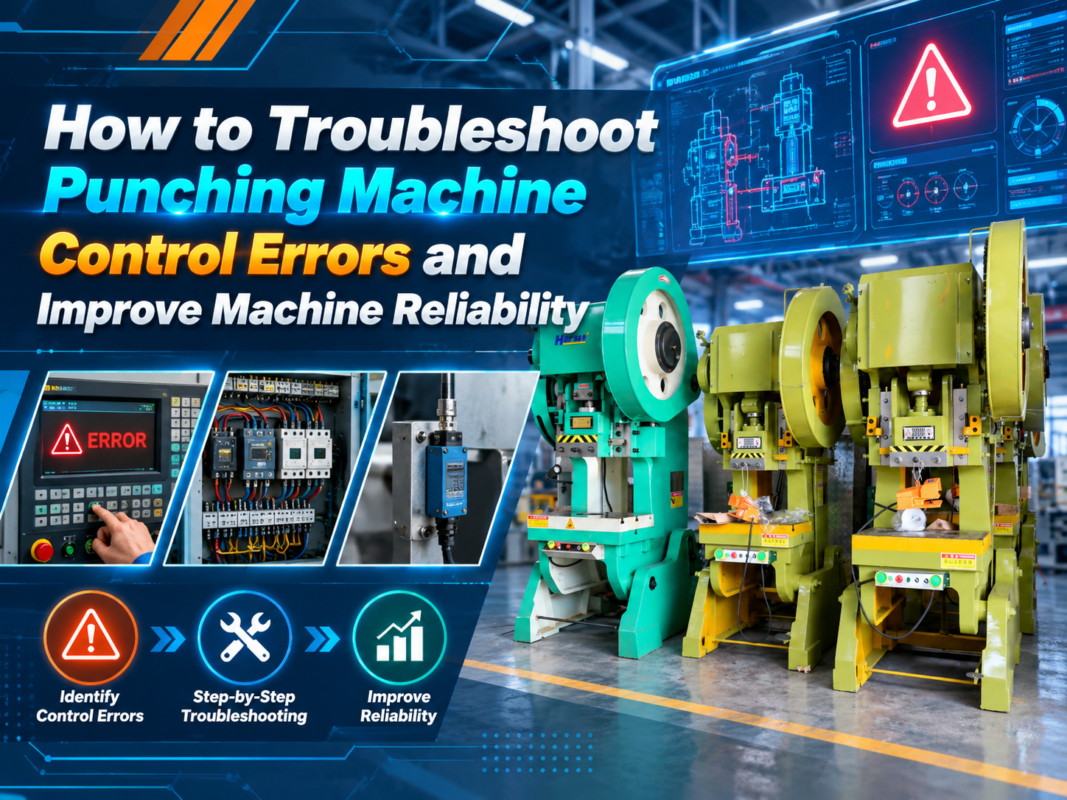
In the high-stakes environment of modern metal fabrication, the press brake serves as the backbone of production. When a machine stops due to a control system error, the impact on throughput and profitability is immediate. Understanding how to troubleshoot press brake control system errors and alarm codes is not merely a maintenance task; it is a critical skill for any operator or technician aiming to maximize machine uptime. At HARSLE, we prioritize the longevity and precision of our equipment, and we recognize that the complexity of modern CNC controllers requires a systematic approach to diagnostics.
The control system acts as the brain of the press brake, coordinating hydraulic valves, backgauge positioning, and safety light curtains. When this system detects an anomaly, it triggers an alarm code to protect the machine and the operator. While these codes can seem intimidating, they are actually valuable diagnostic tools that point directly to the source of the issue. By learning to interpret these signals, you can often resolve minor software glitches or sensor misalignments without the need for an expensive service call.
This guide is designed to walk you through the logical steps of identifying, analyzing, and resolving common control system errors. Whether you are dealing with a simple communication timeout or a complex hydraulic synchronization fault, the following sections will provide the technical framework necessary to restore your HARSLE press brake to peak performance. We will explore the intersection of hardware and software, ensuring you have a holistic view of your machine’s operational health.
Key Considerations for System Diagnostics
Before diving into specific alarm codes, it is essential to establish a safe and structured diagnostic environment. Troubleshooting should always begin with a review of the machine’s operational history. Ask yourself: Did the error occur during a specific bending cycle? Was there a recent power fluctuation? Has the machine been serviced recently? These context clues are often more valuable than the alarm code itself, as they help isolate whether the issue is electrical, mechanical, or software-based.
Safety is the paramount consideration when troubleshooting. Never attempt to bypass safety interlocks or open electrical cabinets while the machine is powered unless you are a qualified technician. Always ensure that the machine is in an emergency stop state before inspecting wiring or sensors. Furthermore, keep a detailed log of every alarm code encountered. This documentation is vital for HARSLE support teams if you eventually need to escalate the issue, as it provides a timeline of the machine’s behavior.
Another key consideration is the environment. Control systems are sensitive to heat, dust, and vibration. Ensure that the electrical cabinet cooling fans are operational and that the filters are clean. Dust accumulation on circuit boards can lead to intermittent communication errors that are notoriously difficult to track down. By maintaining a clean environment, you eliminate the most common external causes of control system instability, allowing you to focus on genuine technical faults.
Finally, ensure that your software and firmware are up to date. Manufacturers frequently release updates that resolve known bugs or improve the communication protocols between the controller and the servo drives. If you are experiencing recurring, non-specific alarm codes, a simple software update might be the solution. Always verify the compatibility of any update with your specific machine model before proceeding with an installation.
Technical Details: Decoding Common Alarm Categories
Press brake alarm codes generally fall into three categories: communication errors, sensor feedback errors, and hydraulic synchronization errors. Communication errors usually manifest as “Timeout” or “Link Failure” messages. These occur when the controller cannot talk to the servo drives or the PLC. The first step here is to check the physical connections—cables can loosen over time due to machine vibration. Inspect the RJ45 or fiber optic connectors for signs of wear or oxidation.
Sensor feedback errors are often related to the Y-axis (ram position) or X-axis (backgauge position). If the controller receives a signal from the encoder that does not match the expected movement, it will trigger a position error. This is often caused by a dirty encoder lens or a loose coupling. Cleaning the encoder and ensuring the mechanical linkage is tight can often resolve these issues. If the error persists, the encoder itself may need to be recalibrated or replaced.
Hydraulic synchronization errors are specific to machines with multi-cylinder setups. These alarms occur when the left and right cylinders do not move in perfect unison. This is usually a result of a proportional valve issue or an imbalance in the hydraulic pressure. Check the valve coils for electrical continuity and ensure that the hydraulic oil is at the correct temperature and viscosity. Cold oil can cause sluggish valve response, leading to synchronization alarms during the initial start-up phase of the day.
To effectively troubleshoot press brake control system errors and alarm codes, you must also understand the role of the PLC (Programmable Logic Controller). The PLC acts as the intermediary between the user interface and the physical machine. If the PLC enters a fault state, it will often disable all machine functions. Look for diagnostic LEDs on the PLC module itself; a flashing red light usually indicates a specific hardware fault that the screen might not fully describe. Refer to your HARSLE technical manual for the specific LED blink patterns associated with your controller model.
Selection Advice: Choosing a Reliable Control System
When investing in new metal fabrication equipment, the control system is as important as the frame itself. A reliable controller should offer intuitive diagnostic features, such as on-screen help menus and clear, descriptive alarm messages. When selecting a press brake, prioritize systems that provide real-time feedback on axis positioning and hydraulic pressure. This transparency makes it significantly easier to troubleshoot press brake control system errors and alarm codes when they inevitably arise.
Consider the availability of local support and spare parts. A highly advanced controller is only as good as the service network behind it. HARSLE provides comprehensive support for our control systems, ensuring that if you encounter a cryptic alarm code, you have access to the documentation and expertise required to resolve it quickly. Avoid proprietary systems that lock you into a single service provider, as this can lead to extended downtime if the manufacturer’s support is not readily available.
Look for systems that support remote diagnostics. Modern CNC controllers can often be connected to the internet, allowing HARSLE technicians to log in remotely and view the system logs in real-time. This capability can turn a multi-day repair process into a few hours of remote troubleshooting. This feature is becoming an industry standard and should be a top priority for any facility looking to minimize the impact of technical faults.
Finally, evaluate the build quality of the electrical components. High-quality contactors, relays, and shielded cabling are the first line of defense against electrical noise, which is a common cause of “ghost” alarm codes. A machine that uses industrial-grade components throughout its control architecture will inherently be more stable and easier to maintain over its 15-20 year lifespan. Do not compromise on the quality of the control cabinet’s internal components, as this is where the most difficult-to-diagnose errors originate.
FAQ: Frequently Asked Questions
1. What should I do if my press brake displays a “Y-Axis Synchronization Error”?
First, check the hydraulic oil level and temperature. If the oil is cold, run the machine through a few dry cycles to warm it up. If the error persists, inspect the proportional valves for debris and ensure the encoder feedback cables are securely connected. If the problem continues, contact HARSLE support for a recalibration procedure.
2. How often should I perform maintenance on the control system?
We recommend a quarterly inspection of the electrical cabinet. This includes vacuuming out dust, checking for loose terminal connections, and verifying that all cooling fans are operational. Regular maintenance is the best way to prevent the need to troubleshoot press brake control system errors and alarm codes in the first place.
3. Can I clear an alarm code without fixing the underlying issue?
While some controllers allow you to reset an alarm, this is highly discouraged. Alarm codes are safety and protection mechanisms. Clearing a code without addressing the root cause can lead to catastrophic mechanical failure or operator injury. Always identify and resolve the fault before resuming production.
4. Why does my machine show a communication error only during heavy bending?
This is often a sign of electrical interference or a loose connection that vibrates under load. Check the shielding on your encoder cables and ensure that the machine is properly grounded. High-frequency noise from nearby equipment can also interfere with sensitive control signals.
5. Is it necessary to replace the entire controller if a board fails?
Not necessarily. Most modern CNC controllers are modular. If a specific I/O board or communication module fails, it can often be replaced individually. Consult your HARSLE service manual to identify the specific module associated with the alarm code.
Conclusion: Proactive Maintenance for Long-Term Success
Mastering the ability to troubleshoot press brake control system errors and alarm codes is a journey of continuous learning. By understanding the relationship between the controller, the sensors, and the hydraulic actuators, you transform from a passive operator into an active guardian of your production line. Remember that most errors are not signs of a failing machine, but rather indicators that the system is functioning exactly as designed—protecting itself from potential damage.
At HARSLE, we are committed to providing not just the machinery, but the knowledge required to keep your operations running smoothly. By following the diagnostic steps outlined in this guide, maintaining a clean electrical environment, and keeping your documentation up to date, you can significantly reduce downtime and extend the life of your press brake. When in doubt, rely on your technical manuals and do not hesitate to reach out to our professional support team.
Ultimately, the goal of any metal fabrication shop is consistency. A well-maintained control system ensures that every bend is as precise as the first, regardless of the machine’s age. Treat your press brake with the care it deserves, and it will remain a reliable, high-performing asset for your business for many years to come. Continue to invest in training for your operators, as their familiarity with the machine’s interface is the final, most important component of an effective troubleshooting strategy.