How to Troubleshoot Frequent Nozzle Clashes in Laser Cutting Machines: A Comprehensive Guide


Introduction
In the high-precision world of metal fabrication, the laser cutting machine stands as the backbone of efficiency and accuracy. However, even the most advanced HARSLE laser systems can encounter operational hurdles. One of the most frustrating and potentially costly issues operators face is the frequent nozzle clash. When a nozzle strikes the workpiece, it not only risks damaging the expensive laser head and nozzle components but also leads to significant downtime and production delays. Understanding how to troubleshoot frequent nozzle clashes in laser cutting machines is essential for any shop floor manager or machine operator aiming to maintain high throughput and equipment longevity.
A nozzle clash occurs when the distance between the laser nozzle and the metal sheet is compromised, causing physical contact. This contact can bend the nozzle, misalign the laser beam, or even damage the capacitive sensor inside the cutting head. By identifying the root causes—ranging from material instability to software calibration errors—operators can implement preventative measures that safeguard their investment. This guide provides a deep dive into the technical aspects of nozzle stability and offers actionable steps to ensure your laser cutting operations remain smooth and uninterrupted.
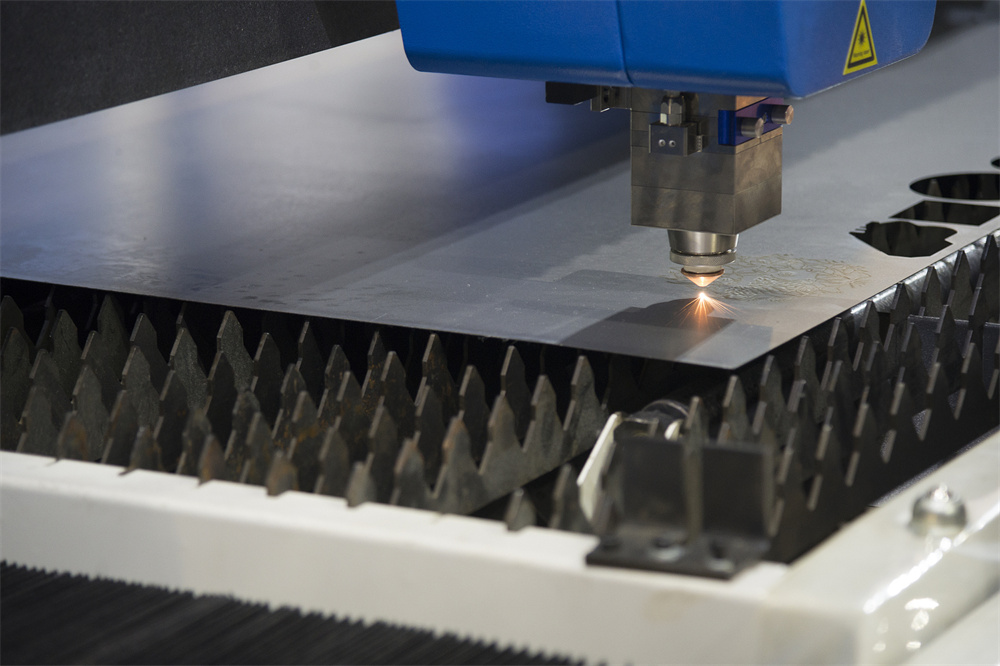
Key Considerations for Nozzle Stability
The primary factor in preventing nozzle clashes is the stability of the material being processed. Metal sheets, especially thinner gauges, are rarely perfectly flat. Internal stresses within the metal can cause it to warp or “pop up” as the laser cuts through, creating an uneven surface that the laser head may strike. Ensuring that your material is properly clamped or supported by a high-quality bed is the first step in troubleshooting.
Another critical consideration is the capacitive height sensing system. Modern laser cutting machines rely on a capacitive sensor to maintain a constant standoff distance between the nozzle and the workpiece. If this sensor is dirty, improperly calibrated, or experiencing electrical interference, the machine may lose its ability to track the surface accurately. Regular cleaning of the ceramic ring and the nozzle itself is non-negotiable for maintaining the sensitivity required for high-speed cutting.
Environmental factors also play a subtle but significant role. Vibrations from nearby heavy machinery, fluctuations in air pressure, or even temperature changes in the workshop can affect the precision of the laser head’s movement. Establishing a stable environment and ensuring that the machine is leveled correctly on a solid foundation will significantly reduce the likelihood of erratic head movements that lead to crashes.
Finally, operator training and parameter settings are vital. Using incorrect cutting parameters—such as excessive speed on warped material or improper lead-in/lead-out configurations—can leave small, unattached metal tabs that tip upward. These “micro-tabs” are a common culprit for nozzle snags. By optimizing the nesting software and cutting strategies, operators can minimize the risk of the nozzle catching on these protrusions.
Technical Details: Diagnosing the Root Cause
When you need to troubleshoot frequent nozzle clashes in laser cutting machines, you must adopt a systematic approach. Start by inspecting the physical condition of the nozzle and the ceramic ring. A damaged or worn nozzle can disrupt the gas flow and the capacitive field, leading to erratic height sensing. If the nozzle is deformed, the sensor may misinterpret the distance to the plate, causing the head to dive too low.
Next, examine the capacitive sensor calibration. Most CNC laser controllers allow for a “follow-up” test. Run this diagnostic to see if the machine maintains a consistent distance during a dry run. If the height fluctuates significantly without any material present, the issue is likely electrical or related to the sensor cable. Check for loose connections, frayed wires, or moisture ingress in the cutting head assembly, as these can cause intermittent signal loss.
Software settings regarding the “lift-up” height during rapid traverses are also crucial. If the machine is set to travel too low between cuts, it may strike a piece of scrap that has shifted or tilted. Adjusting the rapid traverse height in your CAM software can provide the necessary clearance to avoid these obstacles. Additionally, ensure that the lead-in and lead-out paths are designed to prevent the cut part from tilting upward before the head has moved away.
Consider the material quality itself. Low-grade steel with high slag content or excessive surface oxidation can interfere with the capacitive sensor’s ability to read the surface. If you are experiencing frequent crashes only with specific batches of material, the issue may lie with the metal quality rather than the machine. In such cases, adjusting the height sensing sensitivity or using a different nozzle type might be necessary to compensate for the material’s surface characteristics.
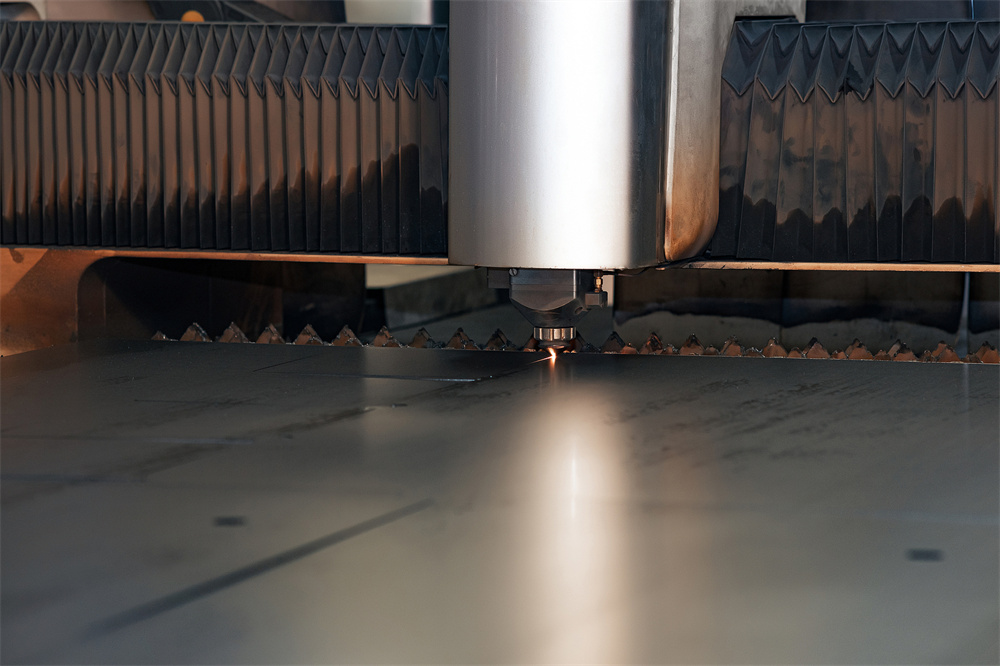
Selection Advice: Choosing the Right Components
Preventing nozzle clashes starts long before the machine is turned on; it begins with the selection of high-quality consumables and machine features. When purchasing a laser cutting machine, look for systems that feature advanced anti-collision technology. Many HARSLE laser machines are equipped with sophisticated sensors that detect physical resistance and immediately stop the Z-axis movement, preventing catastrophic damage to the laser head.
When selecting nozzles, always opt for OEM-certified parts. While third-party nozzles may be cheaper, they often lack the precise dimensions and material quality required for consistent capacitive sensing. A nozzle with poor concentricity will cause the laser beam to be off-center, which not only affects cut quality but can also lead to uneven heating and sensor interference. Investing in high-quality nozzles is a small price to pay compared to the cost of replacing a damaged laser head.
Consider the type of material you process most frequently. If you are cutting thick plates, you may need a different nozzle geometry compared to thin-sheet cutting. Some nozzles are designed with specific airflow patterns that help blow away molten metal more effectively, reducing the chance of slag buildup that could catch the nozzle. Consult with your machine manufacturer to determine the best nozzle configuration for your specific application requirements.
Finally, ensure your machine is equipped with a robust automatic height control (AHC) system. A high-performance AHC will react faster to surface irregularities, providing a safer buffer between the nozzle and the metal. If your current machine is older, consider upgrading the height control module or the sensor electronics to modern standards. This is often the most effective way to modernize an existing machine and eliminate persistent collision issues.
FAQ: Troubleshooting Nozzle Clashes
Why does my laser nozzle hit the metal only during rapid movements?
This is usually due to the rapid traverse height being set too low. If the machine moves across the sheet at a height lower than the height of the cut parts or scrap, a collision is likely. Increase the rapid traverse height in your software settings.
Can a dirty lens cause nozzle clashes?
While a dirty lens primarily affects cut quality, it can indirectly lead to crashes. If the laser power is inconsistent due to a dirty lens, the cut may not complete, leaving a piece of metal attached that can tip up and hit the nozzle. Always keep your optics clean.
How often should I calibrate the capacitive sensor?
You should perform a calibration check whenever you change the nozzle or the ceramic ring. Additionally, if you notice the machine’s height sensing becoming erratic, a recalibration is the first step in troubleshooting.
Does the type of assist gas affect nozzle crashes?
Yes. Using the wrong pressure or gas type for the material thickness can cause excessive slag or burrs. These protrusions can snag the nozzle. Ensure your gas pressure settings are optimized for the material thickness and type.
Conclusion
Learning how to troubleshoot frequent nozzle clashes in laser cutting machines is a vital skill for maximizing the uptime and efficiency of your metal fabrication shop. By focusing on the health of your capacitive sensors, the quality of your consumables, and the precision of your software parameters, you can significantly reduce the frequency of these costly incidents. Remember that a proactive approach to maintenance—regular cleaning, timely calibration, and the use of high-quality OEM parts—is always more cost-effective than reactive repairs.
At HARSLE, we are committed to providing not only the highest quality metal fabrication equipment but also the knowledge required to keep your operations running at peak performance. If you continue to experience issues despite following these troubleshooting steps, do not hesitate to reach out to our technical support team. With the right tools, training, and attention to detail, you can ensure that your laser cutting machine remains a reliable and productive asset for years to come. Stay vigilant, maintain your equipment, and keep your production lines moving forward.