How to Fix Inconsistent Laser Cutting Quality on Sheet Metal Machines


Introducción
In the high-precision world of metal fabrication, consistency is the hallmark of quality. When your laser cutting machine begins to produce erratic results—such as burrs, uneven edges, or incomplete cuts—it can lead to significant downtime, wasted material, and increased operational costs. Understanding how to fix inconsistent laser cutting quality on sheet metal machines is essential for any shop floor manager or machine operator aiming to maintain high throughput and superior product standards.
At KAVDO, we recognize that even the most advanced fiber laser systems require meticulous calibration and maintenance to perform at their peak. Inconsistency is rarely the result of a single catastrophic failure; rather, it is usually a symptom of cumulative wear, environmental factors, or incorrect parameter settings. This guide provides a deep dive into the diagnostic processes and corrective actions required to restore your equipment to factory-level precision.
Whether you are working with stainless steel, aluminum, or carbon steel, the principles of laser cutting remain rooted in the delicate balance of beam focus, gas pressure, and nozzle alignment. By systematically addressing these variables, you can eliminate the frustration of inconsistent cuts and ensure that every piece of sheet metal leaving your facility meets the highest industrial specifications.
Key Considerations for Laser Cutting Consistency
The first step in troubleshooting is to evaluate the environment and the material preparation. Many operators overlook the fact that laser cutting is a thermal process highly sensitive to external variables. If your sheet metal is not properly secured, or if the surface is contaminated, the laser beam will not interact with the material as intended, leading to inconsistent edge quality across the sheet.
Material quality plays a pivotal role in cutting consistency. Variations in the thickness of the sheet, the presence of heavy rust, or protective film residue can disrupt the laser’s absorption rate. Always ensure that your raw material meets the specifications required for your machine’s power output. If you are switching between different batches of metal, you may need to adjust your cutting parameters to compensate for variations in alloy composition or surface finish.
Environmental factors, such as ambient temperature and humidity, can also impact the performance of your laser cutting machine. High humidity can lead to moisture buildup in the assist gas lines, which can cause oxidation or inconsistent cutting speeds. Furthermore, ensure that your workshop environment is free from excessive dust and vibration, as these can interfere with the delicate optical alignment of the laser head.
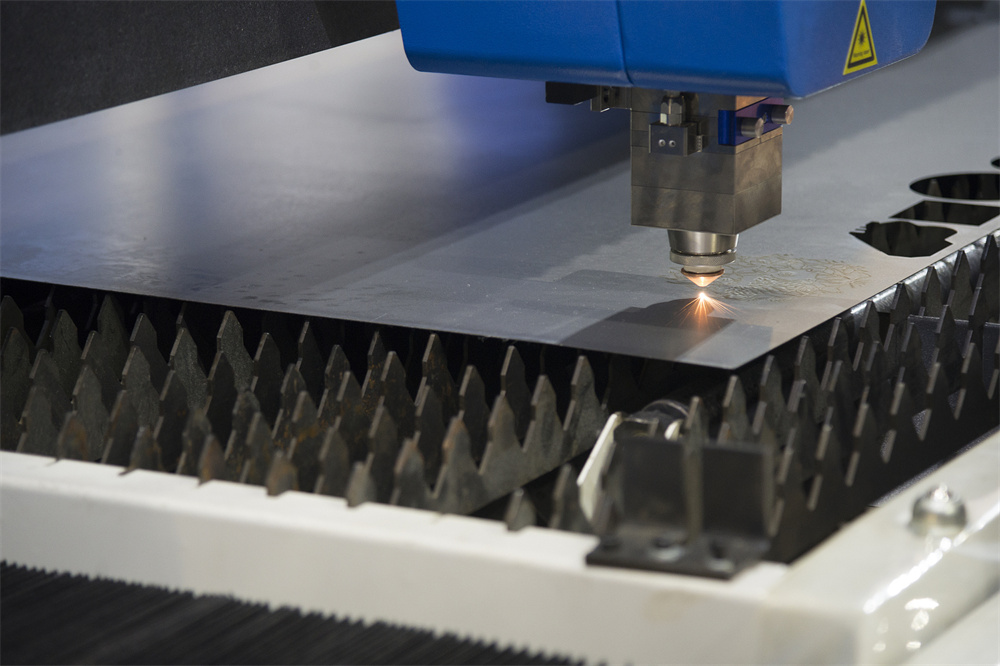
Finally, consider the state of your machine’s support slats. If the slats are worn or uneven, the material will not sit perfectly flat, leading to variations in the focal distance between the laser head and the workpiece. Regularly cleaning or replacing the support slats is a simple yet effective way to improve cutting consistency across the entire bed of your laser cutting machine.
Troubleshooting the Optical Path
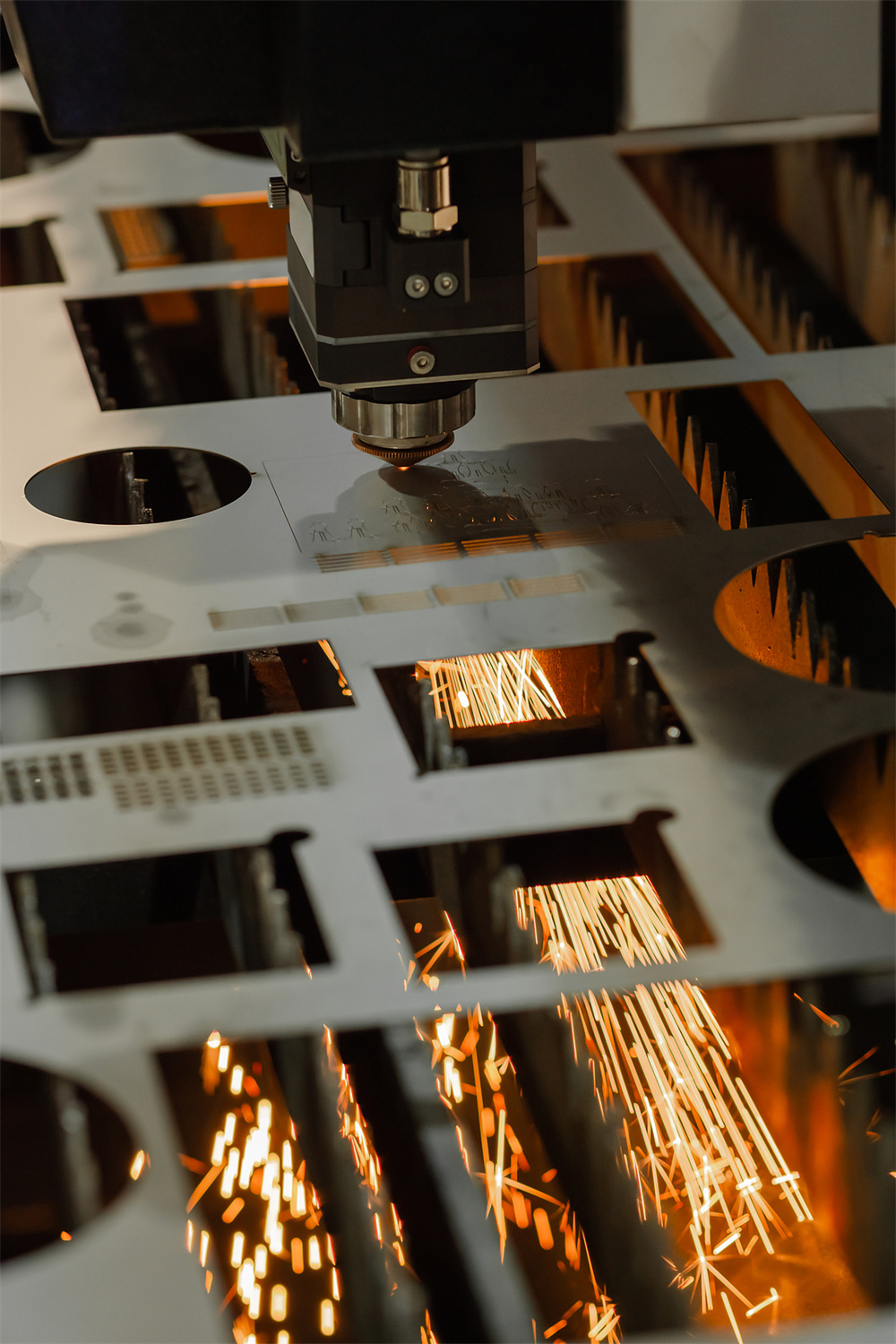
The optical path is the heart of your laser cutting machine. Any degradation in the quality of the beam—whether due to dirty lenses, misaligned mirrors, or a damaged nozzle—will immediately manifest as inconsistent cutting quality. The focus lens and the protective window are the most critical components to inspect when you notice a drop in performance.
Start by inspecting the protective window for any signs of pitting, scratches, or residue. Even a microscopic speck of dust can cause the laser beam to scatter, resulting in a wider kerf and poor edge finish. If the protective window is damaged, replace it immediately. Never attempt to clean a damaged lens, as this will only exacerbate the issue and potentially damage the more expensive focus lens behind it.
Nozzle alignment is another frequent culprit for inconsistent cuts. If the laser beam is not perfectly centered within the nozzle orifice, the assist gas flow will be turbulent rather than laminar. This turbulence prevents the gas from effectively clearing the molten metal from the kerf, leading to dross buildup and uneven edges. Use a centering tool to verify that the beam is perfectly aligned with the nozzle tip every time you perform a nozzle change.
Furthermore, check the fiber optic cable and the laser source itself. While fiber lasers are generally more stable than CO2 lasers, they are not immune to issues. Ensure that the cooling system is functioning correctly and that the water temperature is within the manufacturer’s recommended range. Fluctuations in cooling can cause the laser source to drift, leading to inconsistent power output during long production runs.
Optimizing Assist Gas and Cutting Parameters
The assist gas—whether oxygen, nitrogen, or compressed air—is responsible for blowing away molten material and protecting the lens. If your gas pressure is inconsistent, your cutting quality will inevitably suffer. Check your gas regulators and lines for leaks, and ensure that the purity of your gas meets the requirements for the material you are cutting. Nitrogen, for example, must be high-purity to prevent oxidation on stainless steel edges.
Parameter settings, including cutting speed, frequency, and duty cycle, must be optimized for the specific thickness and type of material. If the cutting speed is too high, the laser will not have enough time to penetrate the material fully, resulting in incomplete cuts. Conversely, if the speed is too low, you may experience excessive heat buildup, which can cause the material to warp and the edges to become charred or jagged.
Many modern KAVDO laser cutting machines come with pre-programmed cutting databases. While these are excellent starting points, they may need to be fine-tuned based on your specific shop conditions. Keep a log of your successful cutting parameters for different materials and thicknesses. This will allow you to quickly revert to known-good settings if you encounter issues after a material change.
Don’t forget to monitor the focal position. The focal point should be adjusted based on the material thickness and the type of cut required (e.g., high-speed vs. high-quality). If the focal position is off, the energy density at the point of impact will be insufficient, leading to inconsistent penetration. Regularly calibrate the auto-focus system to ensure that the machine is accurately tracking the material surface.
Choosing the Right Equipment
When looking to minimize inconsistent laser cutting quality, the foundation is the machine itself. If you are in the market for a new laser cutting machine, prioritize systems that offer robust thermal stability, high-precision motion control, and advanced software integration. KAVDO machines are engineered with these factors in mind, providing the reliability needed for high-volume production.
Consider the power output of the laser source. While higher power is often associated with faster cutting, it also provides a wider process window for thicker materials, which can lead to more consistent results. Ensure that the machine’s bed size and load capacity are appropriate for your typical sheet metal sizes to avoid issues with material handling and flatness.
Look for machines that feature automated calibration and diagnostic tools. Modern CNC controllers can monitor the health of the laser source and the optical path in real-time, alerting the operator to potential issues before they result in scrap parts. Investing in a machine with these smart features can significantly reduce the time spent on manual troubleshooting.
Finally, consider the support and training provided by the manufacturer. A machine is only as good as the operator’s ability to maintain it. Choose a partner like KAVDO that offers comprehensive training programs, accessible technical support, and a reliable supply of spare parts. This ensures that when you do encounter an issue, you have the resources to fix it quickly and get back to production.
FAQ: Frequently Asked Questions
Why does my laser cut have excessive dross on the bottom?
Excessive dross is usually caused by incorrect gas pressure, a worn nozzle, or a cutting speed that is too slow. Check your nozzle for wear and ensure your gas pressure matches your parameter chart.
How often should I clean the protective window?
The protective window should be inspected daily. If you notice any dust or residue, clean it immediately with high-purity lens cleaner and lint-free wipes. Replace it if you see any permanent marks or pitting.
Can ambient temperature affect my laser cutting quality?
Yes. Significant changes in temperature can affect the alignment of the optical path and the performance of the laser source. Ensure your facility has a stable climate control system.
What is the most common cause of inconsistent cutting?
The most common cause is a dirty or damaged optical component (lens or window) or an improperly aligned nozzle. Always start your troubleshooting here.
How do I know if my focal position is correct?
You can perform a focal test cut. If the kerf width is inconsistent or the cut is not perpendicular, your focal position likely needs adjustment. Consult your machine manual for the specific calibration procedure.
Conclusión
Fixing inconsistent laser cutting quality on sheet metal machines is a process of elimination and precision. By maintaining a clean optical path, ensuring correct nozzle alignment, optimizing your assist gas parameters, and keeping your machine environment stable, you can achieve the high-quality results your customers demand. Remember that consistency is not a one-time fix but a continuous commitment to maintenance and operational excellence.
At KAVDO, we are dedicated to providing the tools and knowledge necessary for your success in the metal fabrication industry. If you have followed these steps and are still experiencing issues, do not hesitate to reach out to our technical support team. With the right approach and the right equipment, you can overcome any challenge and keep your production line running smoothly and efficiently.