Troubleshooting Poor Laser Cutting Machine Performance In Industrial Production


Introducción
When a laser cutting machine begins to underperform, it doesn’t just slow down production; it leads to material waste, increased labor costs, and missed deadlines. Troubleshooting poor laser cutting machine performance in industrial production is a critical skill for any shop floor manager or maintenance technician. At KAVDO, we understand that downtime is the enemy of profitability, and identifying the root cause of performance degradation is the first step toward restoring peak operational capacity.
Poor performance can manifest in various ways: jagged edges, excessive dross, inconsistent penetration, or complete beam failure. Whether you are working with thin-gauge sheet metal or heavy-duty structural plates, the underlying causes often stem from a combination of optical misalignment, gas pressure irregularities, or software parameter mismatches. This guide aims to provide a systematic approach to diagnosing these issues, ensuring your KAVDO equipment continues to deliver the high-precision results your clients expect.
Understanding the complexity of a fiber laser system is essential. Unlike traditional mechanical cutting tools, laser systems rely on the delicate interaction between light, gas, and material chemistry. When one of these variables shifts, the entire process can destabilize. By following this industrial machinery guide, you will be better equipped to perform routine diagnostics and implement corrective measures that extend the lifespan of your investment.
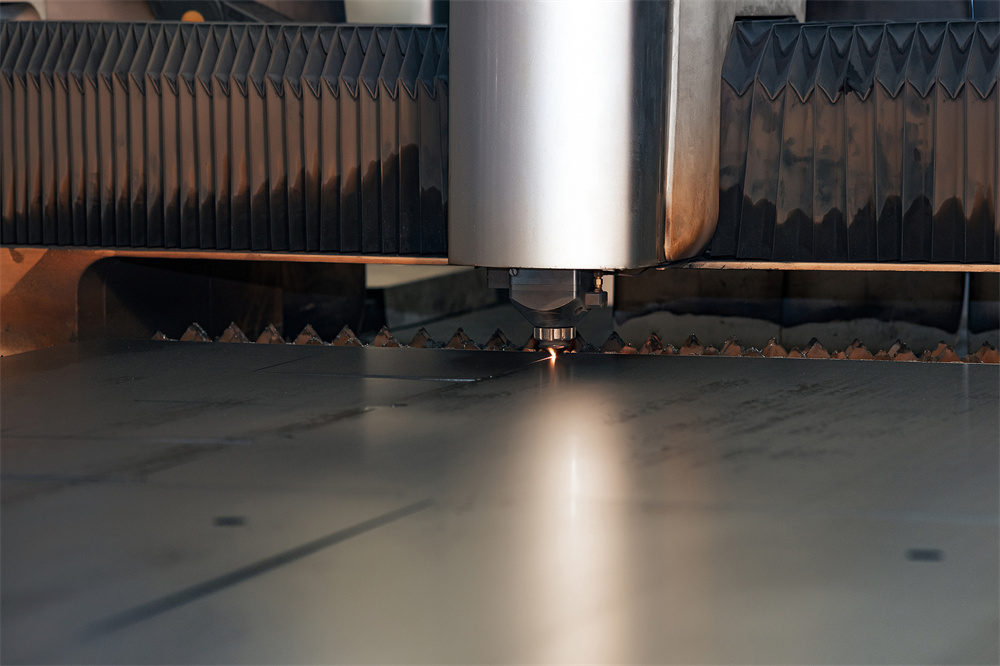
Key Considerations for Laser Performance
Before diving into complex technical repairs, it is vital to evaluate the environmental and operational factors that influence machine performance. Many issues that appear to be mechanical failures are actually the result of improper setup or environmental contamination. The first consideration is the cleanliness of the optical path. Even microscopic dust particles on the protective lens can cause beam scattering, leading to thermal damage and poor cut quality.
Gas purity and pressure are equally critical. Laser cutting relies on assist gases—typically oxygen, nitrogen, or compressed air—to blow molten material out of the kerf. If your gas supply is contaminated with moisture or oil, the chemical reaction at the cutting point will be compromised, leading to oxidation or incomplete cuts. Always ensure that your filtration systems are serviced regularly and that the gas pressure settings match the material thickness and type specified in your cutting library.
Material quality also plays a significant role. Surface rust, heavy mill scale, or protective coatings can interfere with the laser’s ability to pierce the material cleanly. If you notice inconsistent performance, check the material batch. Sometimes, the issue isn’t the machine at all, but rather the raw material’s surface condition, which can cause the laser beam to reflect or scatter unpredictably during the piercing phase.
Finally, consider the ambient temperature and humidity of your facility. Laser resonators are sensitive to thermal fluctuations. If your chiller unit is not maintaining the correct temperature, the laser source may experience power instability. Ensure that your chiller is free of debris and that the coolant fluid is replaced according to the manufacturer’s schedule to prevent overheating and internal component degradation.
Diagnosing Cutting Issues
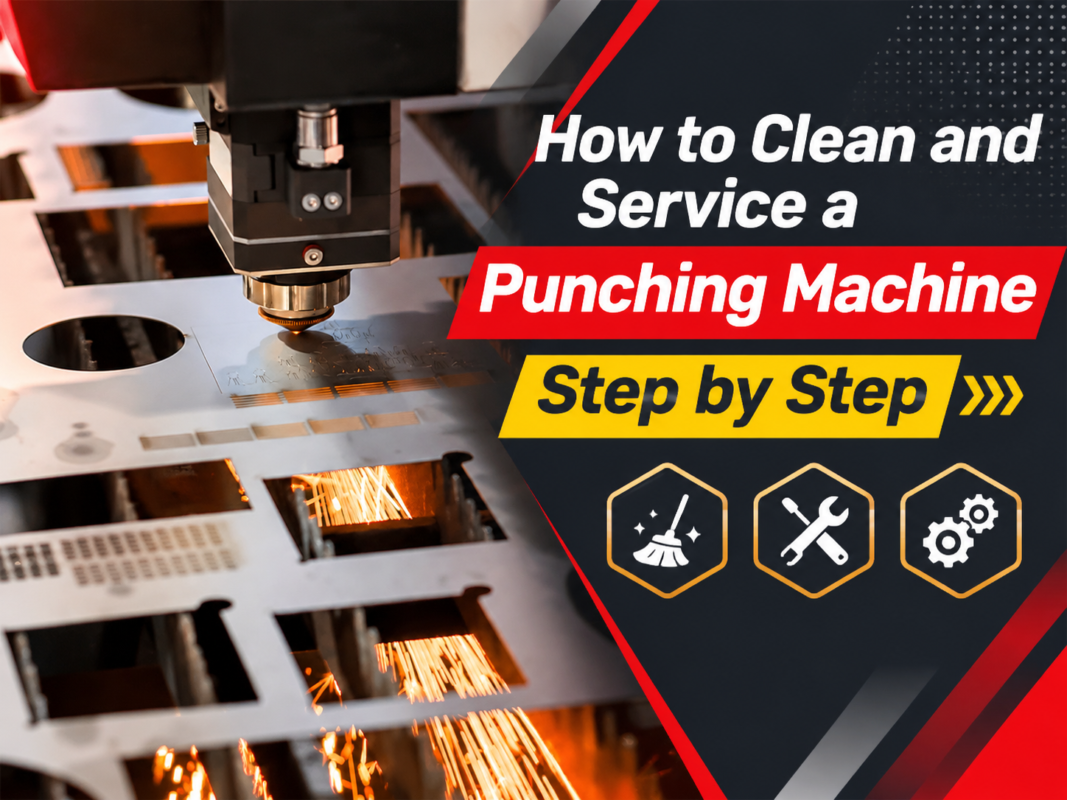
When troubleshooting poor laser cutting machine performance in industrial production, you must adopt a methodical approach. Start by inspecting the nozzle and the ceramic ring. A damaged or misaligned nozzle will disrupt the gas flow, causing turbulence that prevents the molten metal from being ejected properly. If the nozzle is worn or has been struck by the material, replace it immediately. Even a slight deformation can ruin the focus of the beam.
Next, evaluate the focal position. The focal point of the laser beam must be precisely adjusted relative to the material thickness. If the focal point is too high or too low, the energy density at the cutting surface will be insufficient, resulting in a wide kerf or a failure to cut through entirely. Use your machine’s software to perform a focus calibration test. If the machine uses an autofocus head, ensure the sensor is clean and calibrated to the correct standoff distance.
The beam alignment is another critical technical factor. Over time, the mirrors or fiber delivery system may shift due to vibration or thermal expansion. A misaligned beam will hit the side of the nozzle, causing the nozzle to heat up and potentially damaging the internal optics. Perform a ‘paper test’ or use an alignment tool to verify that the beam is centered perfectly within the nozzle orifice. If the beam is off-center, follow the KAVDO maintenance manual to adjust the beam delivery path carefully.
Software parameters, such as cutting speed, frequency, and duty cycle, must be optimized for the specific material. If you are experiencing ‘drag lines’ or excessive burrs, it is often a sign that the cutting speed is too high for the power level being used. Conversely, if the edges are burnt, the speed may be too slow, causing excessive heat accumulation. Review your cutting parameters against the material database and make incremental adjustments to find the ‘sweet spot’ for your specific application.

Selection Advice for Laser Cutting Systems
Choosing the right laser cutting machine is the first step in avoiding performance issues. When selecting equipment for your facility, consider the power output requirements. A machine that is constantly running at 100% capacity will experience faster wear and tear on the laser source. It is often better to select a machine with a slightly higher power rating than your current needs, allowing you to operate at 70-80% capacity, which extends the life of the resonator and improves overall cut quality.
Look for machines that feature robust automation capabilities. Automatic nozzle changers and focus calibration systems significantly reduce the risk of human error. In industrial production, consistency is key, and automated systems ensure that the machine is always set up exactly as the software intended. KAVDO machines are designed with these user-friendly features to minimize the downtime associated with manual adjustments.
Consider the rigidity of the machine frame. A laser cutting machine is a precision instrument; any vibration from the floor or the drive system will manifest as ripples in the cut edge. Ensure that the machine is installed on a level, vibration-dampened foundation. A heavy-duty, stress-relieved steel frame is essential for maintaining alignment over years of high-speed operation.
Finally, evaluate the support and service network of the manufacturer. Even the best machines require maintenance. Having access to genuine spare parts, remote technical support, and local service technicians is invaluable. When you invest in KAVDO, you are not just buying a machine; you are gaining a partner committed to helping you troubleshoot poor laser cutting machine performance in industrial production and keeping your operations running smoothly.
Preguntas frecuentes (FAQ)
Why is my laser cutting machine leaving heavy dross on the bottom of the plate?
Heavy dross is usually caused by incorrect gas pressure, a worn nozzle, or a cutting speed that is too slow. Check your gas pressure settings and ensure the nozzle is clean and undamaged. If the issue persists, try increasing the cutting speed slightly to reduce heat accumulation.
How often should I clean the protective lens?
The protective lens should be inspected daily. In high-production environments, it may need cleaning every shift. Use only lens-grade cleaning tissue and specialized optical cleaning solutions to avoid scratching the surface.
What is the most common cause of a failed pierce?
A failed pierce is often due to an incorrect focal position or contaminated assist gas. Ensure that your focal point is set correctly for the material thickness and that your gas supply is free of moisture and oil.
Can software updates improve cutting performance?
Yes, software updates often include optimized cutting databases and improved motion control algorithms. Keeping your machine’s control software up to date ensures you are utilizing the latest efficiency improvements.
How do I know if my fiber laser source is failing?
Signs of a failing laser source include a gradual loss of cutting power, inconsistent beam intensity, or error codes related to the resonator temperature or power supply. If you suspect a source failure, contact KAVDO technical support for a diagnostic assessment.
Conclusión
Troubleshooting poor laser cutting machine performance in industrial production is a multifaceted task that requires attention to detail, regular maintenance, and a deep understanding of your equipment. By focusing on optical cleanliness, gas quality, focal alignment, and software optimization, you can resolve the vast majority of performance issues that plague industrial shops. Remember that prevention is always more cost-effective than repair; adhering to a strict maintenance schedule will keep your KAVDO laser cutting machine performing at its peak for years to come.
As technology evolves, so too do the capabilities of laser cutting systems. Staying informed about the latest advancements and best practices in metal fabrication will ensure that your business remains competitive. Whether you are a seasoned professional or new to the industry, the principles outlined in this guide serve as a foundation for operational excellence. If you encounter persistent issues that fall outside the scope of standard troubleshooting, do not hesitate to reach out to the KAVDO support team for expert guidance and professional service.