Punching Machine Troubleshooting Guide: Common Problems and Fast Fixes


Introduction to Punching Machine Troubleshooting
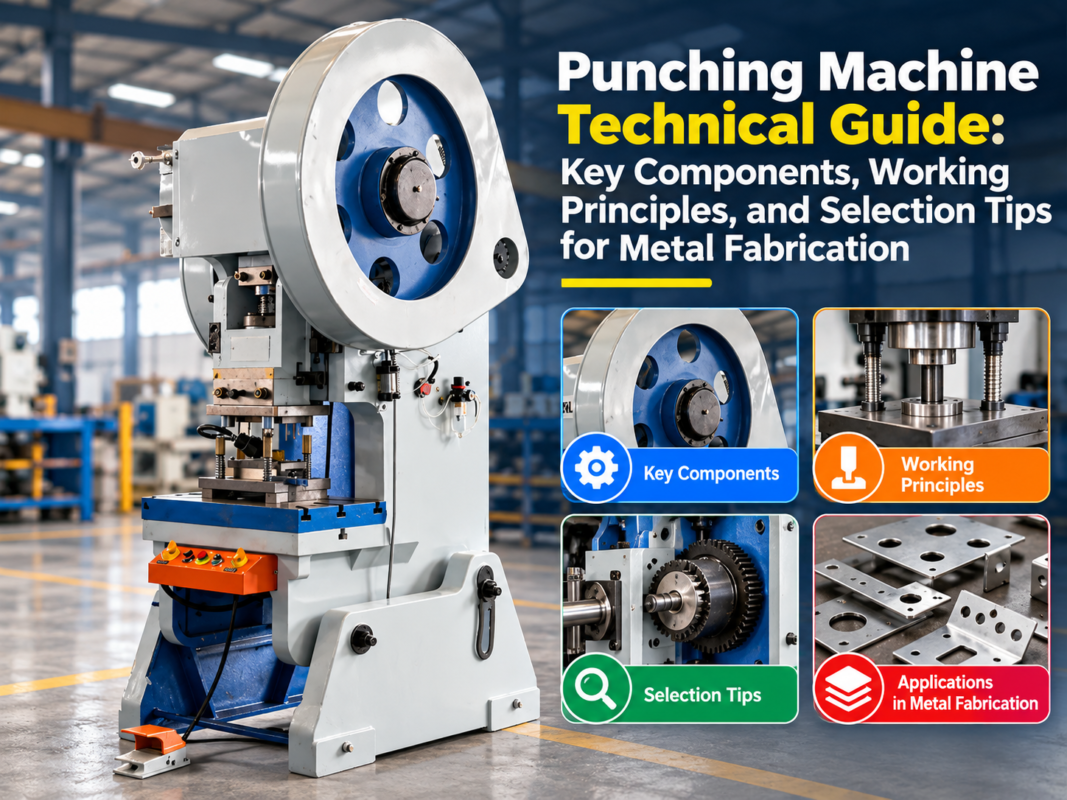
In the high-stakes world of metal fabrication, the punching machine serves as the backbone of production efficiency. Whether you are operating a high-speed CNC turret punch or a robust hydraulic ironworker, maintaining peak operational performance is essential for profitability. However, even the most advanced HARSLE machinery can encounter mechanical or electrical hurdles that disrupt the workflow. Understanding the nuances of Punching Machine Troubleshooting: Common Problems Fast Fixes is not just a skill for maintenance technicians; it is a critical requirement for every shop floor manager aiming to minimize downtime and extend the lifespan of their equipment.
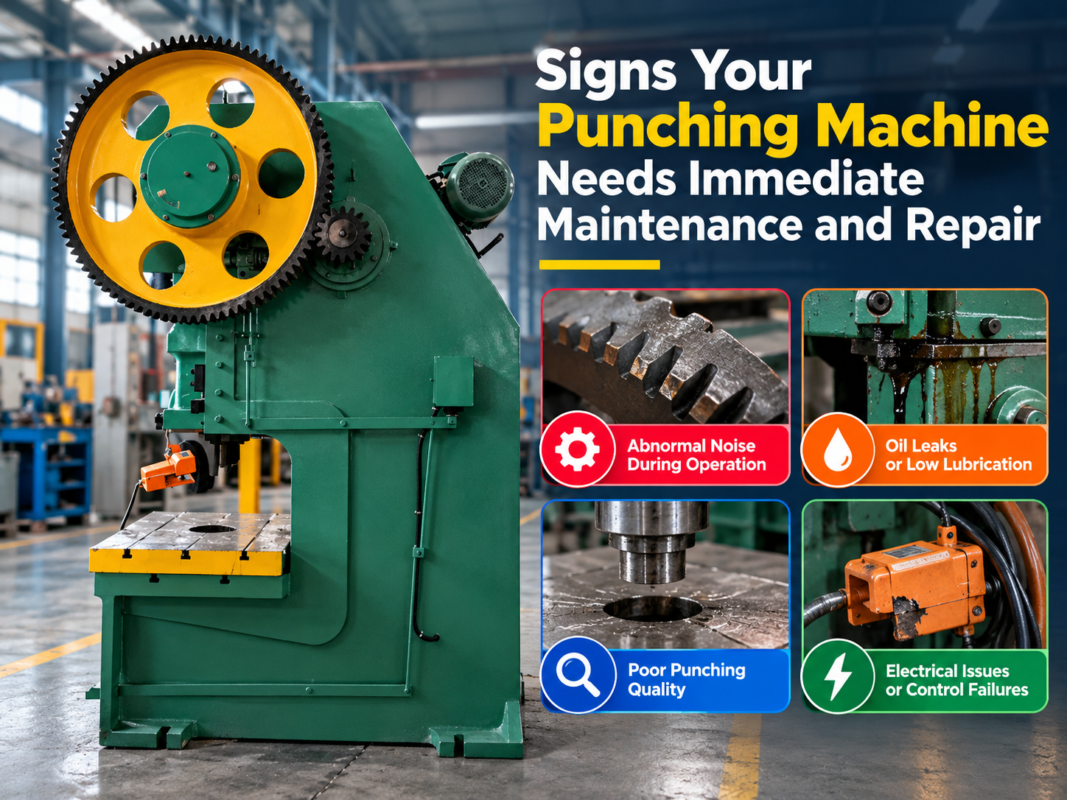
When a machine begins to show signs of distress—be it irregular punch marks, excessive noise, or unexpected system errors—the immediate reaction should be a systematic diagnostic approach. Troubleshooting is an art of elimination. By categorizing issues into mechanical, hydraulic, or software-related buckets, operators can isolate the root cause before it leads to catastrophic failure. This guide is designed to walk you through the most frequent challenges encountered in industrial punching environments and provide actionable, fast fixes to get your production line back on track.
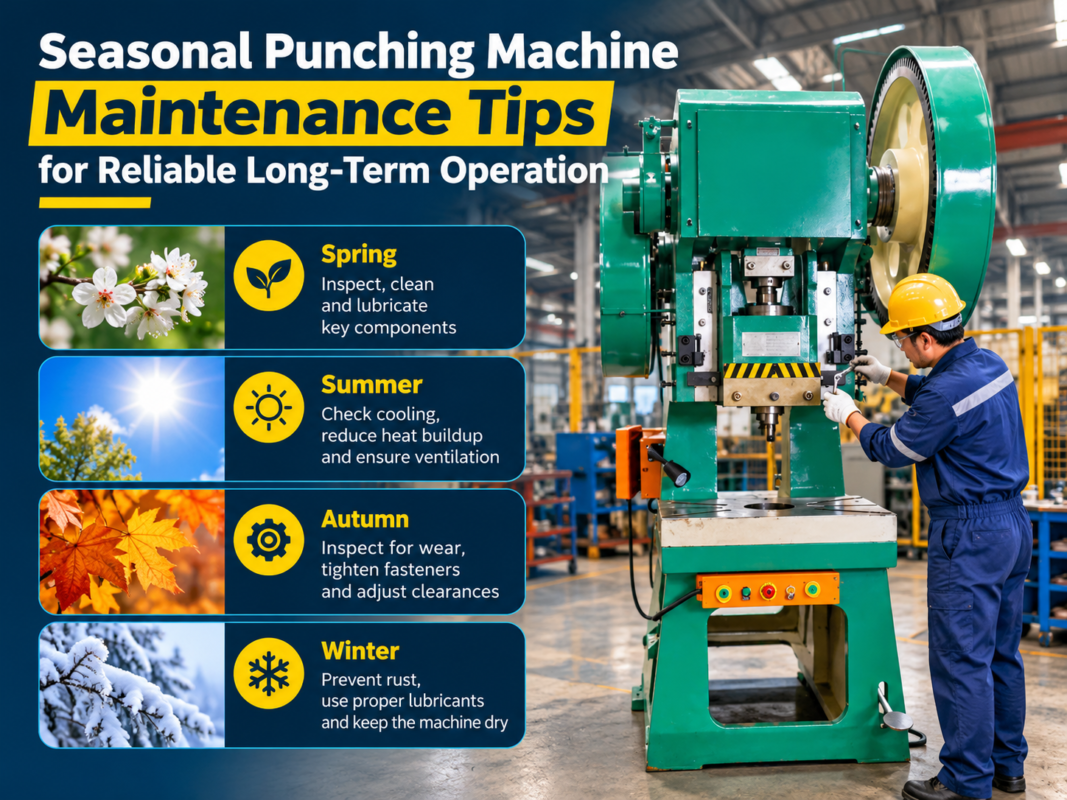
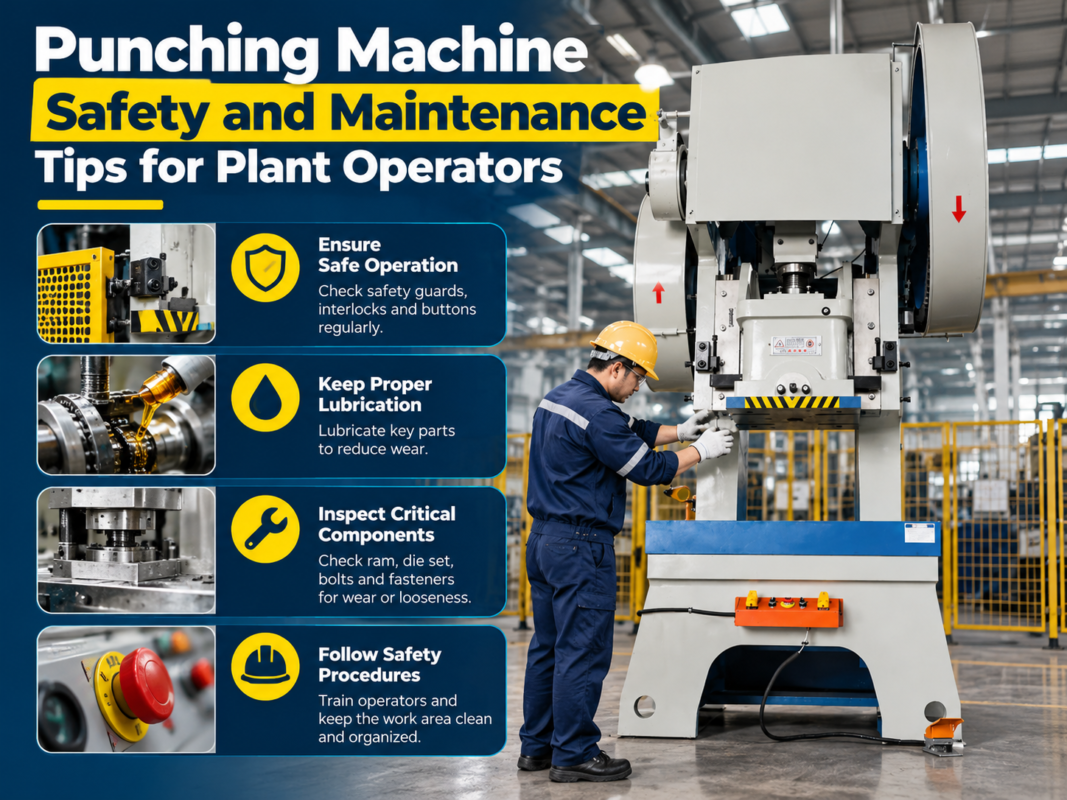
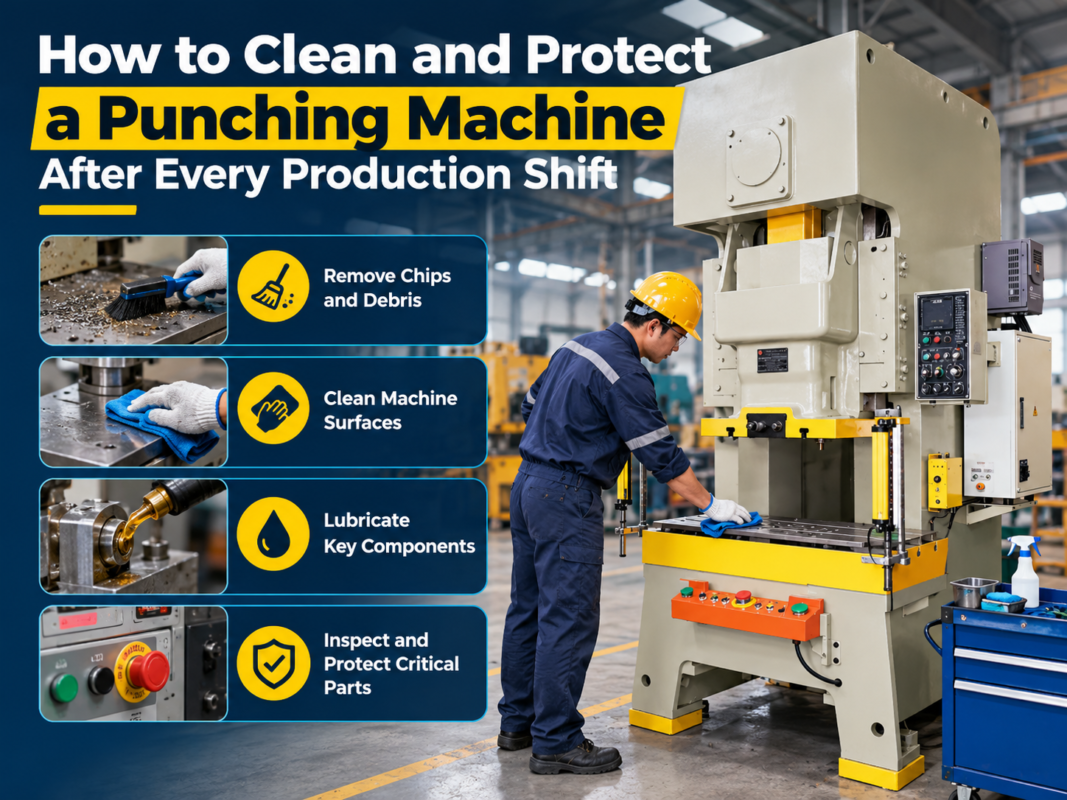
Effective maintenance is proactive, not reactive. While this guide focuses on fixing current issues, it is important to remember that the best way to troubleshoot a machine is to prevent the problem from occurring in the first place. Regular lubrication, sensor calibration, and tool inspection are the pillars of a healthy machine. As we delve into the specific technical details, keep in mind that safety is paramount. Always ensure that the machine is locked out and tagged out before performing any internal mechanical adjustments or electrical inspections.
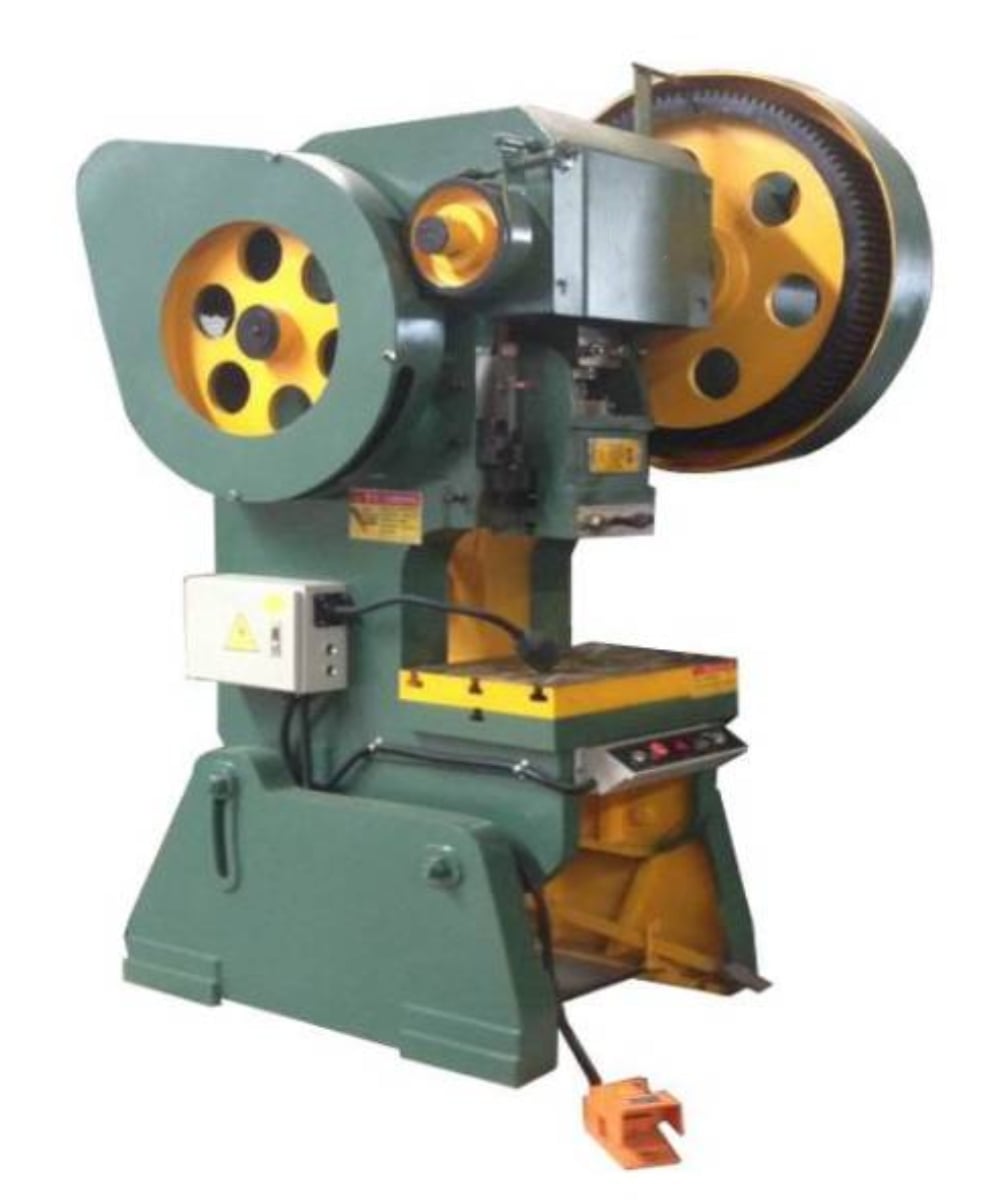
Key Considerations for Effective Troubleshooting
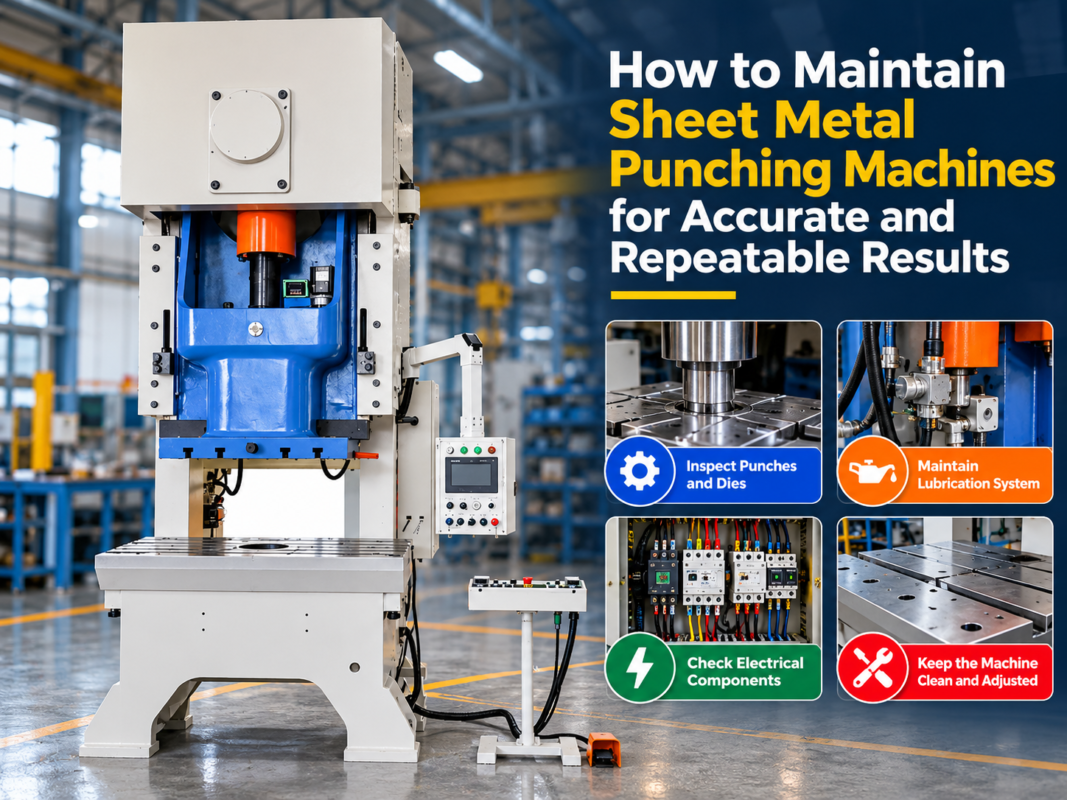
Before diving into the mechanical guts of your punching machine, you must establish a baseline for your troubleshooting process. The first consideration is the environment. Metal fabrication shops are often harsh, dusty, and subject to temperature fluctuations. Dust accumulation on sensors, cooling fans, or electrical cabinets is a leading cause of intermittent faults. A clean machine is a diagnostic-friendly machine. Always start your troubleshooting by performing a visual inspection of the machine’s exterior and electrical enclosures to ensure that environmental debris is not the culprit.
The second consideration is documentation. Every HARSLE machine comes with a comprehensive manual that includes error code definitions and maintenance schedules. When a problem arises, do not rely on memory. Consult the technical documentation to understand the specific error code displayed on the HMI (Human Machine Interface). Often, operators attempt to bypass safety interlocks or force a cycle when the machine is signaling a protective shutdown. This can lead to permanent damage to the hydraulic seals or the ram assembly.
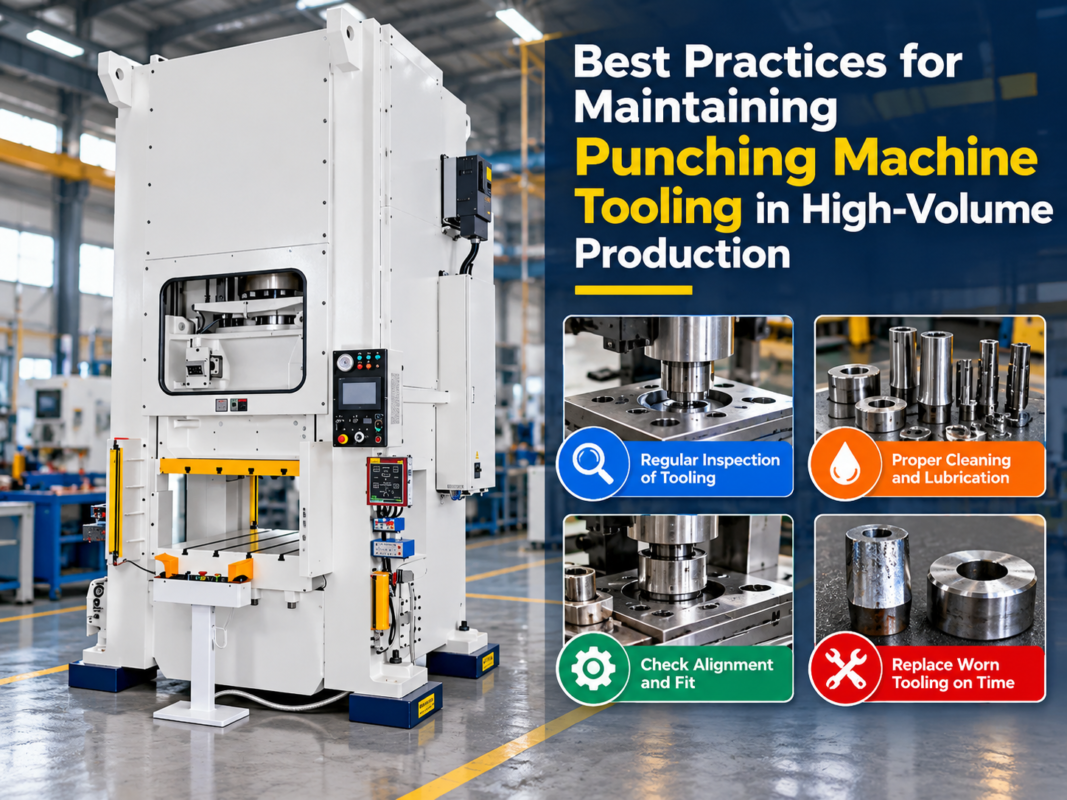
Thirdly, consider the tooling. A significant percentage of “machine problems” are actually “tooling problems.” Dull punches, chipped dies, or incorrect clearance settings can mimic mechanical failures. If the machine is struggling to penetrate the material, the issue is rarely the hydraulic pressure; it is almost always the sharpness of the punch. Before dismantling the hydraulic system, inspect the tooling for signs of wear, galling, or improper alignment. A simple tool change can often resolve what appears to be a major mechanical fault.
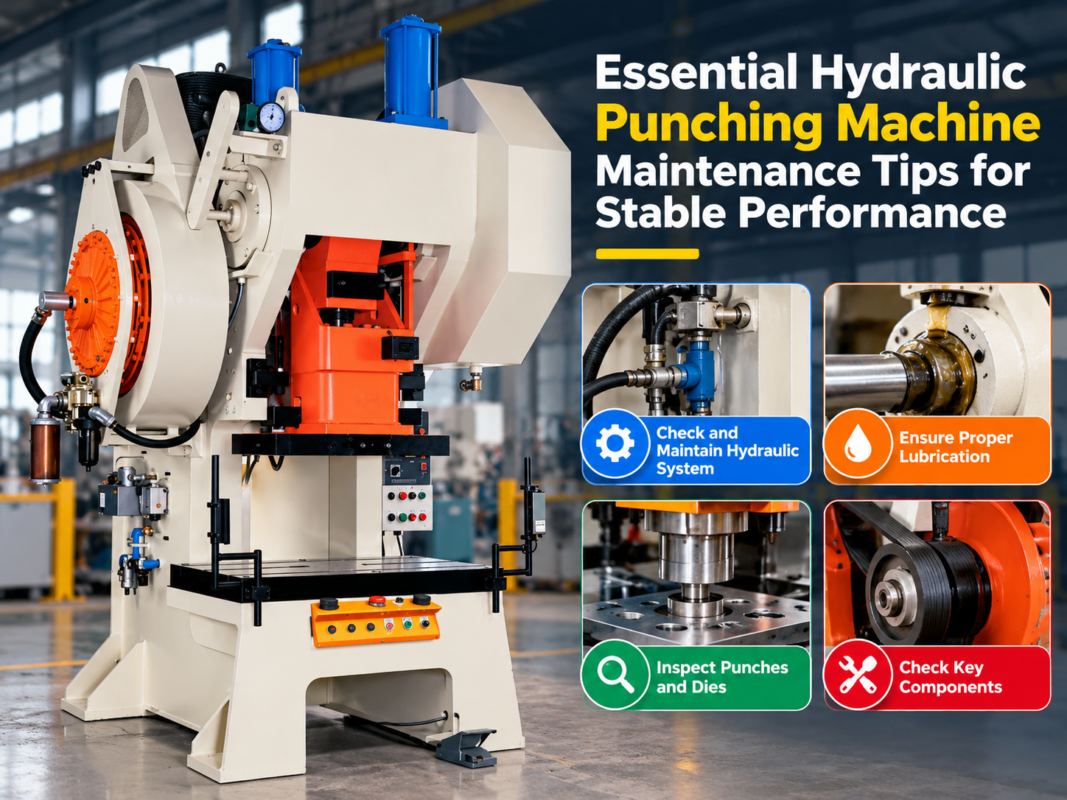
Finally, consider the power supply and hydraulic fluid quality. Voltage fluctuations can cause erratic behavior in CNC controllers, leading to phantom errors. Similarly, contaminated hydraulic oil can clog valves and cause sluggish ram movement. Regularly testing the oil for viscosity and particulate matter is a key preventative measure. By keeping these four pillars—environment, documentation, tooling, and power/fluid quality—in mind, you create a structured framework that makes troubleshooting significantly more efficient.
Technical Details: Addressing Common Mechanical and Hydraulic Faults
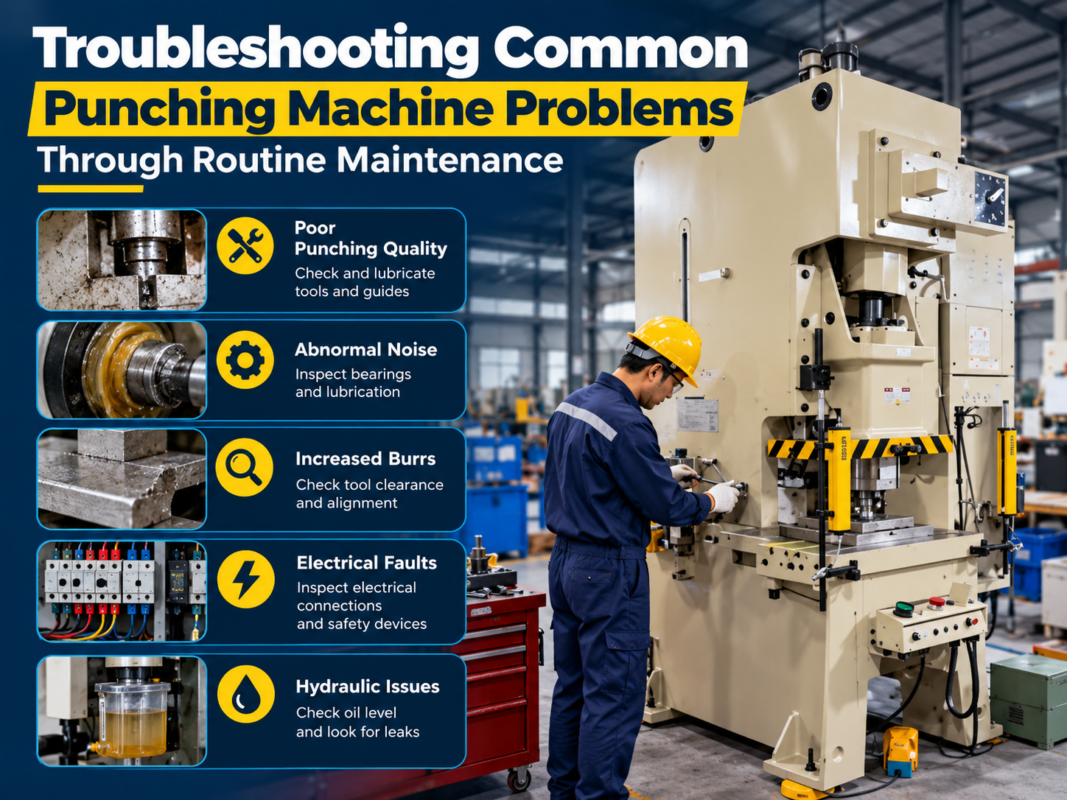
One of the most common issues in punching machine operation is the “slug pull” or “slugging” phenomenon. This occurs when the punched-out material (the slug) is pulled back up through the die during the return stroke of the punch. This not only damages the surface of the workpiece but can also cause the punch to chip or break. To fix this, first check the die clearance. If the clearance is too large, the slug will not be held firmly in the die. Additionally, consider using a vacuum slug removal system or applying a slight bevel to the punch face to reduce the suction effect.
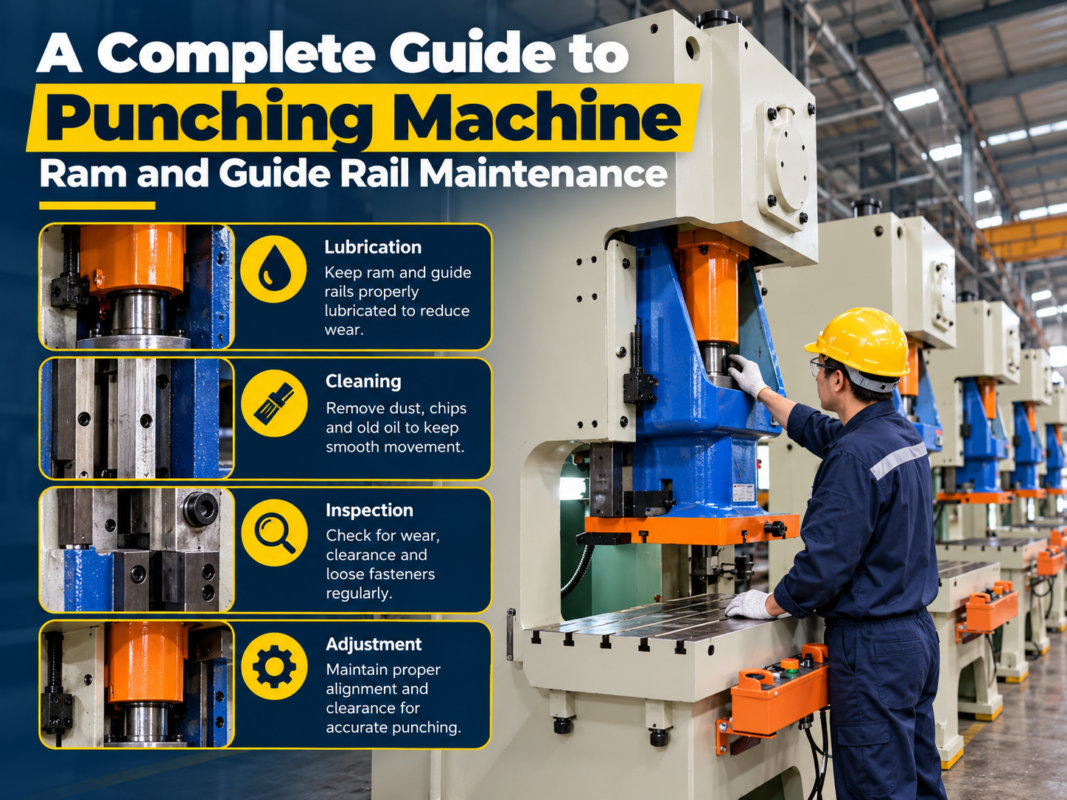
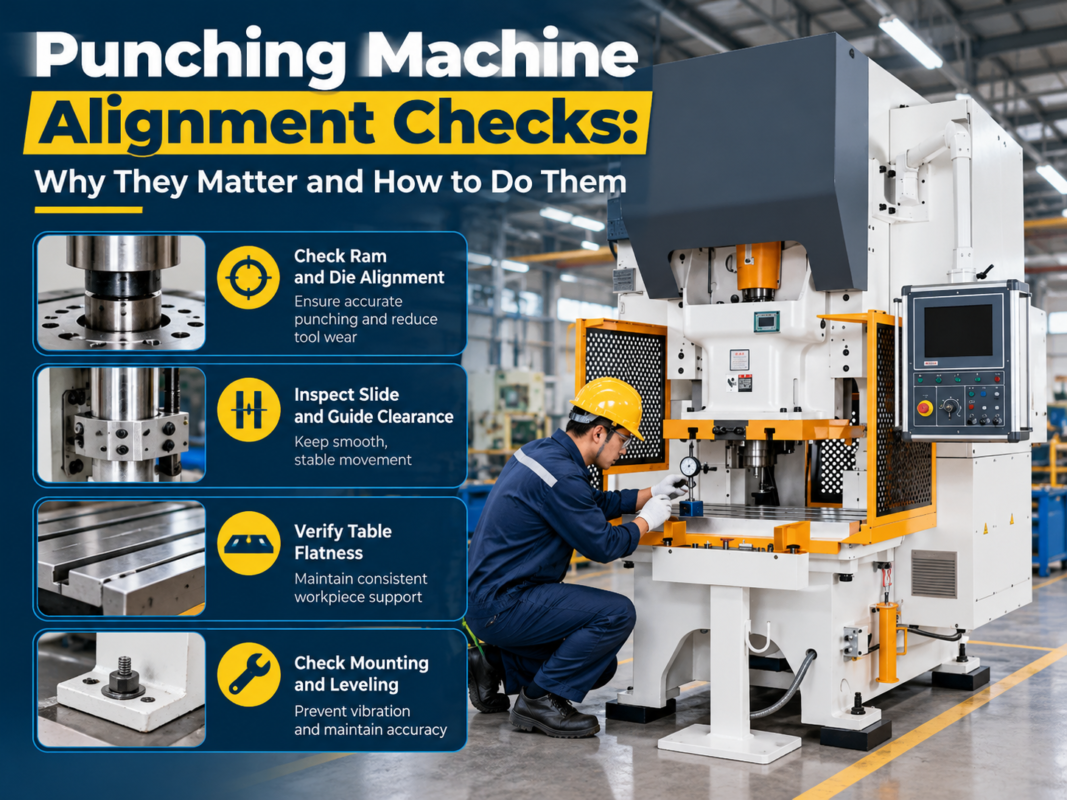
Another frequent technical challenge is uneven punch depth or inconsistent hole quality. This is often linked to the hydraulic system’s pressure regulation or the ram guide alignment. If the ram is not descending perfectly perpendicular to the die, the punch will strike the die edge, leading to premature wear. Use a precision dial indicator to check the ram parallelism. If the ram is skewed, adjust the guide gibs according to the manufacturer’s specifications. If the issue persists, check the hydraulic proportional valves for debris or signs of sticking, as these valves control the speed and force of the ram stroke.
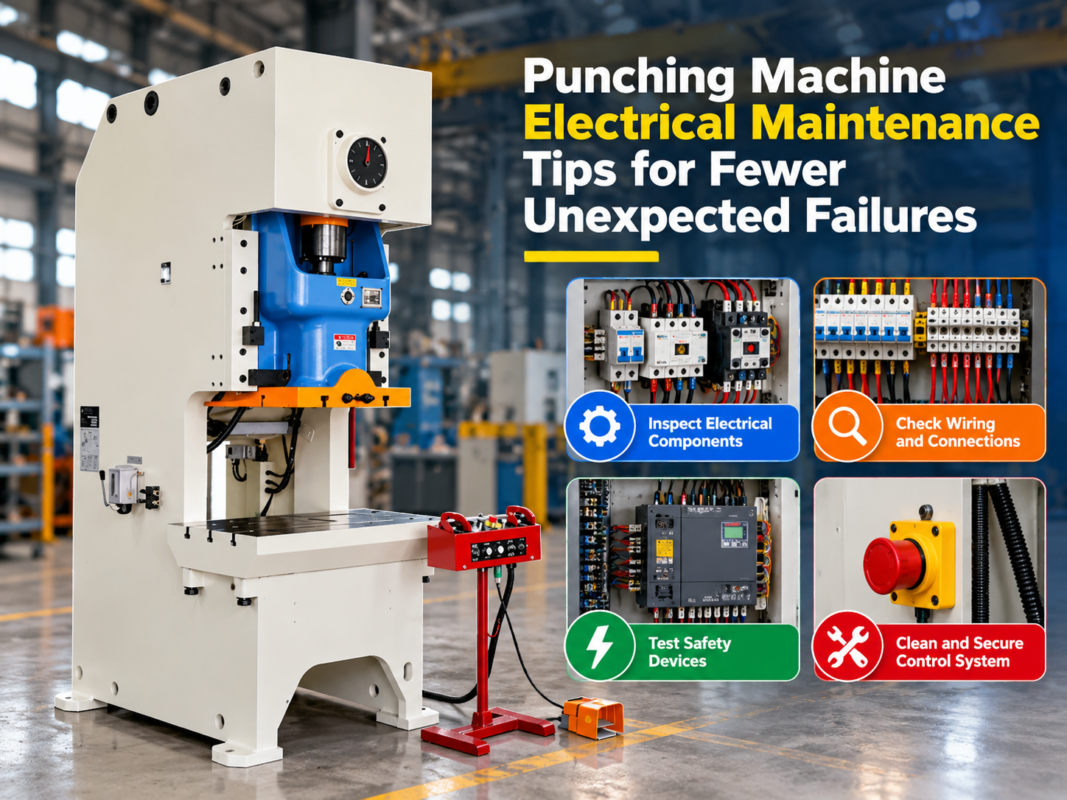
Electrical and sensor-related issues often manifest as “Machine Not Ready” or “Emergency Stop” errors that cannot be cleared. In these cases, the issue is usually a faulty limit switch or a loose connection in the safety circuit. Use a multimeter to check the continuity of the safety switches. Vibrations from the punching process can cause terminal screws to loosen over time. A quick tightening of all electrical connections in the control cabinet can often resolve intermittent communication errors between the PLC and the drive motors.
Noise and vibration are also indicators of underlying mechanical stress. A knocking sound during the stroke usually points to worn bushings or loose fasteners in the drive linkage. If the machine vibrates excessively, check the foundation bolts. Punching machines generate significant kinetic energy; if the machine is not securely anchored to a level, vibration-dampening foundation, the energy will dissipate through the machine frame, leading to structural fatigue. Ensure that the machine is leveled using precision spirit levels and that all anchor bolts are torqued to the recommended specifications.
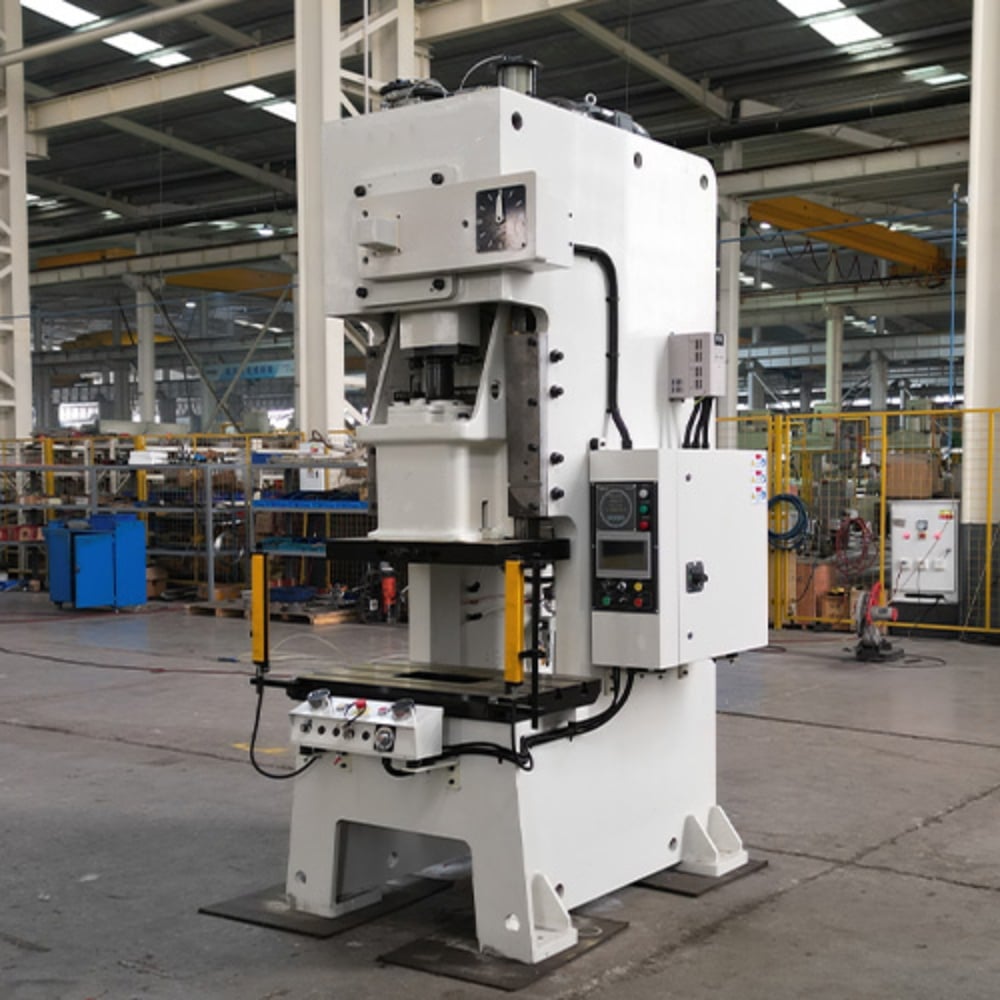
Selection Advice: Choosing the Right Machine for Your Needs
When selecting a punching machine, the troubleshooting process begins before the purchase. Choosing a machine that is over-capacity for your typical material thickness will lead to unnecessary wear and tear. Conversely, a machine that is constantly pushed to its maximum tonnage will experience frequent hydraulic overheating and structural strain. HARSLE offers a range of machines tailored to different production volumes. Assess your average material thickness, the types of metals you process (e.g., stainless steel vs. aluminum), and your required cycle times to select a machine that operates within its “sweet spot” of performance.
Consider the automation level. While manual punching machines are simpler to troubleshoot, they are labor-intensive. CNC punching machines offer higher precision and speed but require a higher level of technical expertise to maintain. If your shop lacks dedicated maintenance staff, look for machines with advanced diagnostic software that can pinpoint faults in real-time. Modern HARSLE machines often feature remote diagnostic capabilities, allowing our technical support team to assist you in troubleshooting without the need for an on-site visit.
Look for modular design. Machines that allow for easy access to the hydraulic manifold, electrical cabinet, and tool turret are significantly easier to maintain. When evaluating a machine, ask about the availability of spare parts. A machine that uses proprietary, hard-to-find components will lead to longer downtime during repairs. HARSLE prioritizes the use of industry-standard components, ensuring that you can source replacements quickly and keep your production running smoothly.
Finally, evaluate the manufacturer’s support network. A punching machine is a long-term investment. The quality of the troubleshooting support provided by the manufacturer is just as important as the machine’s build quality. Ensure that the supplier provides comprehensive training for your operators and technicians. A well-trained team is the most effective troubleshooting tool you can have. By investing in a machine that matches your operational capacity and is backed by robust support, you significantly reduce the likelihood of encountering complex, unfixable problems.
FAQ: Frequently Asked Questions
1. Why is my punching machine making a loud banging noise?
A loud banging noise is usually caused by loose mechanical components, such as worn bushings or loose linkage bolts. It can also indicate that the punch is striking the die due to misalignment. Check the ram alignment and ensure all fasteners are tightened to the correct torque.
2. How often should I change the hydraulic oil?
Hydraulic oil should be changed according to the manufacturer’s maintenance schedule, typically every 2,000 to 4,000 operating hours. However, if the oil appears cloudy or smells burnt, it should be replaced immediately, and the system should be flushed to remove contaminants.
3. What should I do if the CNC controller shows a “Communication Error”?
First, check the cables connecting the controller to the drives. Vibrations can cause these cables to loosen. If the connections are secure, check for electrical interference from nearby equipment. If the error persists, consult the HARSLE manual for specific error code diagnostics.
4. Can I sharpen my own punches and dies?
Yes, but it must be done with precision. Using a surface grinder to sharpen tooling is common, but you must ensure that the face remains perfectly flat and that the material is not overheated during the grinding process, which can ruin the tool’s heat treatment.
5. Why is the machine failing to reach full tonnage?
This is often caused by a faulty pressure relief valve or a worn hydraulic pump. Check the pressure gauge while the machine is under load. If the pressure is fluctuating, it may indicate air in the hydraulic lines, which requires bleeding the system.
Conclusion
Mastering Punching Machine Troubleshooting: Common Problems Fast Fixes is an ongoing process that combines technical knowledge, routine maintenance, and a proactive mindset. By understanding the mechanical and hydraulic systems of your HARSLE equipment, you can transform potential downtime into a manageable maintenance task. Remember that most issues are preventable through consistent care—keeping the machine clean, ensuring the tooling is sharp, and monitoring the hydraulic health of the system.
When problems do arise, stay calm and follow a systematic approach. Consult your documentation, verify your power and fluid levels, and inspect the tooling before assuming a major mechanical failure. If you find yourself facing a challenge that exceeds your internal capabilities, do not hesitate to reach out to the HARSLE technical support team. We are committed to ensuring that your metal fabrication equipment remains a reliable asset for your business for years to come.
Ultimately, the goal of troubleshooting is to restore productivity as quickly as possible. By implementing the strategies outlined in this guide, you are not just fixing a machine; you are optimizing your entire production workflow. Keep your maintenance logs updated, train your staff regularly, and treat your punching machine with the care it deserves. With the right approach, your HARSLE punching machine will continue to deliver the precision and performance your customers expect, day in and day out.