Laser Cutting Machine for Beginners: A Complete Buyer’s Guide to Industrial Models


Introduction to Industrial Laser Cutting for Beginners
Entering the world of metal fabrication can be a daunting task, especially when faced with the high-tech landscape of modern machinery. For many newcomers, the Laser Cutting Machine Beginners: A Complete Buyer’s Industrial Models guide serves as the essential roadmap to navigating this complex market. Laser cutting technology has revolutionized how we process metals, offering unparalleled precision, speed, and versatility compared to traditional mechanical cutting or plasma methods. However, the transition from manual tools to a CNC (Computer Numerical Control) fiber laser requires a deep understanding of both the technology and the financial commitment involved.
Industrial laser cutting machines primarily utilize fiber laser technology for metal processing. Unlike CO2 lasers, which use gas mixtures, fiber lasers use optical fibers doped with rare-earth elements to amplify light. This results in a beam that is more concentrated, energy-efficient, and capable of cutting reflective materials like aluminum and brass with ease. For a beginner, the goal is not just to buy a machine, but to invest in a solution that scales with their business needs while maintaining a manageable learning curve.
In this guide, we will break down the essential components of industrial laser cutters, from the power of the laser source to the intricacies of the motion control system. We will also address the financial aspects, ensuring that your first foray into industrial automation is backed by data and strategic planning. Whether you are a small workshop owner looking to bring production in-house or a production manager upgrading a facility, understanding these fundamentals is the first step toward fabrication excellence.

Price Range Overview: What to Expect
The price of an industrial laser cutting machine can vary wildly, often leaving beginners confused about what constitutes a “fair” price. Generally, industrial-grade fiber laser machines fall into three primary categories: entry-level, mid-range, and high-performance systems. Understanding these brackets helps in setting a realistic budget that aligns with your production goals.
Entry-level machines typically range from $20,000 to $45,000. These are often open-bed designs with laser power between 1kW and 3kW. They are ideal for small shops focusing on thin gauge materials (under 10mm carbon steel) and those who do not require 24/7 operation. While affordable, these machines may lack advanced features like automatic nozzle changers or high-speed exchange tables, which are critical for high-volume environments.
Mid-range systems, priced between $50,000 and $120,000, are the workhorses of the industry. These machines usually feature power ratings from 4kW to 8kW and include fully enclosed cabinets for safety and dust collection. At this level, you can expect dual exchange tables, which allow the operator to load new sheets while the machine is still cutting, significantly increasing throughput. These models are designed for consistent, multi-shift operations and can handle a wider variety of material thicknesses.
High-performance industrial models exceed $150,000 and can reach upwards of $500,000 for ultra-high-power systems (20kW to 60kW). These machines are engineered for heavy industry, capable of slicing through 50mm+ thick plates with extreme speed. They incorporate the latest in linear motor technology, intelligent sensors, and automated material handling systems. For a beginner, these are rarely the first choice unless the specific business model demands high-capacity heavy plate processing from day one.
Main Cost Drivers in Laser Cutting Machines
When evaluating a Laser Cutting Machine Beginners: A Complete Buyer’s Industrial Models, it is vital to identify what exactly you are paying for. The most significant cost driver is the laser source. Brands like IPG Photonics are considered the gold standard for reliability and beam quality, but they come at a premium. Alternatives like Raycus or Maxphotonics offer excellent performance at a more accessible price point, making them popular choices for those entering the market.
The power output (measured in kilowatts) is the second major factor. Every additional kilowatt adds to the price tag but also increases the maximum cutting thickness and the cutting speed for thinner materials. For example, a 3kW laser might cut 2mm stainless steel at 15 meters per minute, while a 6kW laser could double that speed. Beginners must balance the desire for speed with the reality of their current and projected order volume.
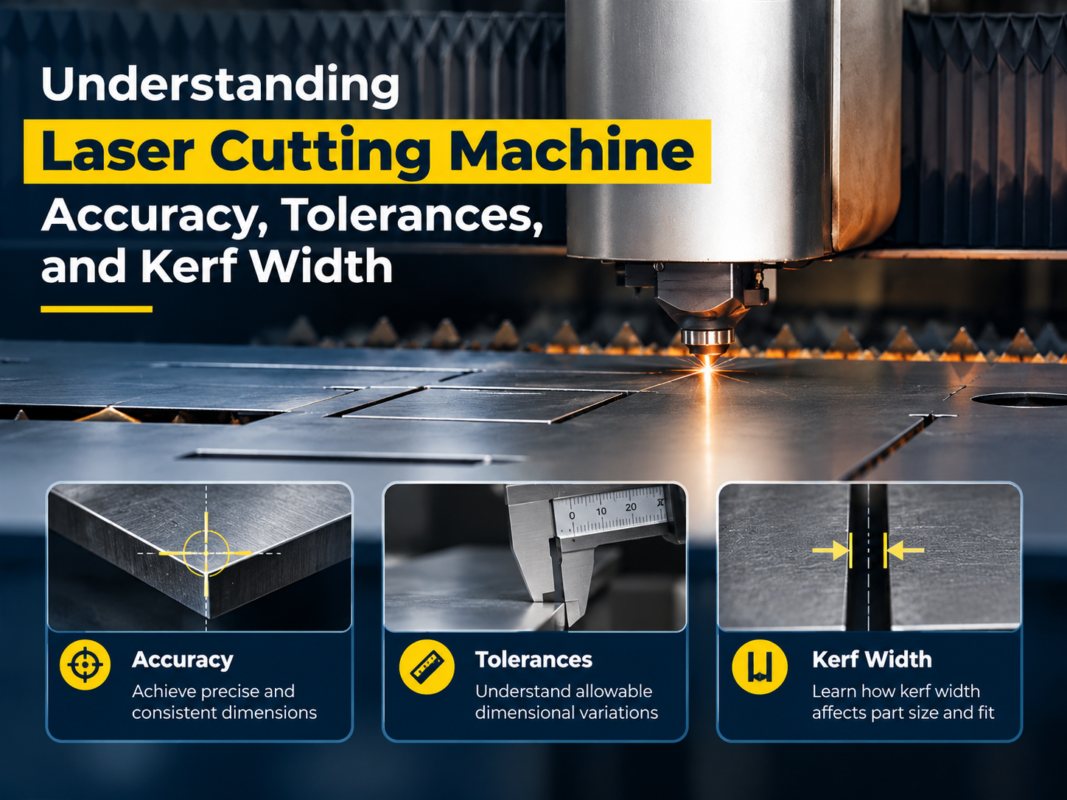
The machine’s structural integrity and motion system also play a role. A high-quality machine uses a stress-relieved, heavy-duty steel plate welded frame or a cast iron bed. This prevents deformation over years of high-speed movement. Furthermore, the quality of the servo motors (e.g., Yaskawa or Panasonic) and the precision of the rack and pinion system dictate the machine’s accuracy and longevity. Cutting corners on the frame or motors often leads to vibration issues that ruin cut quality at high speeds.
Finally, the cutting head technology contributes to the cost. Advanced heads with autofocus capabilities and integrated sensors can detect collisions or monitor the health of the protective lens. While these add to the initial investment, they reduce the likelihood of operator error—a common challenge for beginners—thereby protecting the machine from expensive downtime.
Configuration Impact on Performance
The configuration of your laser machine determines its versatility. One of the first decisions a beginner must make is between an open-bed and a fully enclosed machine. Open-bed machines are easier to load and cheaper, but they require strict safety protocols to protect workers from reflected laser light. Enclosed machines provide a safer environment and better fume extraction, which is often a requirement for indoor industrial facilities.
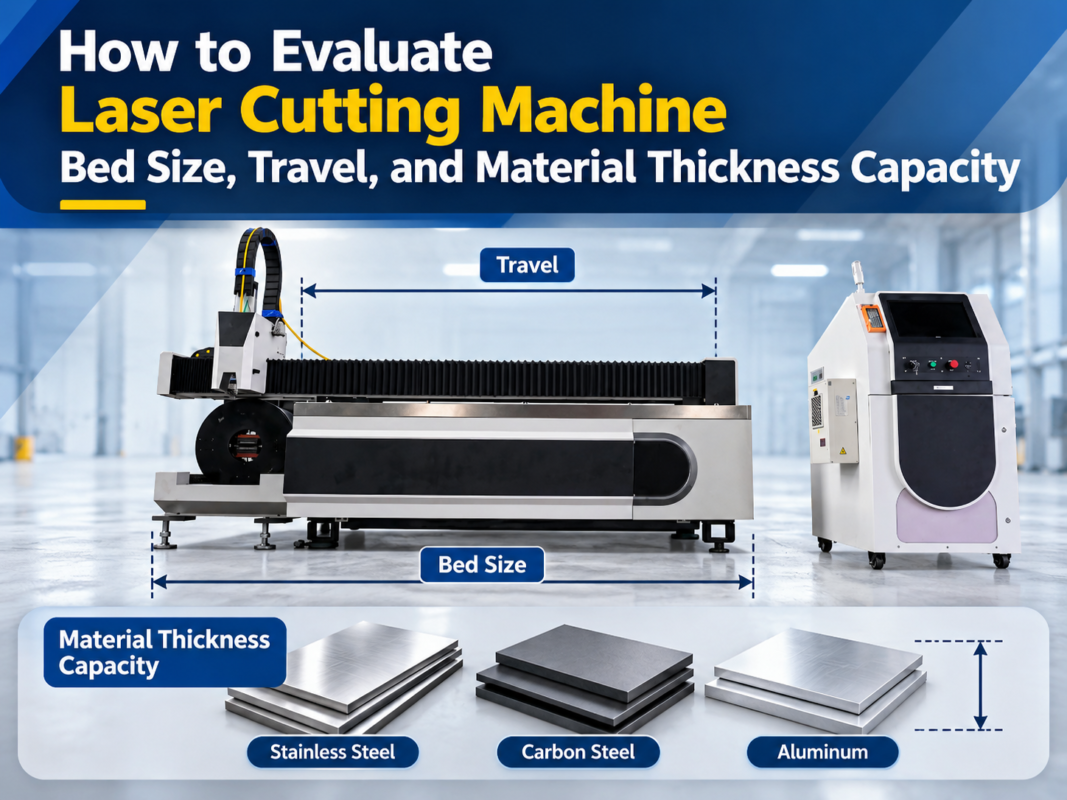
Another critical configuration is the bed size. The standard industrial size is 3000mm x 1500mm (approx. 5′ x 10′), which accommodates standard metal sheets. However, if your work involves large-scale signage or structural components, you might need a 4000mm x 2000mm or even larger bed. Choosing a bed that is too small will limit your capabilities, while one that is too large may waste valuable floor space and increase the cost of the motion system unnecessarily.
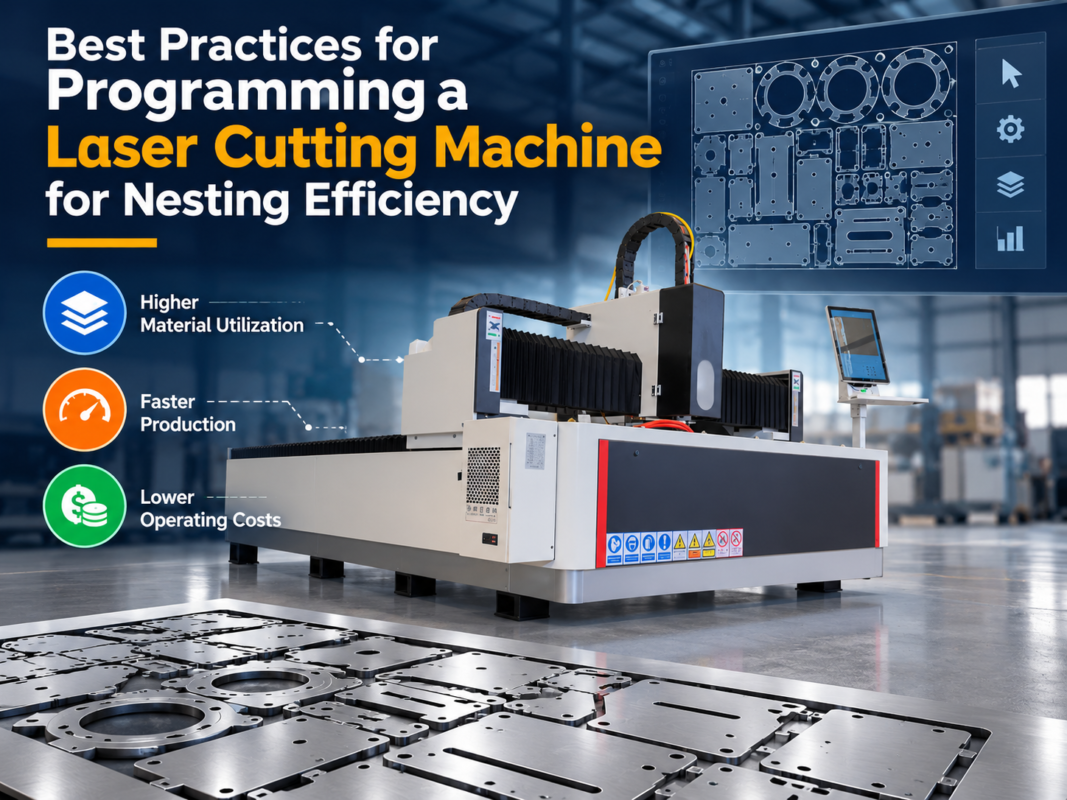
The control system and software are the “brain” of the machine. Most industrial fiber lasers use systems like CypCut, which is highly regarded for its user-friendly interface and powerful nesting capabilities. For beginners, a machine with intuitive software is essential. Good software can automatically optimize the cutting path to save material and reduce the time the laser spends moving between cuts. It also simplifies the process of importing CAD files, making the transition from design to finished part much smoother.
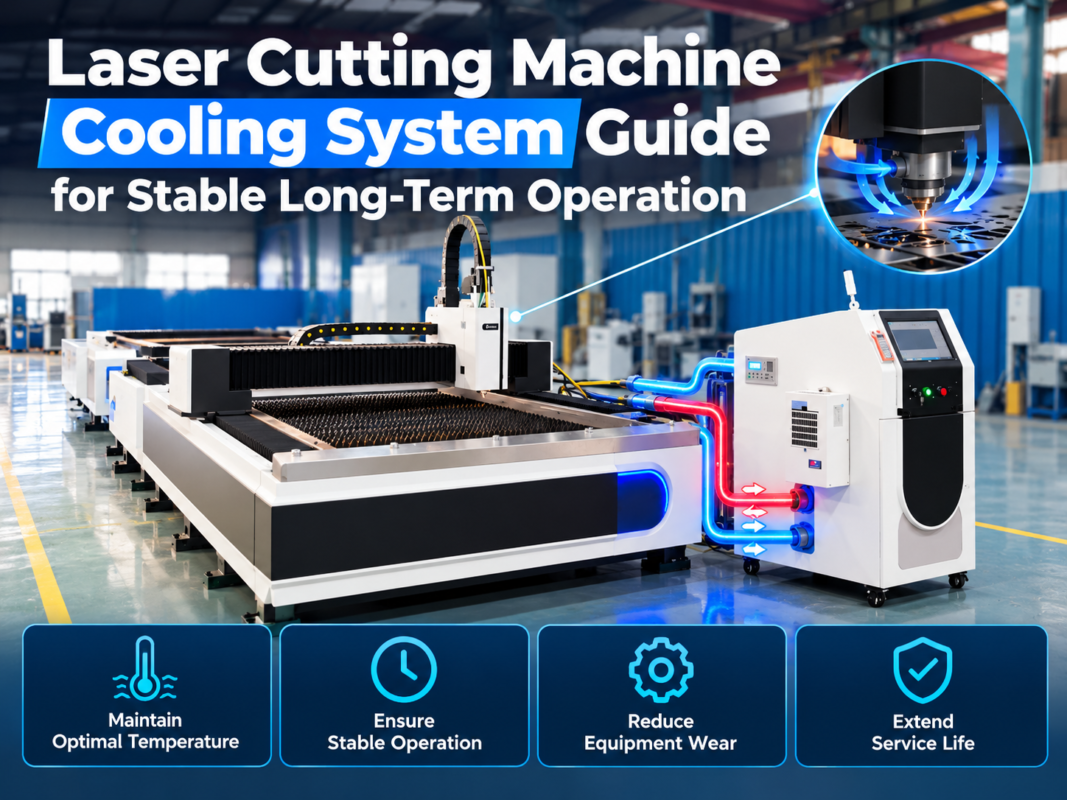
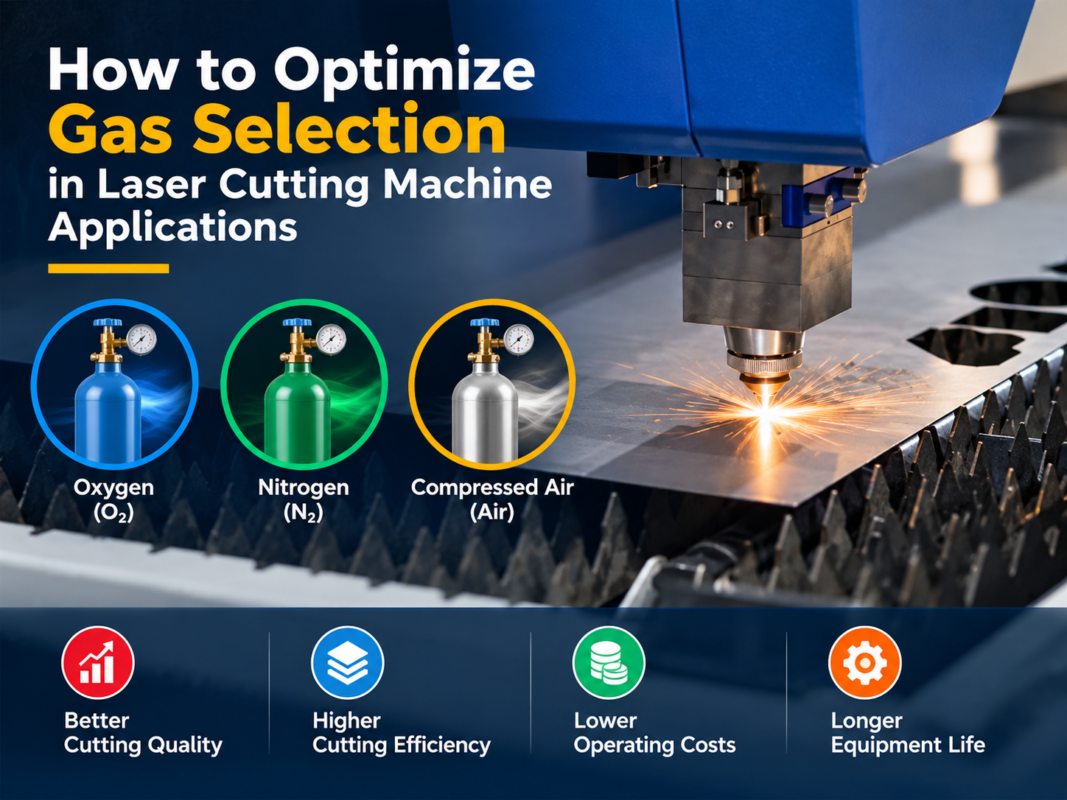
Lastly, consider the auxiliary equipment. A high-power laser generates significant heat, requiring a robust industrial water chiller. Additionally, the type of gas used (Oxygen, Nitrogen, or Compressed Air) affects the configuration of the gas manifold and the types of valves used. Some machines are configured specifically to optimize compressed air cutting, which can drastically reduce operating costs for thin materials.
Hidden Costs: Beyond the Sticker Price
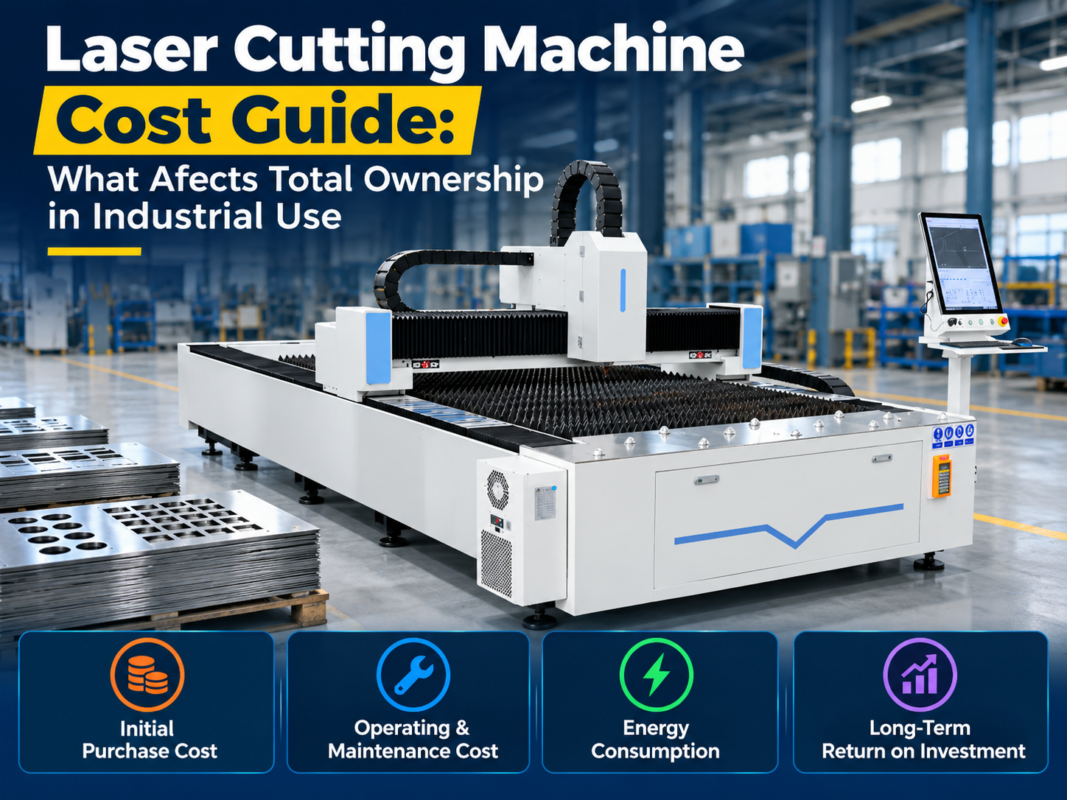
One of the biggest mistakes beginners make is failing to account for the “hidden” costs of owning an industrial laser. The purchase price is just the beginning. Installation and commissioning are the first hurdles. While some manufacturers include this, others charge for the technician’s travel, lodging, and labor. Proper installation ensures the machine is leveled and the beam is perfectly aligned, which is critical for performance.
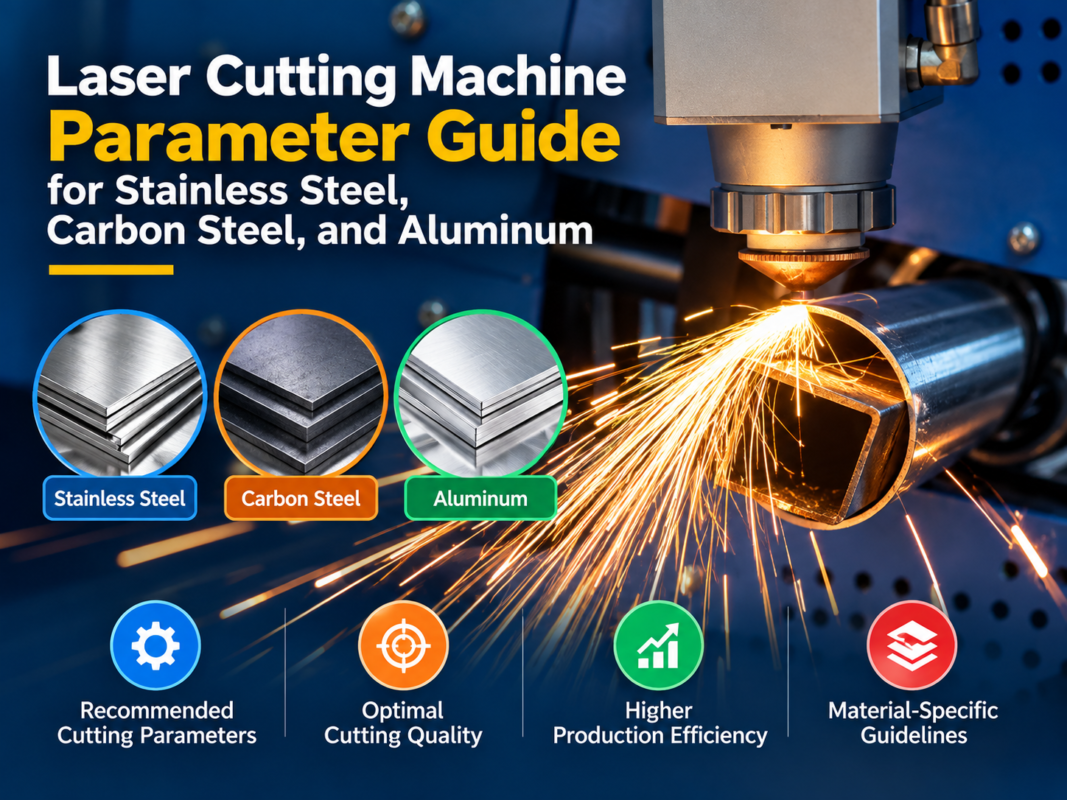
Operating gases represent a significant ongoing expense. Nitrogen is used for clean, oxide-free cuts in stainless steel and aluminum, but it is expensive and consumed at high volumes. Oxygen is used for carbon steel, and while cheaper, it causes oxidation on the cut edge. Many modern shops are moving toward high-pressure air cutting using specialized compressors to save money, but this requires an initial investment in a high-quality filtration and drying system to protect the laser optics.
Consumables are another recurring cost. Nozzles, protective windows, and ceramic rings are wear items that must be replaced regularly. A beginner should keep a stock of these parts to avoid downtime. Furthermore, electricity consumption can be substantial. A 6kW laser system, including the chiller and exhaust fans, can draw significant power, potentially requiring upgrades to your facility’s electrical infrastructure.
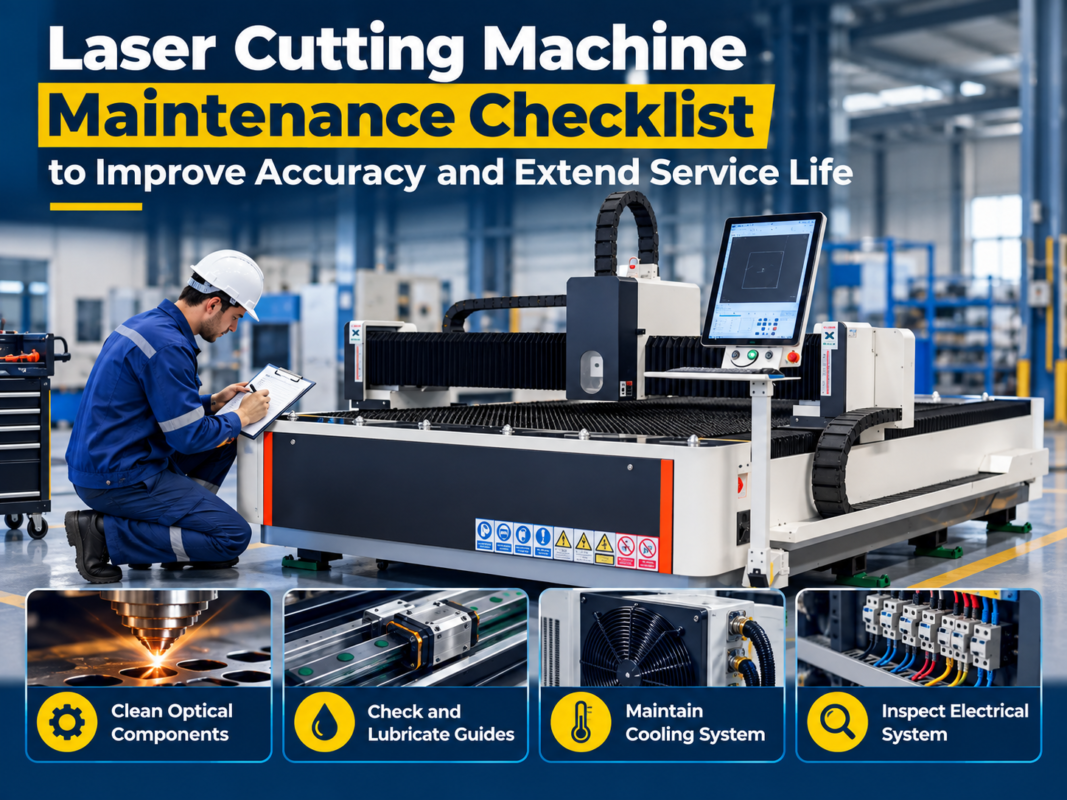
Finally, don’t overlook maintenance and insurance. Industrial machines require regular cleaning of the rails, lubrication of the motion system, and checking of the cooling fluid. Neglecting maintenance can lead to catastrophic failures that are not always covered by warranty. Additionally, insuring a high-value asset like a laser cutter is essential to protect your business from fire, theft, or accidental damage.
ROI Calculation: Making the Business Case
Calculating the Return on Investment (ROI) is crucial for any beginner. To do this, you must compare the cost of owning the machine against the cost of outsourcing your laser cutting or using slower, manual methods. Start by calculating your hourly operating cost, which includes electricity, gas, consumables, labor, and the machine’s depreciation.
For example, if your total operating cost is $50 per hour and the machine can produce $200 worth of parts in that time, your gross profit is $150 per hour. If the machine cost $100,000, you would need approximately 667 hours of billable cutting time to break even on the capital investment. In a full-time shop, this could be achieved in less than six months. However, this assumes a steady flow of work.
Another factor in ROI is material savings. Advanced nesting software can reduce scrap by 10-20% compared to manual layout methods. Over a year, this saving alone can amount to thousands of dollars. Furthermore, having a laser in-house reduces lead times from weeks to hours, allowing you to take on “rush” jobs that command higher profit margins. This agility is often the primary driver for small businesses moving into industrial laser cutting.
Finally, consider the secondary operations. Laser-cut parts are often so precise that they require no further grinding or finishing before welding or painting. This saves labor costs in other areas of the shop. When you add up the speed, material efficiency, and reduced secondary labor, the ROI for a well-utilized laser cutting machine is often among the highest of any piece of metalworking equipment.
Buying Advice for Beginners
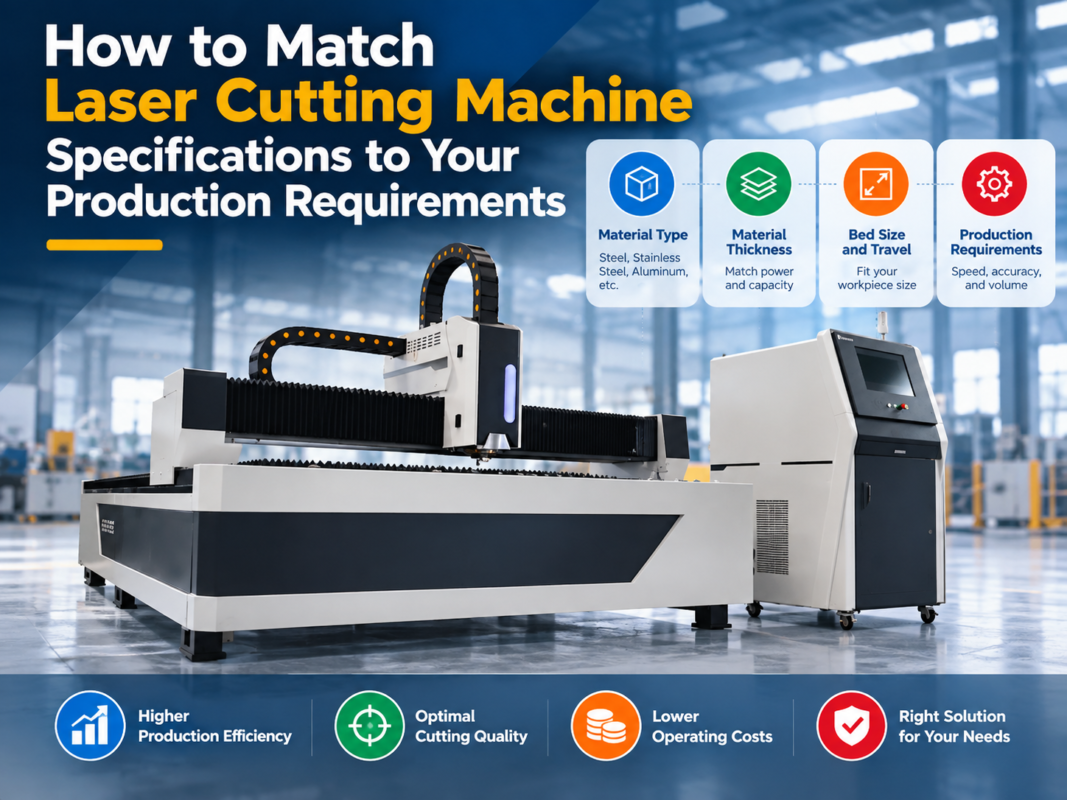
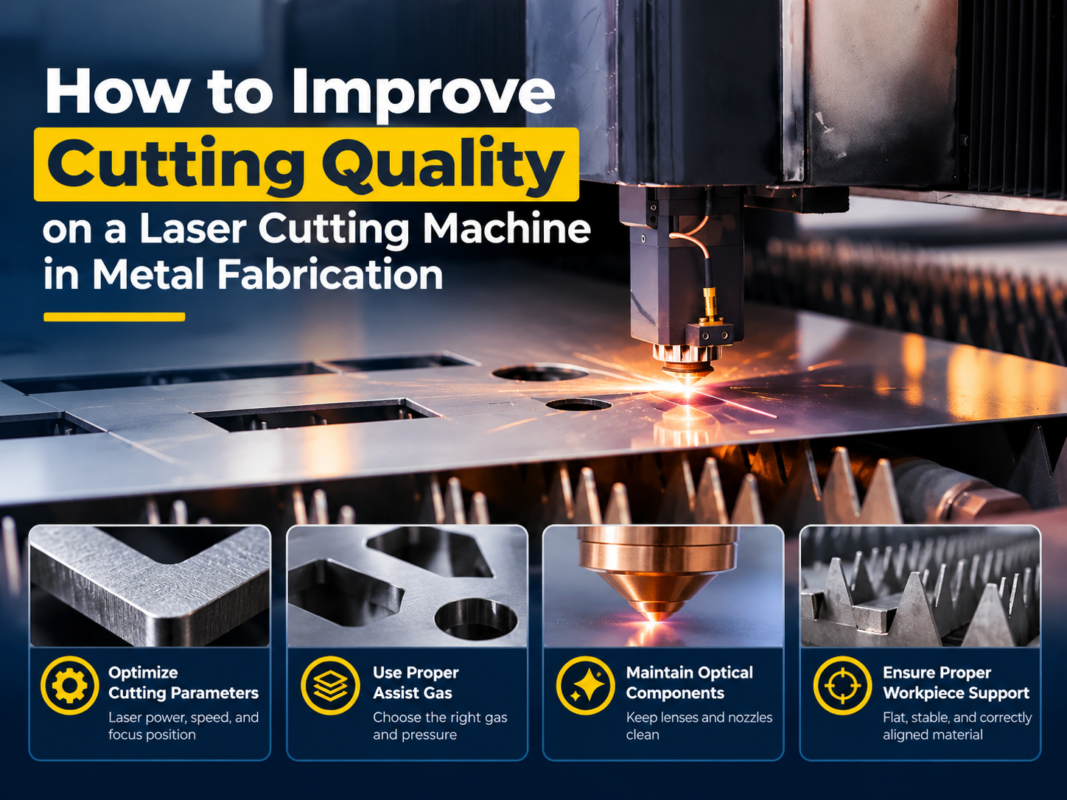
If you are ready to purchase, follow these steps to ensure success. First, define your primary material types and thicknesses. Don’t buy a 12kW machine if 90% of your work is 3mm mild steel; a 3kW machine will be more cost-effective and easier to maintain. Conversely, don’t under-power your machine, as cutting at the absolute limit of a laser’s capability leads to poor edge quality and slower production.
Second, research the manufacturer’s support reputation. For a beginner, after-sales service is more important than the initial price. Does the company have local technicians? Do they offer remote diagnostic support? A machine that is down for two weeks while waiting for a part from overseas can ruin a small business. HARSLE, for instance, emphasizes comprehensive training and responsive support to help beginners bridge the technical gap.
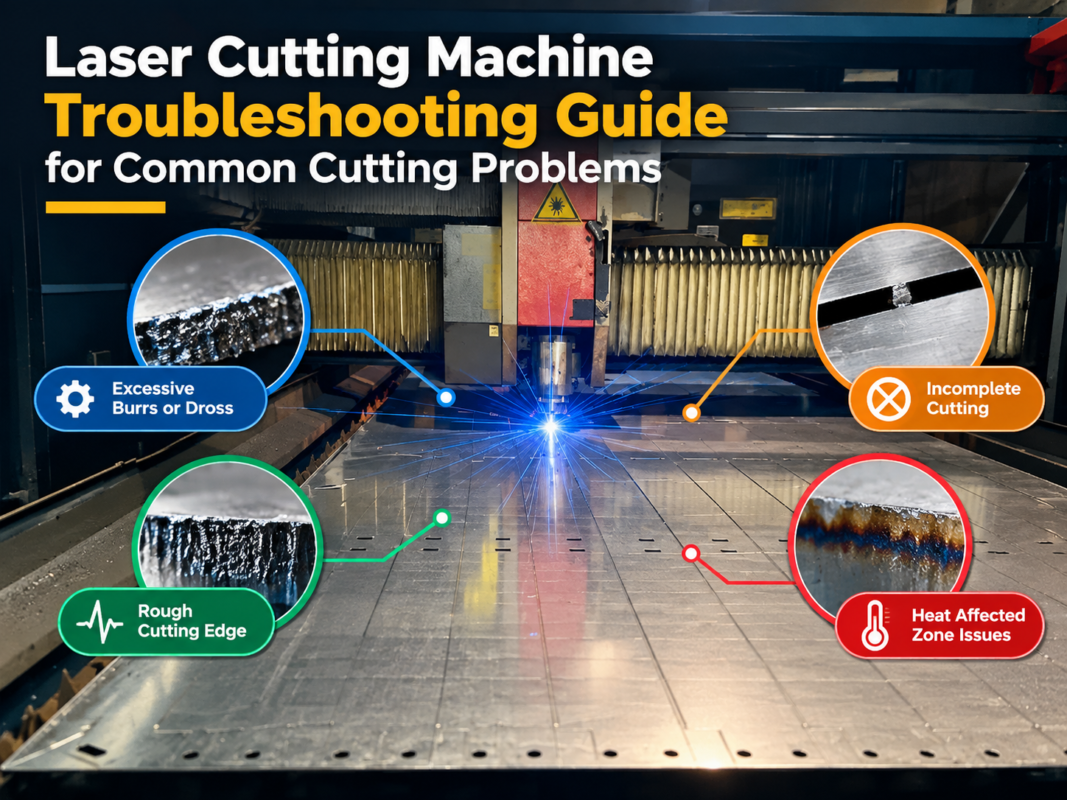
Third, request a live demo or a sample cut using your own CAD files and material. This allows you to verify the machine’s speed and edge quality firsthand. Pay attention to the “dross” (the residue on the bottom of the cut); a well-tuned machine should produce a nearly clean edge. Also, check the accuracy of holes and small details, as this reveals the quality of the motion control system.
Lastly, plan your floor space and utility requirements before the machine arrives. Ensure you have adequate ventilation for fumes and a stable, level concrete floor. Consider the workflow: where will the raw sheets be stored, and where will the finished parts go? A well-organized workspace maximizes the efficiency of your new industrial laser and creates a safer environment for your team.
Frequently Asked Questions (FAQ)
1. Is a fiber laser better than a CO2 laser for a beginner?
For most metal fabrication tasks, yes. Fiber lasers are more energy-efficient, have fewer moving parts (no mirrors to align), and are much faster at cutting thin to medium-thickness metals. CO2 lasers are generally reserved for non-metallic materials like wood or acrylic, or very specific thick-plate applications.
2. How much training is required to operate an industrial laser?
While the basics can be learned in a few days, mastering the machine takes weeks. Modern software like CypCut makes the process much easier, but understanding how to adjust gas pressure, focal length, and cutting speed for different materials is a skill that develops with experience. Most reputable manufacturers provide 3-5 days of initial onsite training.
3. Can I cut copper and brass with a fiber laser?
Yes. Unlike older CO2 lasers, which could be damaged by the reflections from these materials, modern fiber lasers are designed to handle reflective metals. However, you should ensure the machine has a laser source with back-reflection protection to prevent damage during the piercing process.
4. What is the lifespan of a fiber laser source?
Most high-quality fiber laser sources are rated for approximately 100,000 hours of operation. This means that even in a high-production environment, the laser source can last 10 to 15 years or more. The mechanical components of the machine (rails, motors) will likely require maintenance or replacement long before the laser source fails.
5. Do I need a special license to operate an industrial laser?
In most jurisdictions, you do not need a specific “laser license,” but you must comply with workplace safety regulations (OSHA in the US, CE in Europe). This includes providing proper eye protection, ensuring the machine is properly grounded, and having adequate fume extraction systems in place to protect operators from hazardous dust and gases.
6. What is the difference between air cutting and gas cutting?
Gas cutting uses pure Oxygen or Nitrogen to assist the laser. Oxygen creates a chemical reaction that adds heat (good for thick steel), while Nitrogen blows away molten metal without oxidation (good for stainless). Air cutting uses a high-pressure compressor to provide a mix of gases. It is much cheaper but requires a very clean, dry air supply to avoid contaminating the laser lens.