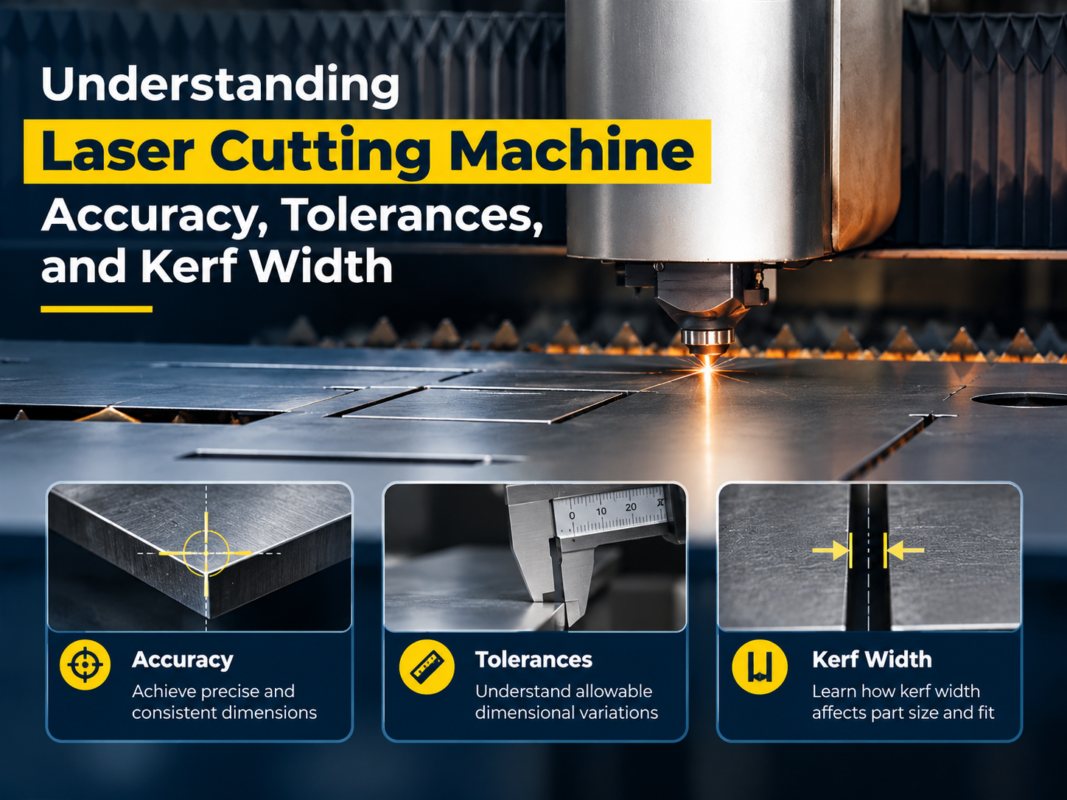
How to Troubleshoot Laser Cutting Machine Software and Control System Errors


Introduction to Laser Cutting Machine Control Systems
In the modern metal fabrication industry, the efficiency and precision of a fiber laser cutting machine are not solely dependent on its mechanical structure or the power of its laser source. The true ‘brain’ of the operation is the control system and its integrated software. When you need to Troubleshoot Laser Cutting Machine Software Control System Errors, you are essentially performing a diagnostic check on the most complex part of the equipment. These systems manage everything from the high-speed motion of the cutting head to the precise modulation of the laser beam and the regulation of auxiliary gases.
HARSLE understands that downtime in a production environment is costly. Software glitches or control system failures can halt an entire production line, leading to missed deadlines and increased operational costs. Whether you are using industry-standard software like CypCut, FSCUT, or proprietary systems, understanding the underlying logic of these errors is the first step toward a quick resolution. This guide provides a deep dive into the technical nuances of software diagnostics, hardware-software communication, and the systematic approach required to keep your laser cutting machine running at peak performance.

Key Considerations Before Troubleshooting
Before diving into specific error codes, it is vital to establish a baseline for your machine’s operational environment. Software errors are often symptoms of external factors rather than internal code failures. One of the primary considerations is the stability of the power supply. CNC control systems are highly sensitive to voltage fluctuations. An unstable power grid can cause the industrial PC (IPC) to reboot unexpectedly or lead to data corruption in the motion control cards.
Another critical factor is the communication interface. Most modern laser cutters utilize EtherCAT or other high-speed bus systems to communicate between the software and the servo drives. Any electromagnetic interference (EMI) caused by poor grounding or proximity to high-voltage cables can result in ‘Communication Lost’ errors. Furthermore, the version of the software must be compatible with the hardware firmware. Updating software without verifying firmware compatibility is a common cause of system instability.
Lastly, consider the human element. Many ‘software errors’ are actually parameter conflicts caused by incorrect operator input. For instance, setting a cutting speed that exceeds the mechanical limits defined in the PLC (Programmable Logic Controller) will trigger a system alarm. Establishing a clear distinction between a genuine software bug, a hardware communication failure, and a parameter configuration error is the cornerstone of effective troubleshooting.
Technical Details: Common Software and Control System Errors
1. Communication Failures and Bus Errors
Communication errors are perhaps the most frequent issues encountered in high-end fiber laser machines. When the software cannot ‘see’ the servo drives or the laser source, it will trigger a fatal error. This is often displayed as ‘EtherCAT Initialization Failed’ or ‘Link Layer Error.’ To troubleshoot this, technicians must inspect the RJ45 or fiber optic cables connecting the IPC to the control card and the drives. A loose connection or a damaged cable can disrupt the real-time data flow required for synchronized motion.
2. PLC Interlock and Alarm States
The PLC acts as the gatekeeper for machine safety. If a sensor—such as a door limit switch, a water chiller flow sensor, or a gas pressure switch—sends a signal that conditions are unsafe, the PLC will halt the software. Troubleshooting these errors requires checking the I/O (Input/Output) status monitor within the software. If the software shows an ‘External Alarm,’ the operator should check the physical status of all peripheral devices. For example, if the water chiller has a low-flow alarm, the laser software will prevent the beam from firing to protect the optics.
3. Height Controller (BCS100/Capacitive) Errors
The height control system is a specialized subset of the control system that maintains the distance between the nozzle and the workpiece. Common errors include ‘Calibration Failed’ or ‘Nozzle Touching Workpiece.’ These are often caused by electrical interference or a dirty nozzle. Since the system relies on capacitance, any change in the electrical conductivity of the nozzle assembly (due to slag or dust) will result in software errors. Cleaning the ceramic ring and recalibrating the ‘Follower’ system is the standard fix.
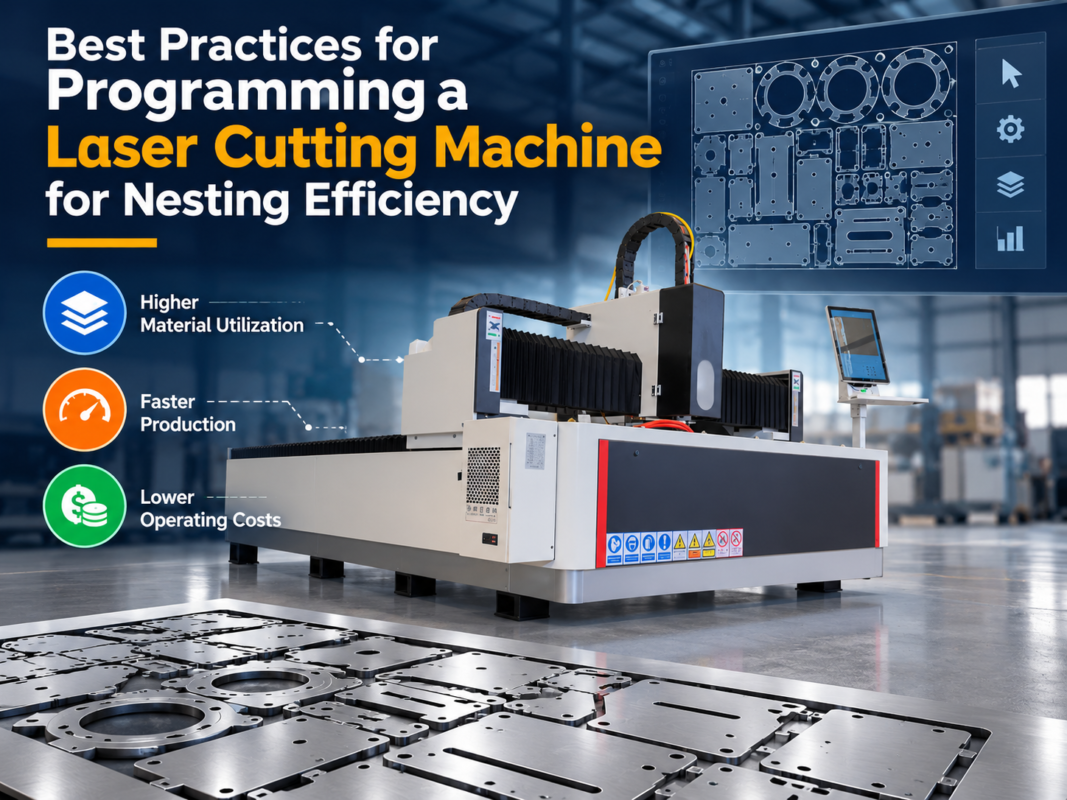
4. Parameter Configuration and Nesting Glitches
Sometimes the machine moves correctly, but the output is wrong. This points to errors in the nesting software or the cutting parameter library. If the ‘Lead-in’ or ‘Lead-out’ lines are incorrectly calculated, the software may throw a ‘Path Out of Bounds’ error. Additionally, if the global parameters for acceleration and jerk are set too high, the control system may trigger an ‘Over-current’ or ‘Position Deviation’ alarm on the servo drives because the hardware cannot keep up with the software’s commands.
Step-by-Step Troubleshooting Guide
When you encounter an error, follow this systematic approach to Troubleshoot Laser Cutting Machine Software Control System Errors:
- Step 1: Record the Error Code. Modern systems like CypCut provide specific codes (e.g., Alarm 04). Consult the manufacturer’s manual to identify the specific subsystem involved.
- Step 2: Check the I/O Monitor. Open the software’s diagnostic window. Look for red indicators in the input list. This tells you if a physical sensor is triggering the software halt.
- Step 3: Restart and Reset. Power down the entire system, including the main breaker. This clears the volatile memory of the motion control cards and resets the communication bus.
- Step 4: Verify Cable Integrity. Inspect the communication cables between the PC and the control cabinet. Ensure there is no tension or sharp bends in the fiber optic or Ethernet cables.
- Step 5: Software Log Analysis. Most industrial software maintains a ‘Log’ file. Reviewing the events leading up to the error can reveal if the issue was preceded by a specific command or a minor warning.
- Step 6: Parameter Backup and Restore. If the software behavior is erratic, try restoring the system parameters from a known stable backup. HARSLE recommends keeping a USB backup of all machine configurations.
Selection Advice for Reliable Control Systems
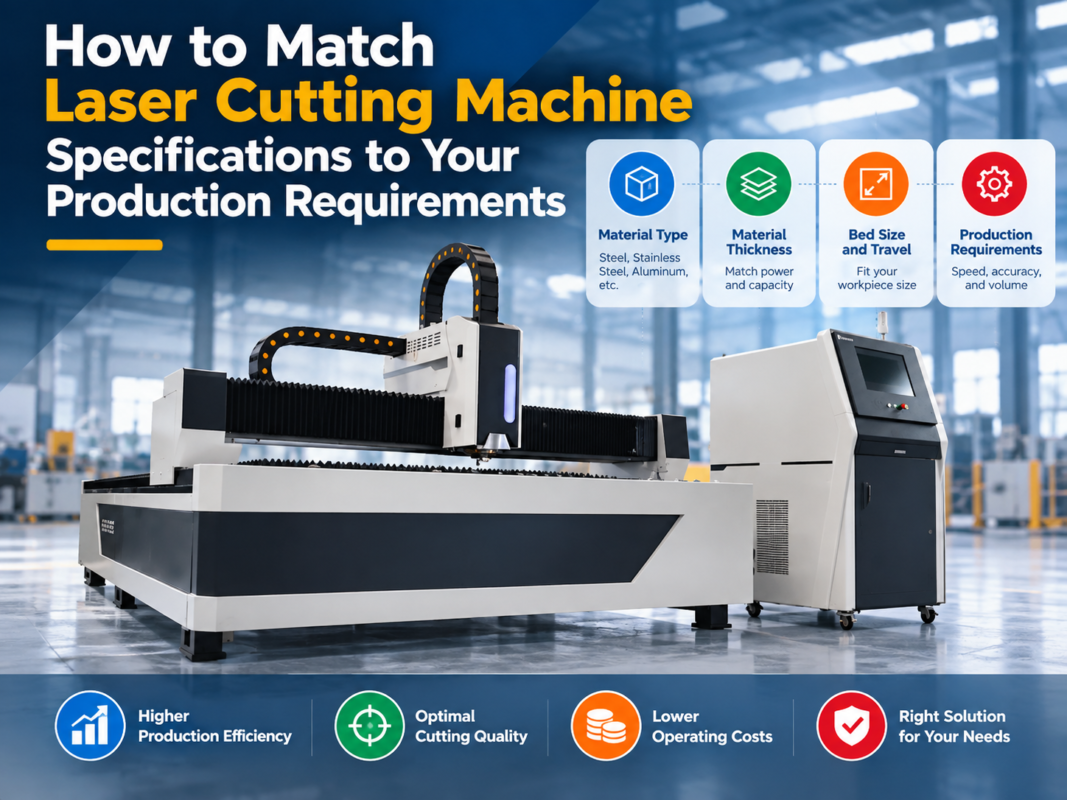
When purchasing a new laser cutting machine, the choice of the control system is as important as the laser power. A reliable system reduces the frequency of Troubleshoot Laser Cutting Machine Software Control System Errors. Here is what to look for:
| Feature | Importance | Recommendation |
|---|---|---|
| User Interface (UI) | High | Look for intuitive, multi-language support with graphical path previews. |
| Bus Communication | Critical | EtherCAT is the industry standard for high-speed, low-latency communication. |
| Diagnostic Tools | High | The software should have built-in I/O monitoring and real-time oscilloscope functions. |
| Update Frequency | Medium | Choose a manufacturer that provides regular software patches and feature updates. |
| Compatibility | High | Ensure the software supports standard file formats like DXF, AI, and PLT. |
For most mid-to-high power applications, systems like the FSCUT series (CypCut) are preferred due to their massive user base and extensive documentation. For ultra-high precision or specialized automation, German-engineered systems like Beckhoff provide unparalleled stability, though they require more specialized technical knowledge to maintain.
Maintenance Tips to Prevent Software Errors
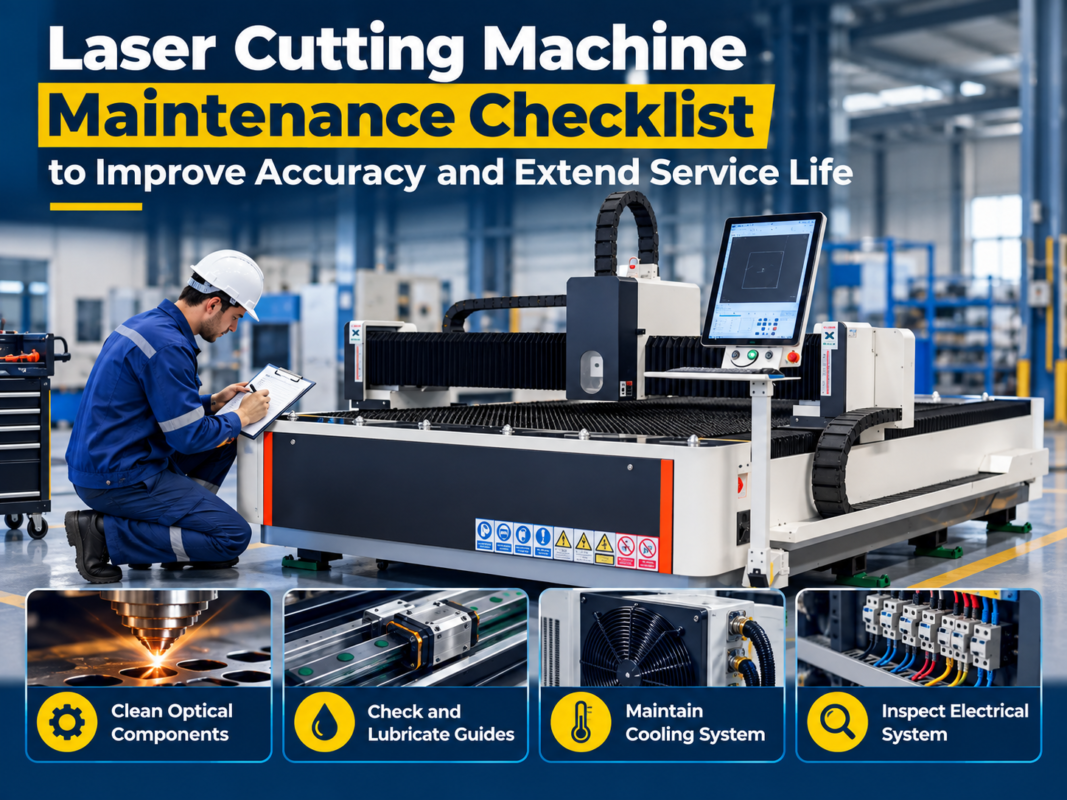
Preventative maintenance is the best way to avoid the need to Troubleshoot Laser Cutting Machine Software Control System Errors. Firstly, keep the industrial PC clean. Dust accumulation on the motherboard or the control card can cause overheating and intermittent signal loss. Use compressed air to clean the PC filters and the interior of the control cabinet regularly.
Secondly, manage your software environment. Avoid installing third-party software, games, or office suites on the machine’s IPC. These can conflict with the real-time kernel of the cutting software. Ensure that the Windows ‘Auto-Update’ feature is disabled, as an unannounced OS update can overwrite drivers essential for the motion control card. Finally, perform regular ‘Disk Defragmentation’ (for HDDs) or ensure sufficient free space (for SSDs) to prevent lag during large file processing.
Frequently Asked Questions (FAQ)
Q1: Why does my laser software freeze when loading large DXF files?
This is usually due to ‘dirty’ CAD files containing thousands of tiny segments or overlapping lines. Use the ‘Optimize’ or ‘Simplify’ function within your nesting software to reduce the node count before processing. Also, ensure your IPC has at least 8GB of RAM for complex nesting tasks.
Q2: What does a ‘Servo Alarm’ in the software mean?
A ‘Servo Alarm’ indicates that the software has received an error signal from one of the motor drives. This could be due to a mechanical obstruction (the axis hit a hard stop), a loose power cable to the motor, or the ‘Position Deviation’ being set too tight in the software parameters.
Q3: Can I run the laser cutting software on my laptop?
Most laser cutting software has two versions: a ‘Demo/Office’ version for nesting and a ‘Production’ version that requires a hardware dongle and a motion control card. You can nest on a laptop, but you cannot control the machine without the specific industrial hardware installed in the IPC.
Q4: How often should I back up my machine parameters?
You should back up your parameters every time you make a significant change to the cutting library or the machine’s motion settings. At a minimum, a full system backup should be performed every six months.
Q5: Why is the ‘Follower’ (Height Controller) not responding?
Check the connection of the signal cable from the cutting head to the BCS100 box. If the cable is intact, check the ‘Sensitivity’ settings in the software. If the nozzle is too close to the metal, it may enter a ‘Protection’ state and stop responding to commands.
Conclusion
Successfully learning how to Troubleshoot Laser Cutting Machine Software Control System Errors is a vital skill for any modern fabricator. By understanding the relationship between the software interface, the PLC logic, and the hardware execution, you can significantly reduce downtime and improve the longevity of your equipment. Most errors are not catastrophic; they are simply the system’s way of protecting itself from damage due to incorrect parameters or environmental factors.
HARSLE continues to lead the industry by providing machines equipped with the most stable and user-friendly control systems available. Our commitment to technical support and detailed documentation ensures that even when errors occur, our clients have the tools they need to resolve them quickly. Remember, a well-maintained software environment is just as important as a well-lubricated machine. Stay proactive with your updates, keep your hardware clean, and always maintain a backup of your critical system data.