Laser Cutting Machine Buying Guide for Beginners: Key Features to Compare Before You Buy


Introduction to Laser Cutting Machine Buying Beginners: Key Features Compare Before You Buy
Entering the world of metal fabrication can be a daunting task, especially when it comes to investing in high-tech machinery. For many beginners, the laser cutting machine represents the pinnacle of precision and efficiency. However, with prices ranging from tens of thousands to hundreds of thousands of dollars, making the right choice is critical for the long-term viability of your business. This guide is designed to walk you through the essential aspects of the Laser Cutting Machine Buying Beginners: Key Features Compare Before You Buy process, ensuring you understand the technical specifications, financial implications, and operational requirements of these powerful tools.
Laser cutting technology has evolved rapidly over the last decade. While CO2 lasers were once the industry standard, Fiber Laser technology has taken over the metal fabrication sector due to its superior speed, lower maintenance, and higher energy efficiency. As a beginner, your goal is not just to find the ‘best’ machine, but the machine that best fits your specific production needs, material types, and budget. In the following sections, we will break down the complexities of laser cutters into manageable categories, providing you with a roadmap for your first major industrial purchase.
Price Range Overview: What to Expect
When you start searching for a laser cutting machine, the first thing that will strike you is the massive variance in pricing. Understanding where these machines fall on the price spectrum is the first step in narrowing down your options. Generally, industrial fiber laser cutting machines can be categorized into three main tiers based on their capabilities and target markets.
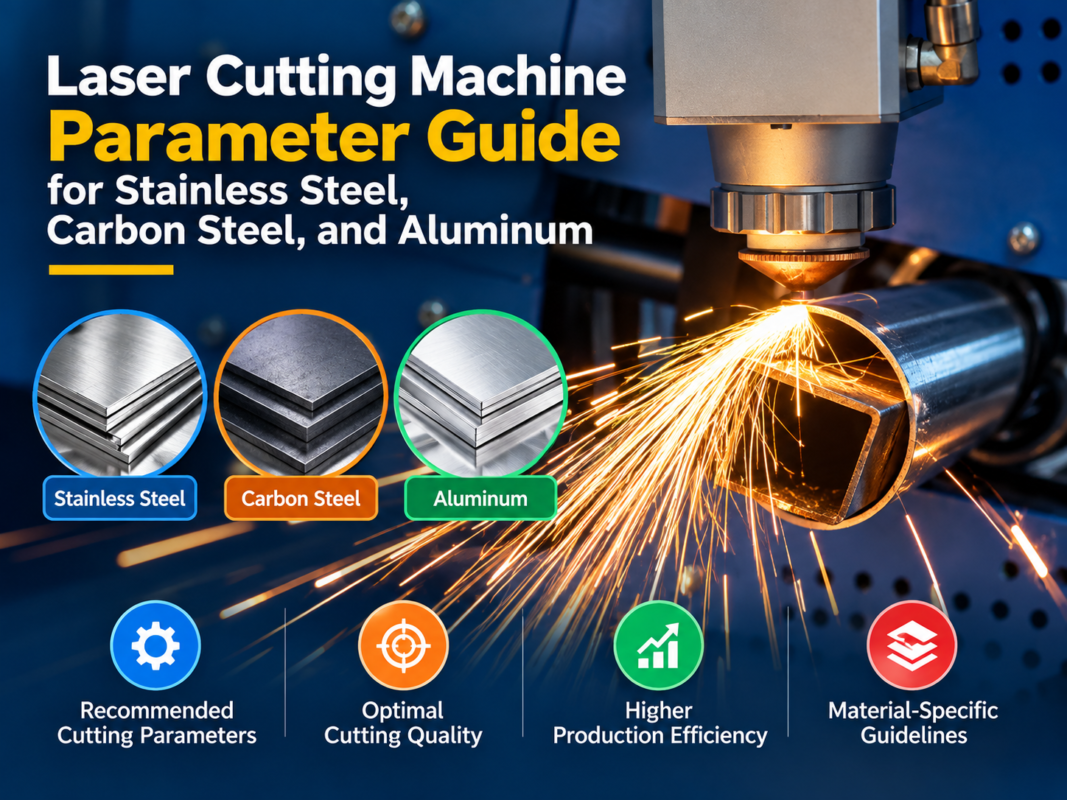
- Entry-Level Machines ($20,000 – $50,000): These are typically low-power machines (1kW to 2kW) with smaller bed sizes, such as 1300x2500mm. They are ideal for small workshops, prototyping, or businesses that primarily cut thin sheets of carbon steel or stainless steel. While affordable, they may lack advanced features like automatic nozzle changers or high-speed acceleration.
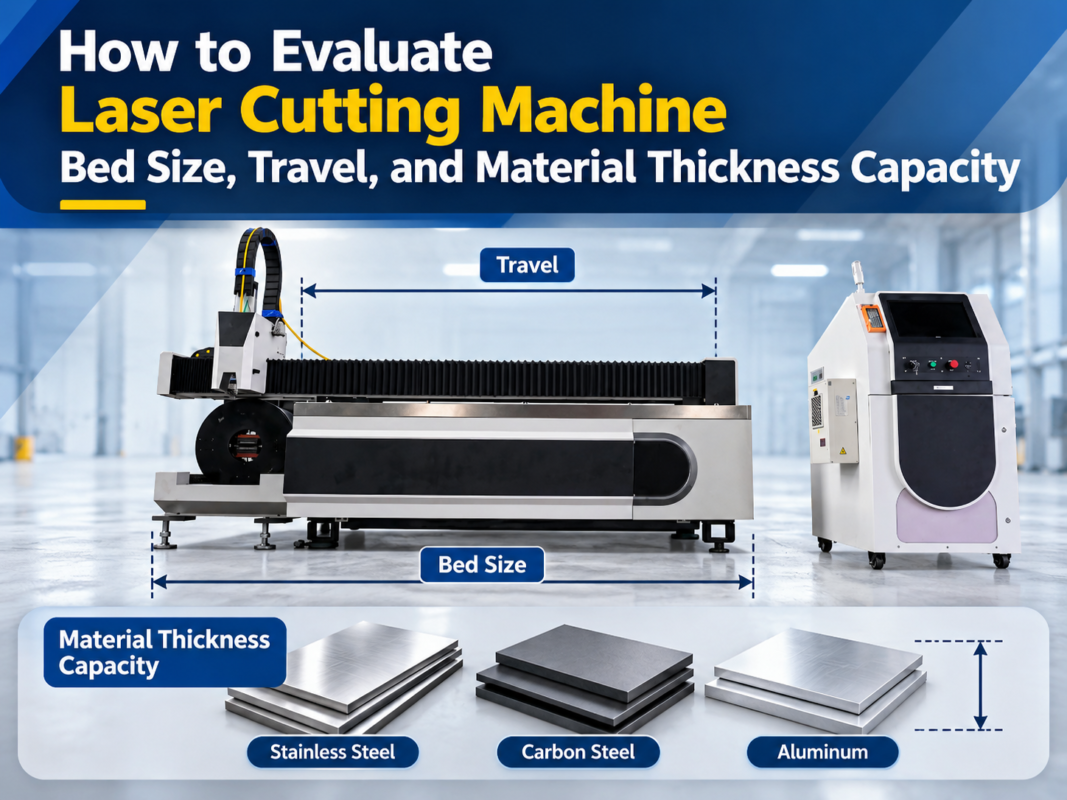
- Mid-Range Machines ($50,000 – $150,000): This is the ‘sweet spot’ for most growing fabrication shops. These machines usually offer 3kW to 6kW of power and standard bed sizes like 1500x3000mm (3015) or 2000x4000mm (4020). They feature better components, such as higher-end cutting heads and more robust frames, allowing for faster production and thicker material processing.
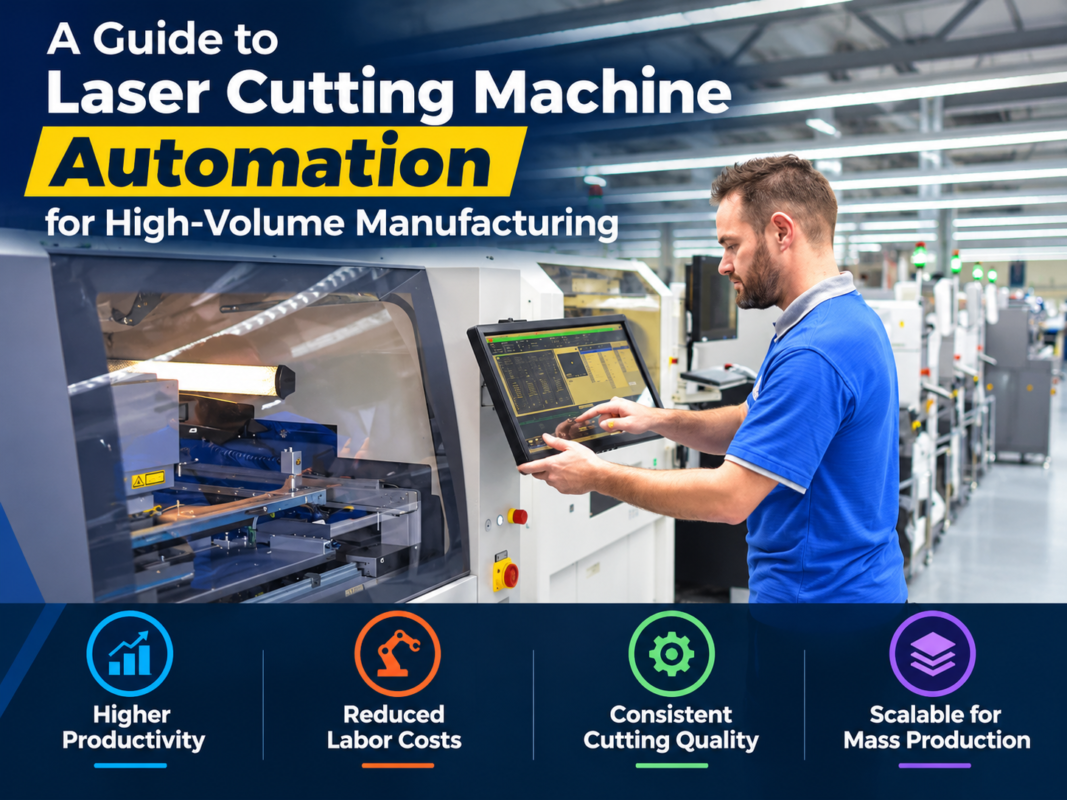
- High-End/Industrial Grade ($150,000 – $500,000+): These are high-power powerhouses (12kW to 30kW+) designed for 24/7 operation. They often include full automation, such as shuttle tables (pallet changers), sheet loading systems, and sophisticated software integration. These machines are built for high-volume manufacturers who need to cut thick plates (25mm+) with extreme speed and precision.
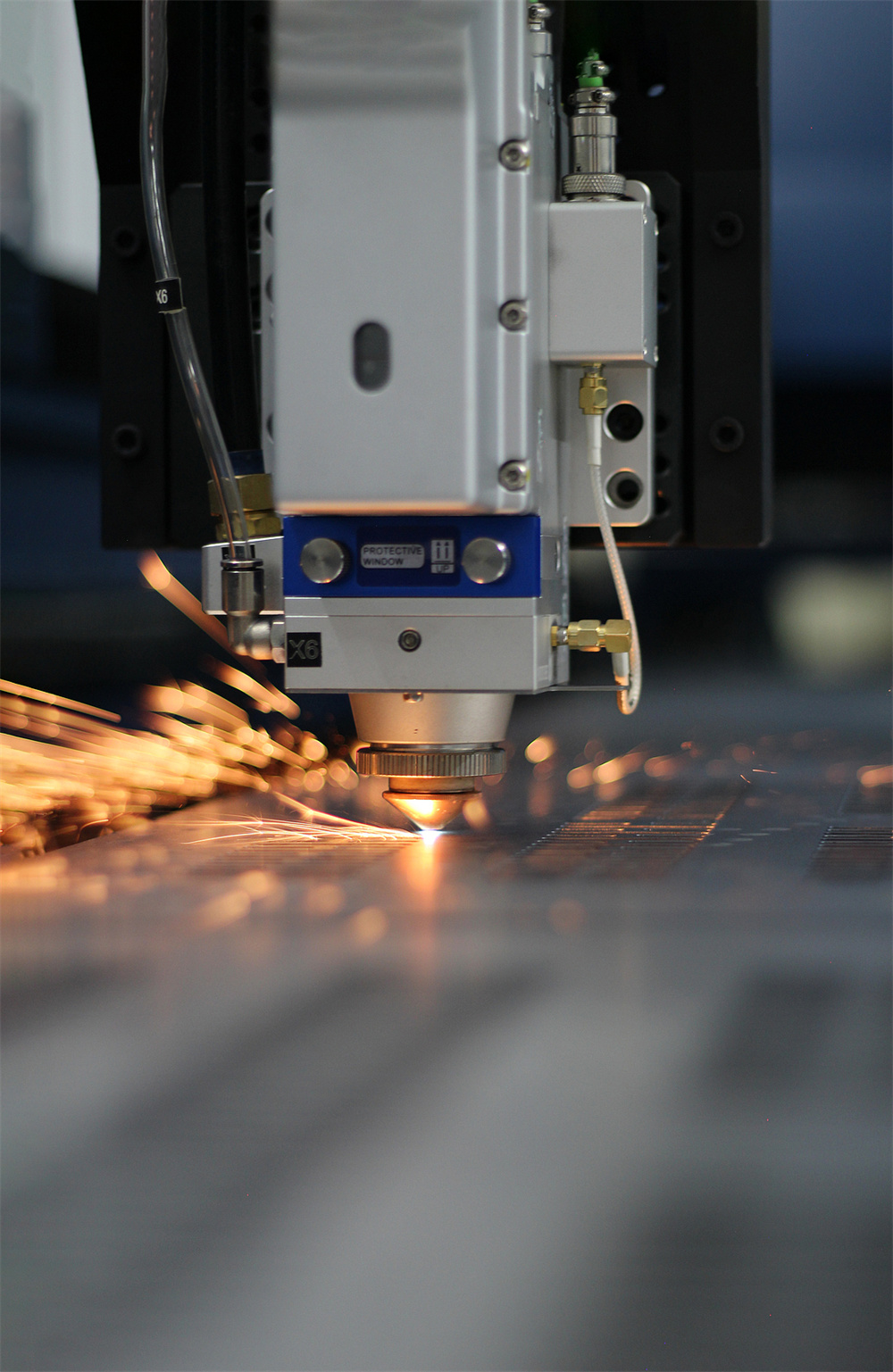
Main Cost Drivers in Laser Cutting Technology
The price of a laser cutting machine isn’t arbitrary; it is driven by several core components that dictate the machine’s performance. Understanding these drivers will help you decide where to invest your money and where you might be able to save. The most significant cost driver is the Laser Source. Brands like IPG, Raycus, and Max Photonics dominate the market. IPG is often the most expensive due to its global reputation for stability, while Raycus and Max offer excellent value for those on a tighter budget.
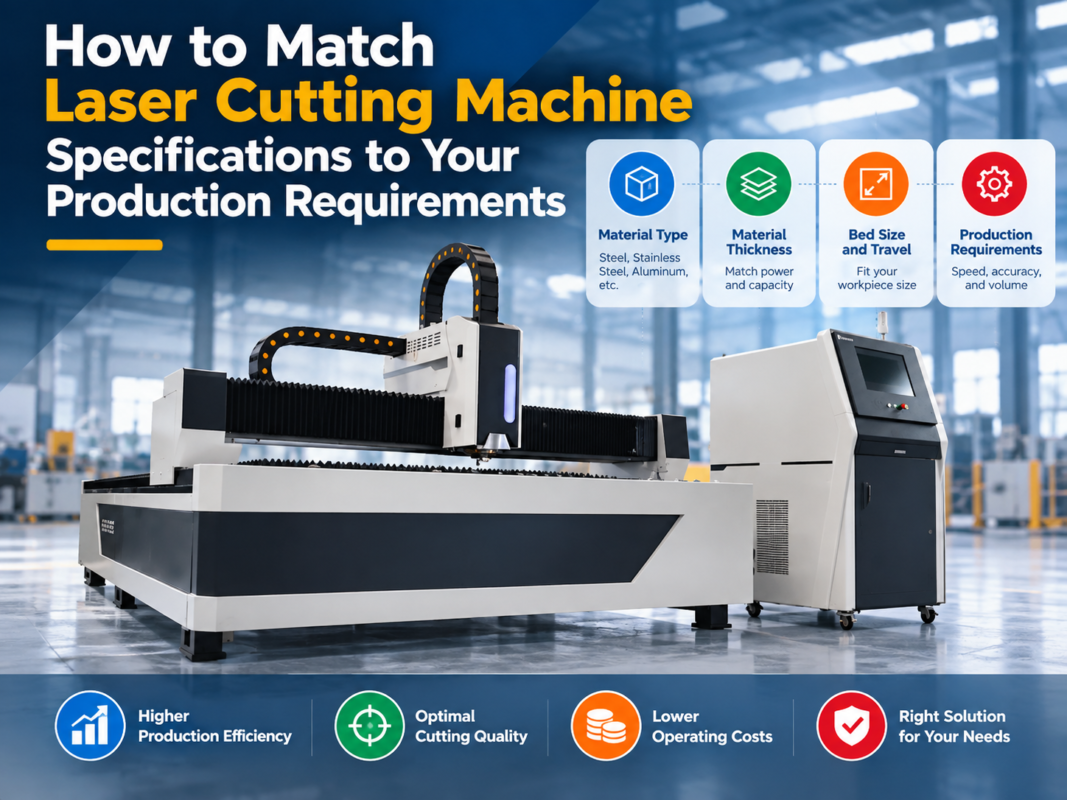
Another major factor is Laser Power. As a rule of thumb, the higher the wattage, the higher the price. However, power isn’t just about cutting thicker materials; it’s also about speed. A 6kW laser will cut 3mm stainless steel significantly faster than a 3kW laser, reducing the cost per part. You must balance your current material thickness requirements with your desired production throughput. If you only cut 1mm to 3mm materials, a 12kW machine is an unnecessary expense; however, if you plan to cut 20mm carbon steel, high power is non-negotiable.
The Machine Bed and Frame also contribute to the cost. A high-quality machine uses a heavy-duty, heat-treated welded frame or a cast-iron bed to ensure thermal stability and vibration resistance. Cheaper machines may use lighter frames that can warp over time under the stress of high-speed movements, leading to a loss of precision. Finally, the Motion System—including servo motors (Yaskawa, Panasonic) and gear racks (Atlanta, YYC)—plays a vital role in how accurately the machine can position the cutting head at high speeds.
Configuration Impact: Choosing the Right Components
The configuration of your machine determines its versatility and ease of use. For beginners, the Cutting Head is a critical component to compare. Modern heads, like those from Raytools or Precitec, often feature ‘Auto-Focus’ capabilities. This is a game-changer for beginners because it allows the machine to automatically adjust the focal point based on the material thickness and type, reducing the learning curve and minimizing operator error.
The Control System and Software are your primary interface with the machine. Most Chinese-manufactured fiber lasers use the CypCut control system, which is highly regarded for being user-friendly yet powerful. It integrates CAD/CAM functions, nesting, and cutting control into one package. If you are looking at European or American machines, you might encounter proprietary systems like those from Bystronic or Trumpf. Ensure the software is intuitive and that your team can be trained quickly on its operation.
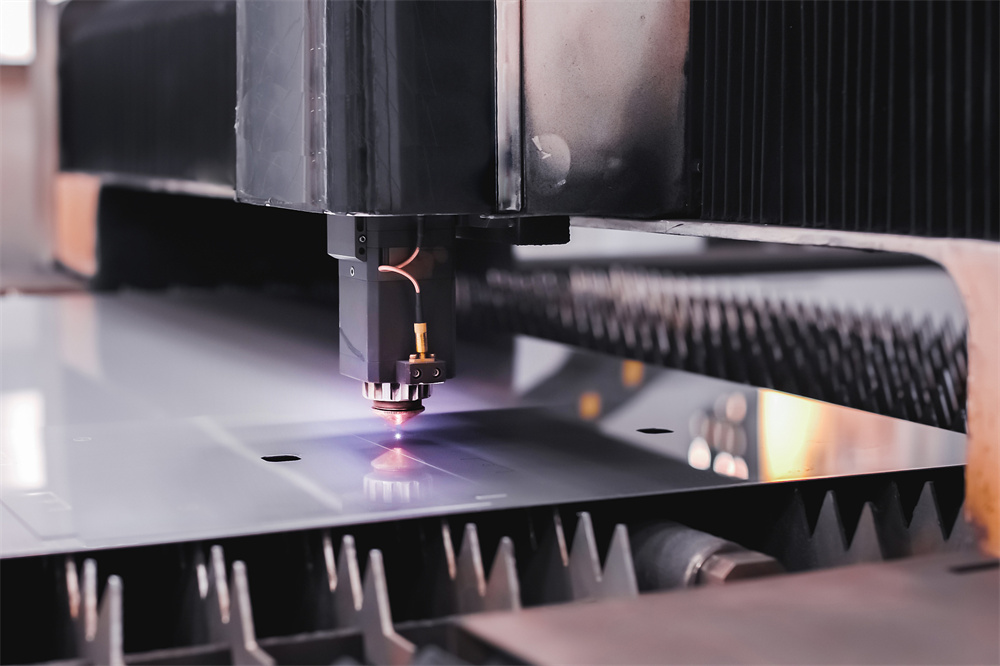
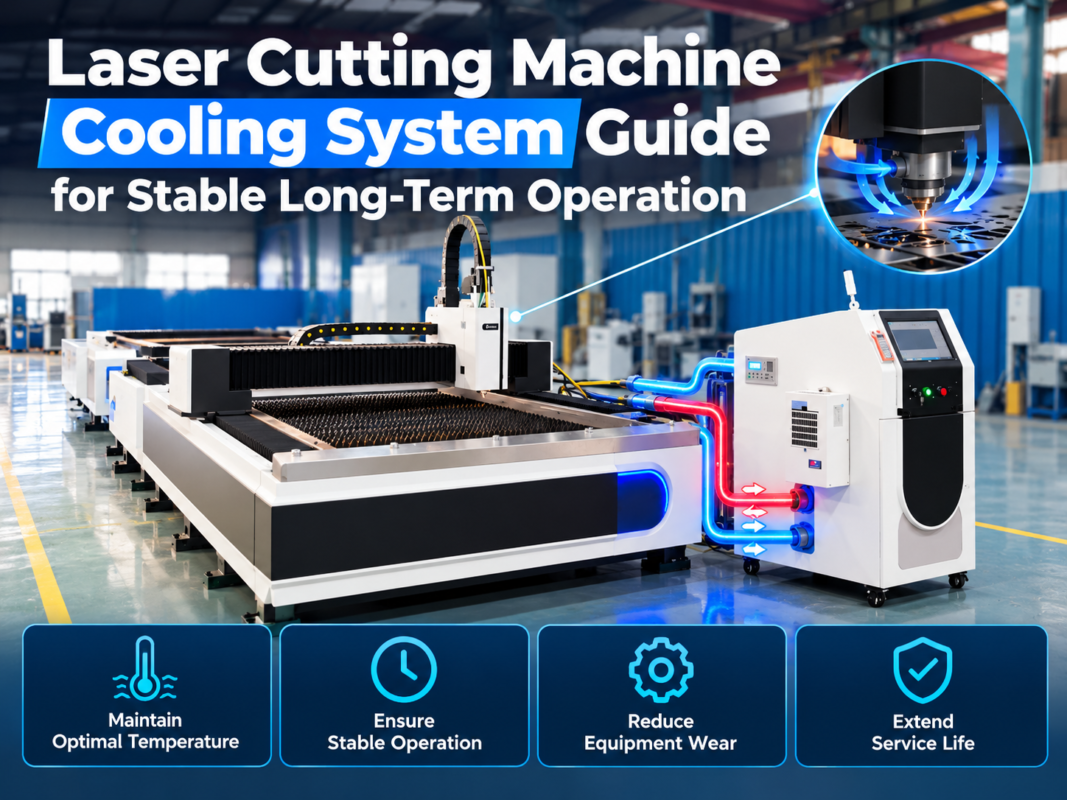
Don’t overlook the Cooling System (Chiller). A fiber laser generates significant heat, and a high-quality dual-circuit chiller is required to cool both the laser source and the cutting head. If the chiller fails or is underpowered, the laser source can be permanently damaged. Similarly, the Exhaust System is vital for removing the dust and fumes generated during the cutting process, ensuring a safe working environment and protecting the machine’s optical components from contamination.
Hidden Costs of Owning a Laser Cutter
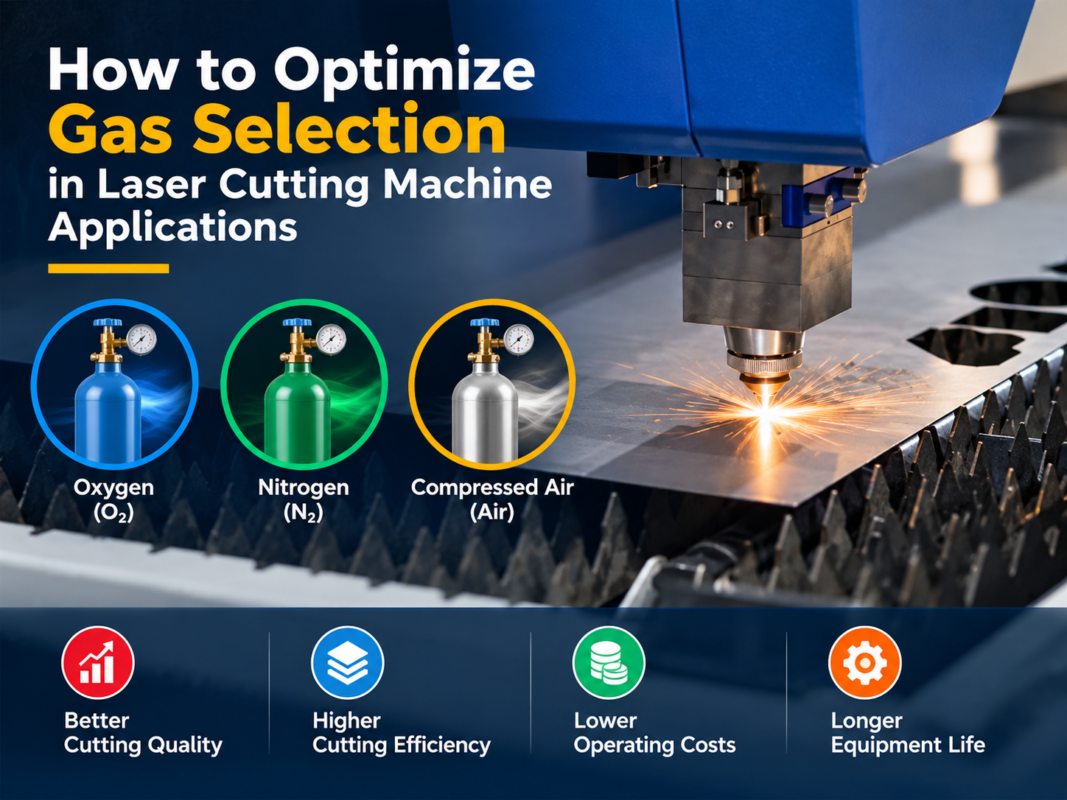
The purchase price is just the beginning. To truly understand the Laser Cutting Machine Buying Beginners: Key Features Compare Before You Buy process, you must account for the ongoing operational costs. The most significant hidden cost is Assist Gas. Depending on the material, you will use Oxygen (for carbon steel), Nitrogen (for stainless steel and aluminum), or Compressed Air. Nitrogen is expensive but provides a clean, oxide-free edge. Many shops are now investing in high-pressure air compressors to cut thin materials, which significantly reduces gas costs but requires a higher initial investment in the compressor system.
Electricity Consumption is another factor. While fiber lasers are much more efficient than CO2 lasers, a high-power machine still draws considerable power. You may need to upgrade your facility’s electrical infrastructure to handle the load of the laser, the chiller, and the exhaust fan. Additionally, Consumables such as nozzles, protective windows, and ceramic rings need to be replaced regularly. While individual parts are cheap, their cost adds up over thousands of hours of operation.
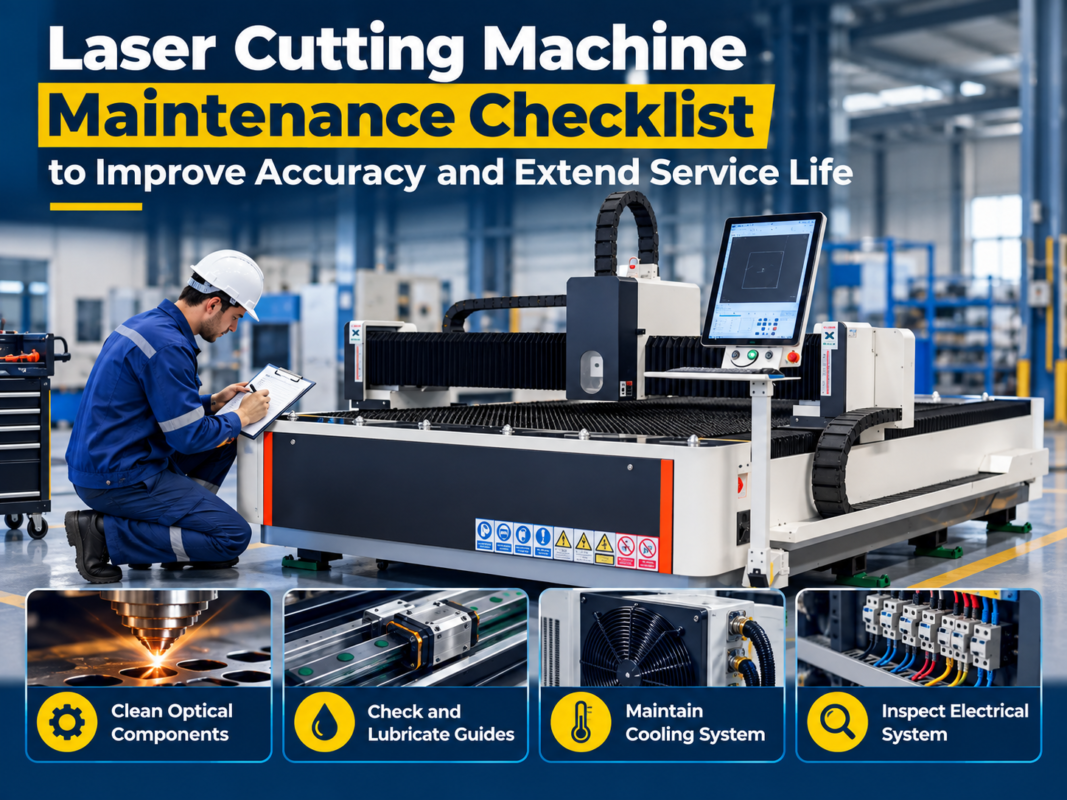
Finally, consider Maintenance and Training. Even the best machines require regular cleaning of the optics, lubrication of the rails, and software updates. If you are a beginner, you will likely need professional installation and at least a week of on-site training. Some manufacturers include this in the price, while others charge extra. Always clarify what is included in the ‘after-sales’ package to avoid unexpected bills in your first month of ownership.
ROI Calculation: When Will the Machine Pay for Itself?
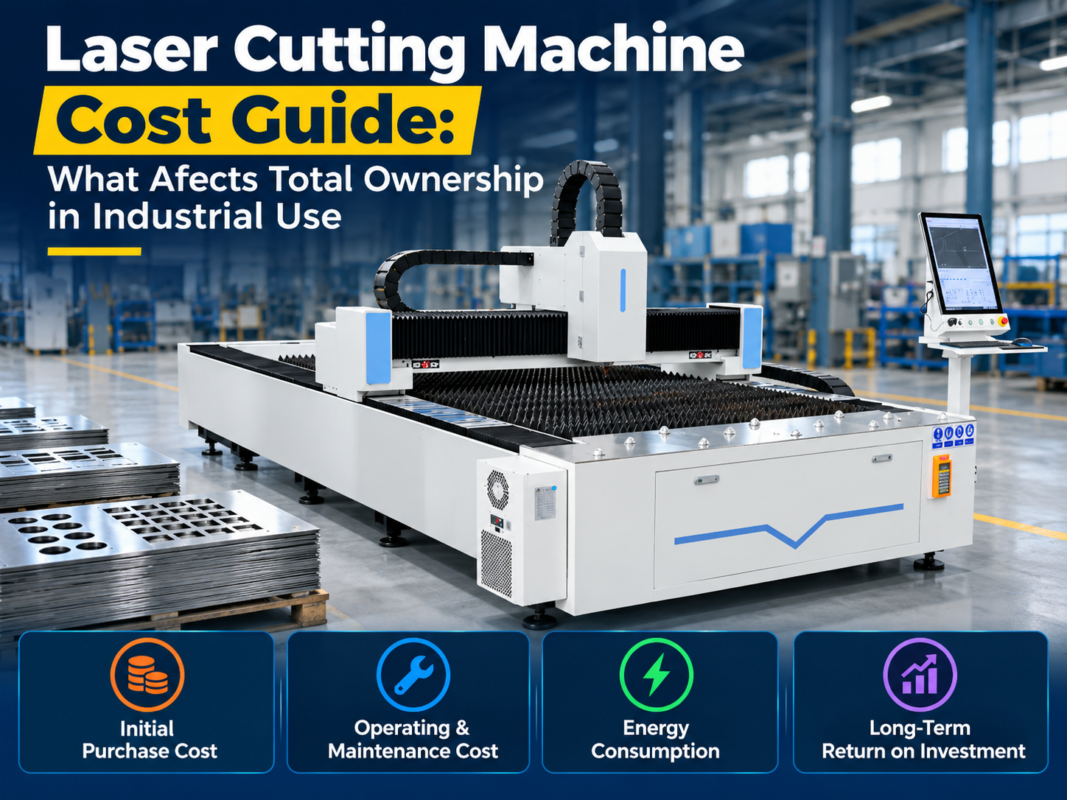
Calculating the Return on Investment (ROI) is essential for any business purchase. To do this, you need to estimate your Total Cost of Ownership (TCO) and compare it against the revenue generated or the savings from bringing fabrication in-house. If you are currently outsourcing your laser cutting, look at your monthly invoices. If you are spending $5,000 a month on outsourced parts, a machine that costs $2,000 a month in financing and $1,000 in operating costs will save you $2,000 a month, paying for itself in a few years.
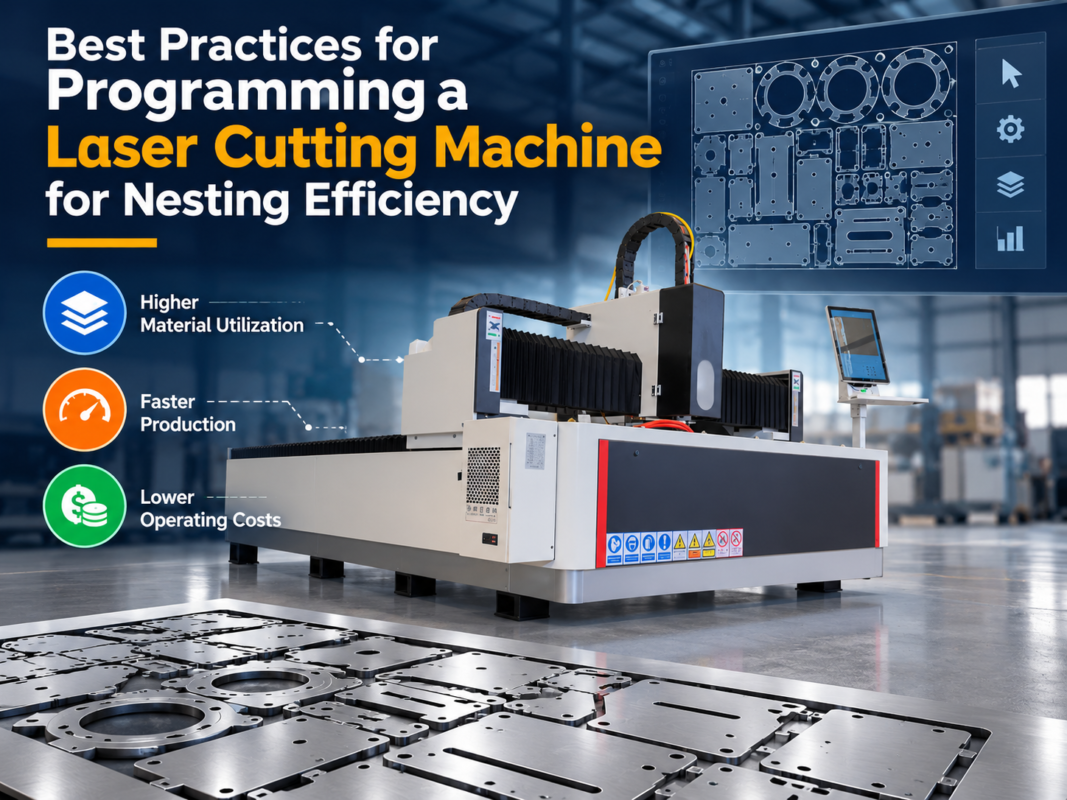
However, the ROI isn’t just about direct savings. Owning a laser cutter gives you Control over Lead Times. Instead of waiting two weeks for a supplier, you can cut parts the same day, allowing you to take on more projects and improve customer satisfaction. Furthermore, the Material Utilization provided by advanced nesting software can reduce scrap by 10-20%, which, over a year, can amount to thousands of dollars in material savings. When calculating ROI, factor in the machine’s lifespan (typically 10+ years for a fiber laser) and its potential resale value.
Buying Advice for First-Time Buyers
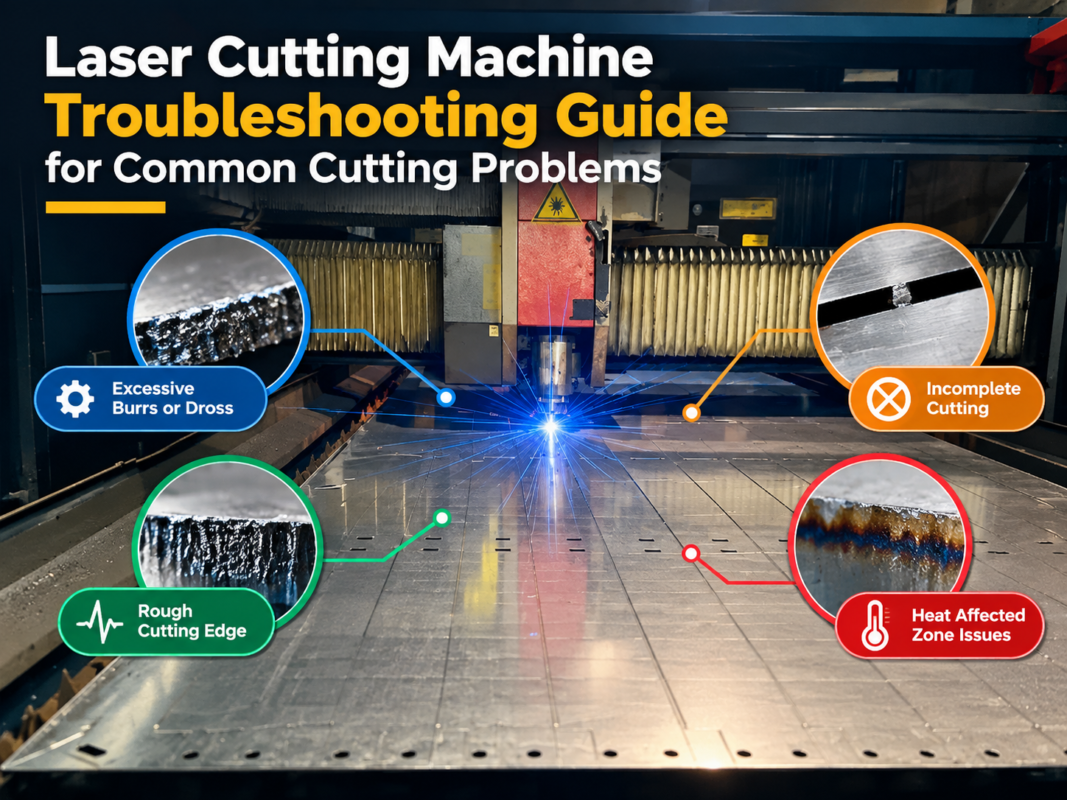
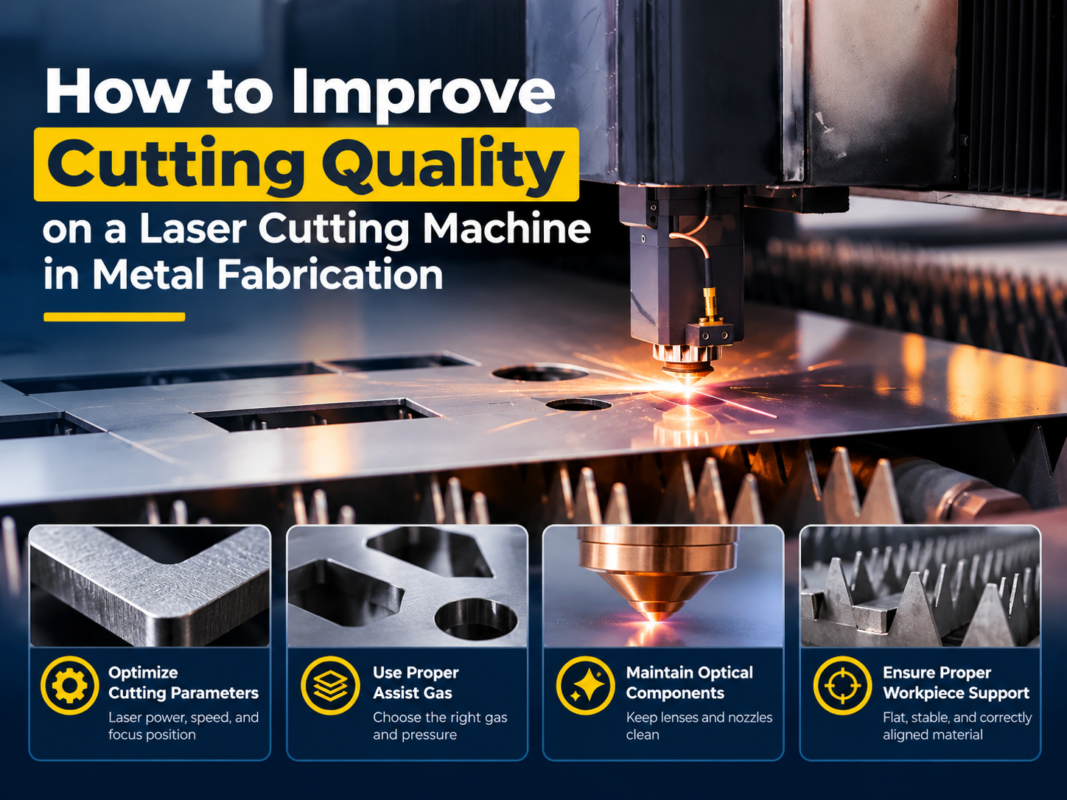
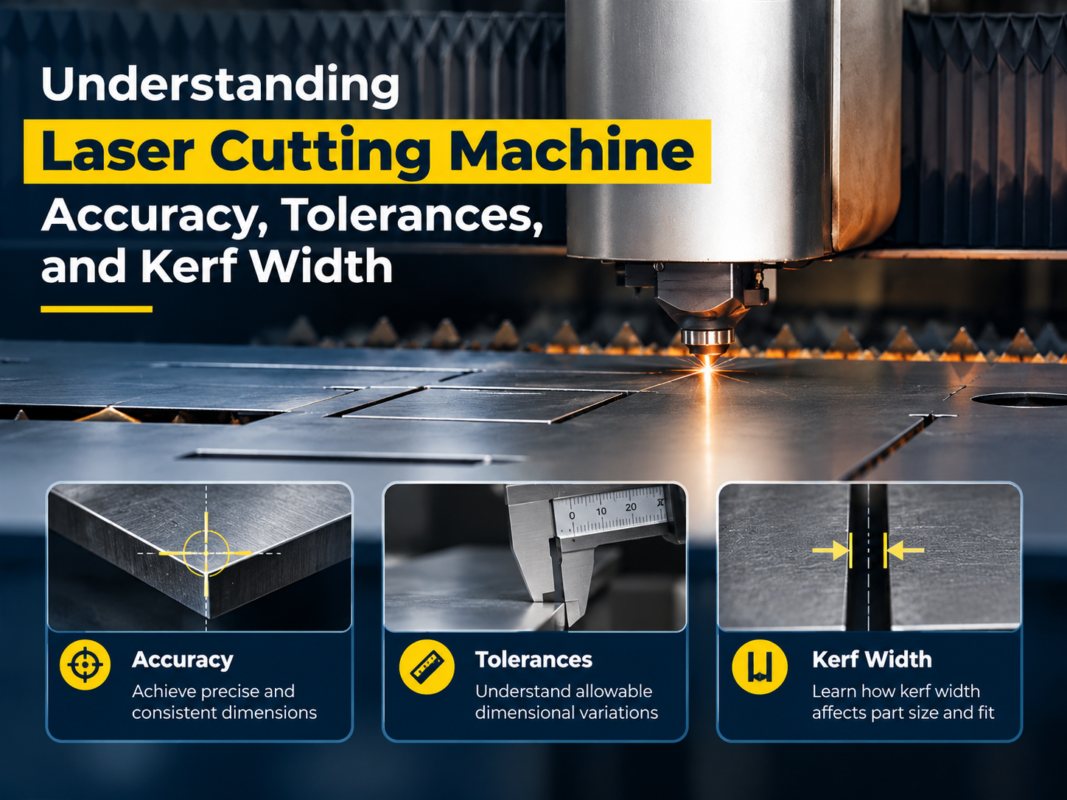
If you are ready to make a purchase, follow these steps to ensure you get the best value. First, Define Your Primary Material. Don’t buy a machine based on what you *might* cut in five years; buy it based on what you will cut 80% of the time today. Second, Request a Live Demo or Sample Cut. Send your most complex CAD files to the manufacturer and ask them to cut them in the material you use. Check the edge quality, the dross (burr) levels, and the dimensional accuracy.
Third, Evaluate the Manufacturer’s Support Network. A laser cutter is a complex machine; eventually, something will go wrong. Does the manufacturer have local technicians? Do they offer remote troubleshooting via the internet? How quickly can they ship replacement parts? Brands like HARSLE have built a reputation for providing robust support and high-quality components, making them a safe choice for beginners. Lastly, Check the Warranty Terms. Ensure the laser source has at least a 2-year warranty, as this is the most expensive part to replace.
Summary Checklist for Beginners:
- Identify the maximum thickness and type of metal you need to cut.
- Choose a laser power that offers a balance between speed and budget.
- Ensure the machine bed size fits your standard sheet metal sizes.
- Verify that the control software is compatible with your design files.
- Factor in the cost of assist gases and electrical upgrades.
- Confirm the availability of technical support and spare parts.
Frequently Asked Questions (FAQ)
1. Can a fiber laser cut non-metallic materials like wood or acrylic?
No. Fiber lasers have a wavelength that is specifically absorbed by metals. For non-metallic materials, a CO2 laser is required. Attempting to cut wood or plastic with a fiber laser can be dangerous and will not produce a clean cut.
2. How long does a fiber laser source last?
Most high-quality fiber laser sources (like Raycus or IPG) are rated for approximately 100,000 hours of operation. In a typical single-shift operation, this can equate to over 20 years of use, though other components of the machine may require replacement sooner.
3. Is it hard to learn how to operate a CNC laser cutter?
For someone with basic computer skills, the learning curve is relatively shallow. Modern software like CypCut is very intuitive. Most operators can learn the basics of loading a file and starting a cut within a few days, though mastering the nuances of gas pressure and focal settings for different materials takes more time.
4. What is the difference between Oxygen and Nitrogen cutting?
Oxygen is used as an exothermic assistant for cutting carbon steel; it reacts with the metal to add heat, allowing for thicker cuts with less power, but it leaves an oxide layer on the edge. Nitrogen is an inert gas used to blow away molten metal without a chemical reaction, resulting in a shiny, clean edge that is ready for welding or painting without further processing.
5. Do I need a special foundation for the machine?
For most standard 3015 machines, a flat, reinforced concrete floor (at least 150-200mm thick) is sufficient. However, for very large or high-speed machines, a dedicated foundation may be recommended to prevent vibrations from affecting the cutting precision or surrounding equipment.