Punching Machine Safety Alarm Troubleshooting: What Each Warning May Mean


Introduction to Punching Machine Safety
In the high-stakes environment of modern metal fabrication, the reliability of your equipment is paramount. HARSLE punching machines are engineered for precision and durability, but like any sophisticated industrial system, they rely on complex sensor arrays to maintain operational integrity. Understanding the nuances of Punching Machine Safety Alarm Troubleshooting: What Each Warning May Mean is not just a maintenance task—it is a critical component of workplace safety and operational longevity.
When an alarm triggers on your control panel, it is rarely a random event. These signals are the machine’s way of communicating potential mechanical stress, electrical inconsistencies, or safety protocol breaches. By learning to interpret these codes, operators and maintenance teams can prevent catastrophic failures, reduce downtime, and extend the service life of their hydraulic or mechanical punching systems.
This guide serves as a comprehensive resource for HARSLE users, detailing the most common alarm categories, their underlying causes, and the systematic steps required to resolve them. Whether you are dealing with a simple sensor trip or a complex hydraulic pressure warning, this guide will provide the technical clarity needed to keep your production line moving safely and efficiently.
Key Considerations for Alarm Management
Before diving into specific error codes, it is essential to establish a culture of safety. When an alarm sounds, the immediate instinct is often to reset and resume work. However, ignoring the root cause of a warning can lead to permanent damage to the punch, die, or the machine’s structural frame. Always prioritize a systematic approach to diagnosis.
First, ensure that all operators are trained to recognize the difference between a ‘soft’ alarm—which may indicate a minor software glitch or a sensor calibration issue—and a ‘hard’ alarm, which suggests a mechanical failure or a safety interlock breach. Hard alarms should always trigger an immediate emergency stop (E-stop) and a full inspection of the affected area.
Secondly, documentation is your best tool. Maintain a logbook of every alarm that occurs, the time it happened, the material being processed, and the resolution steps taken. Over time, this data will reveal patterns, such as alarms occurring only during high-speed operations or when processing specific material thicknesses, which can point toward underlying calibration issues rather than random faults.
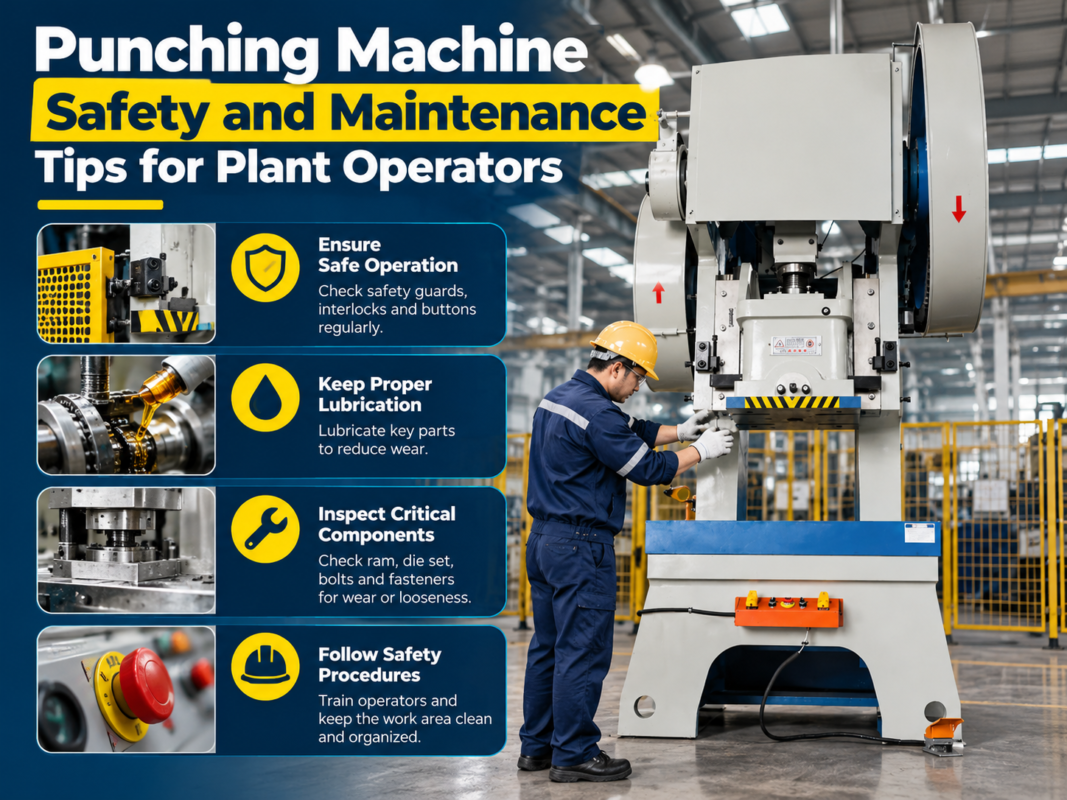
Finally, never bypass safety interlocks to clear an alarm. While it might seem like a quick fix to get the machine running again, bypassing safety sensors is the leading cause of industrial accidents. If an alarm persists after standard troubleshooting, contact HARSLE technical support rather than attempting to circumvent the machine’s built-in safety logic.
Technical Details: Decoding Common Alarms
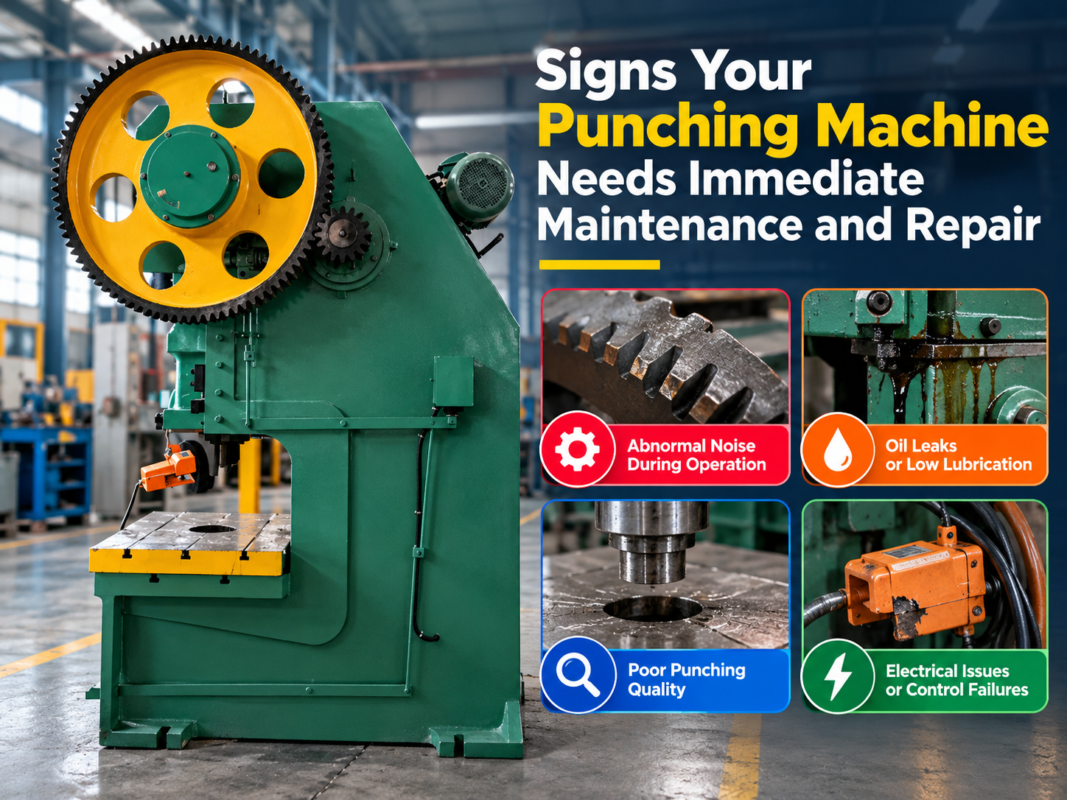
Punching Machine Safety Alarm Troubleshooting: Each Warning May Mean involves understanding the three primary categories of alerts: Hydraulic System Alarms, Electrical/Sensor Alarms, and Mechanical/Overload Alarms. Each category requires a different diagnostic approach.
Hydraulic System Alarms
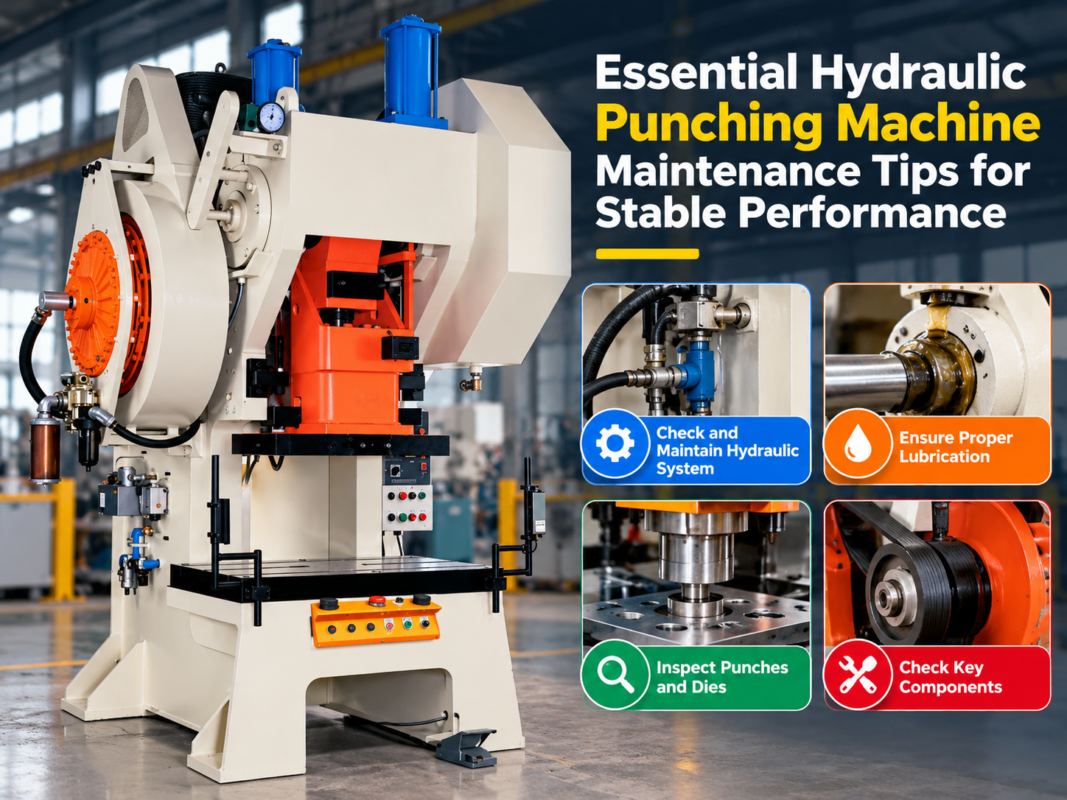
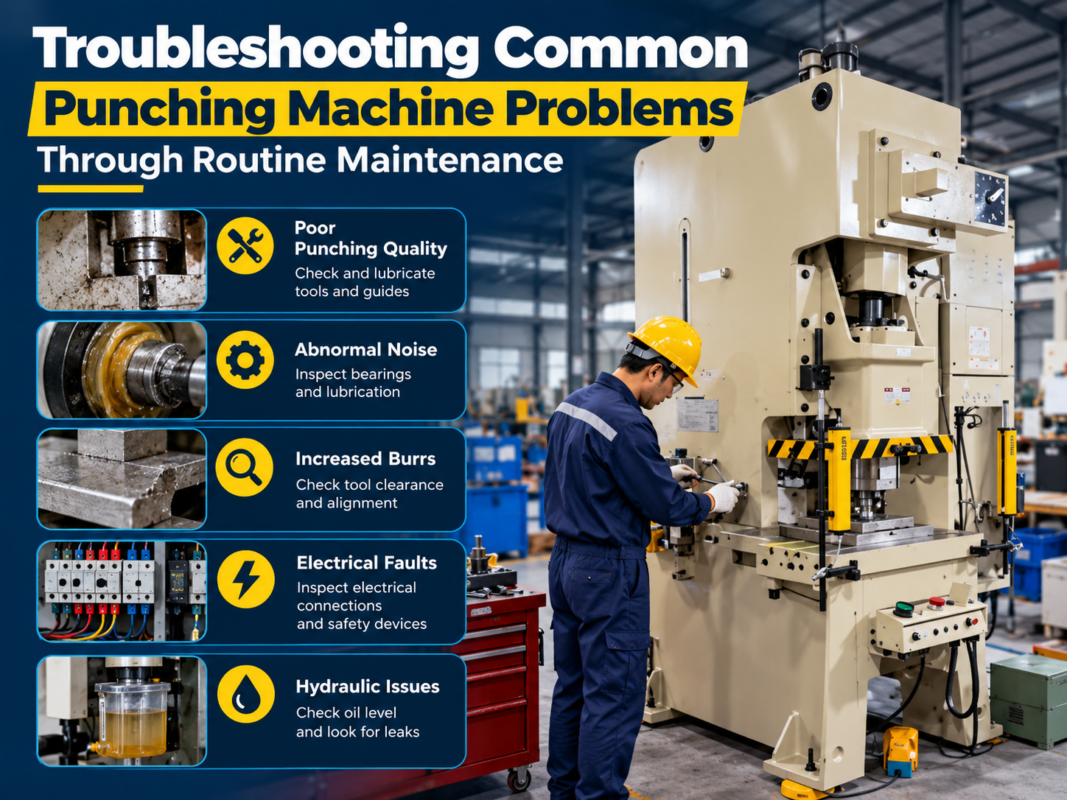
Hydraulic alarms are among the most common in punching machines. These often relate to oil temperature, pressure levels, or filter status. If the machine displays a ‘Low Hydraulic Pressure’ warning, the first step is to check the oil level in the reservoir. If the level is sufficient, inspect the hydraulic pump for cavitation or leaks. A ‘High Oil Temperature’ alarm usually indicates that the cooling system is obstructed or the ambient temperature in the facility is too high for the current duty cycle. Regularly checking the hydraulic fluid viscosity and ensuring the heat exchanger is free of debris is vital for preventing these thermal warnings.
Electrical and Sensor Alarms
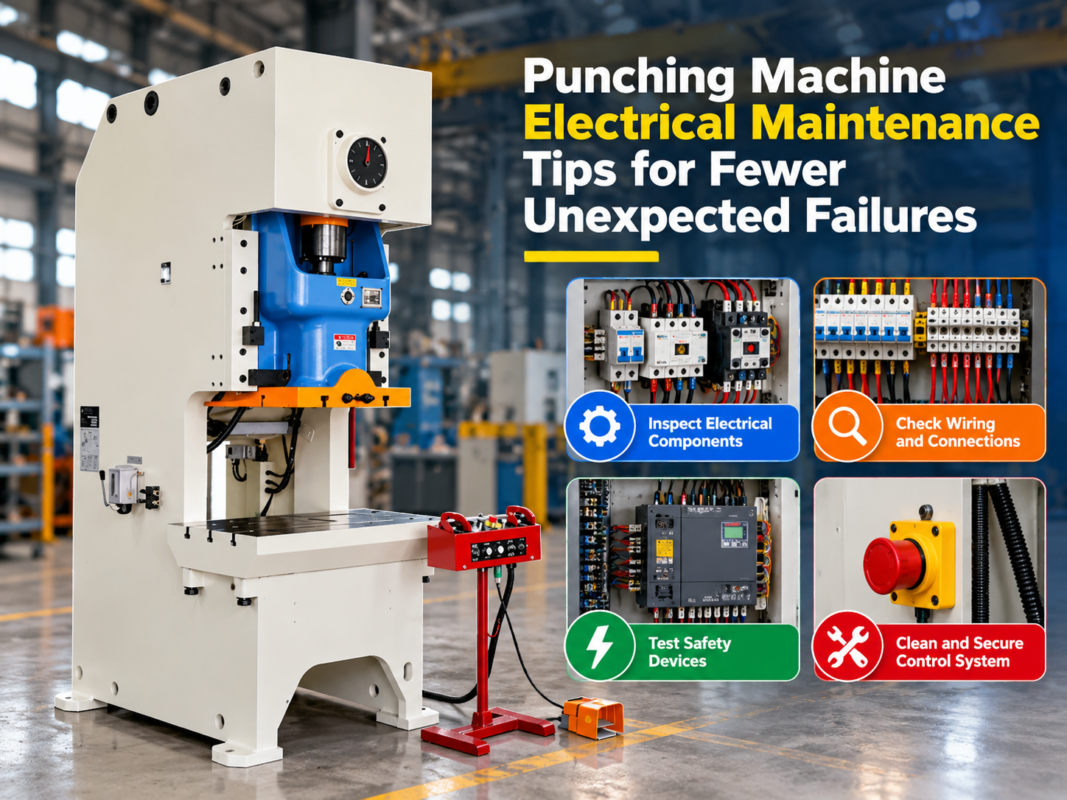
Sensor-related alarms often manifest as ‘Limit Switch Faults’ or ‘Proximity Sensor Errors.’ These occur when the machine’s controller fails to receive a signal from a specific axis or safety gate. Check for loose wiring, metal shavings obstructing the sensor face, or physical misalignment of the switch. Cleaning the sensor area with compressed air is often enough to resolve these issues. In more complex cases, check the PLC input/output modules to ensure that the signal is reaching the processor correctly.
Mechanical and Overload Alarms
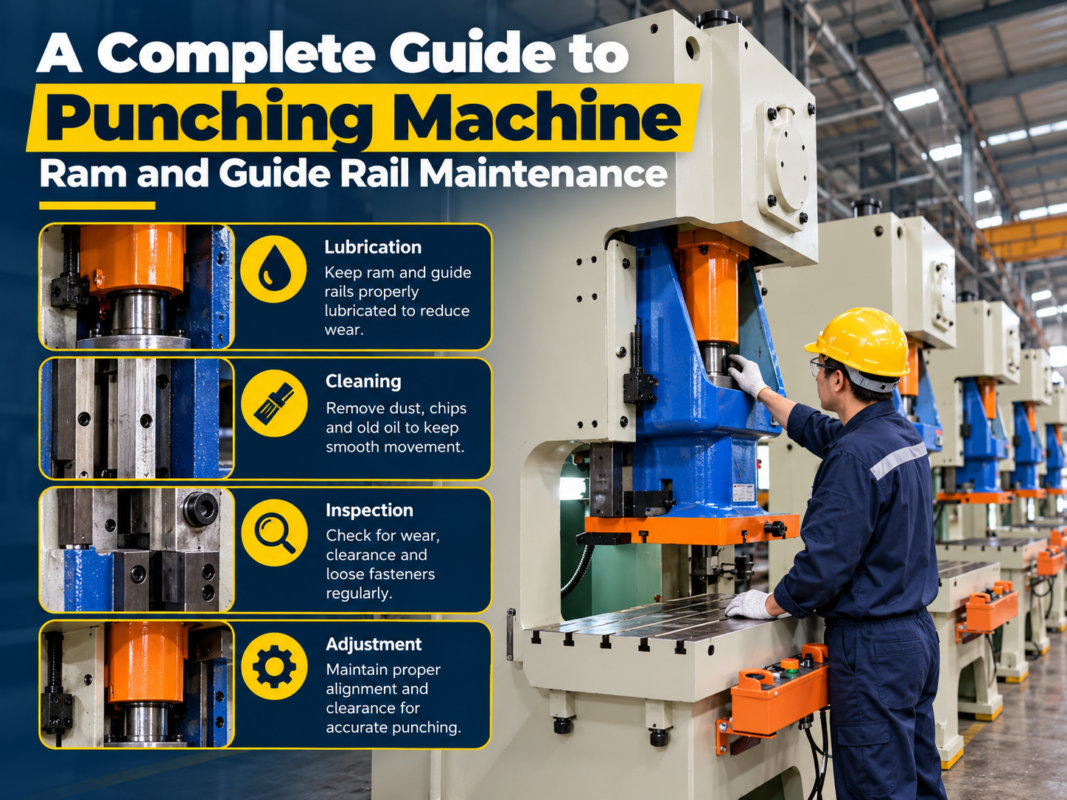
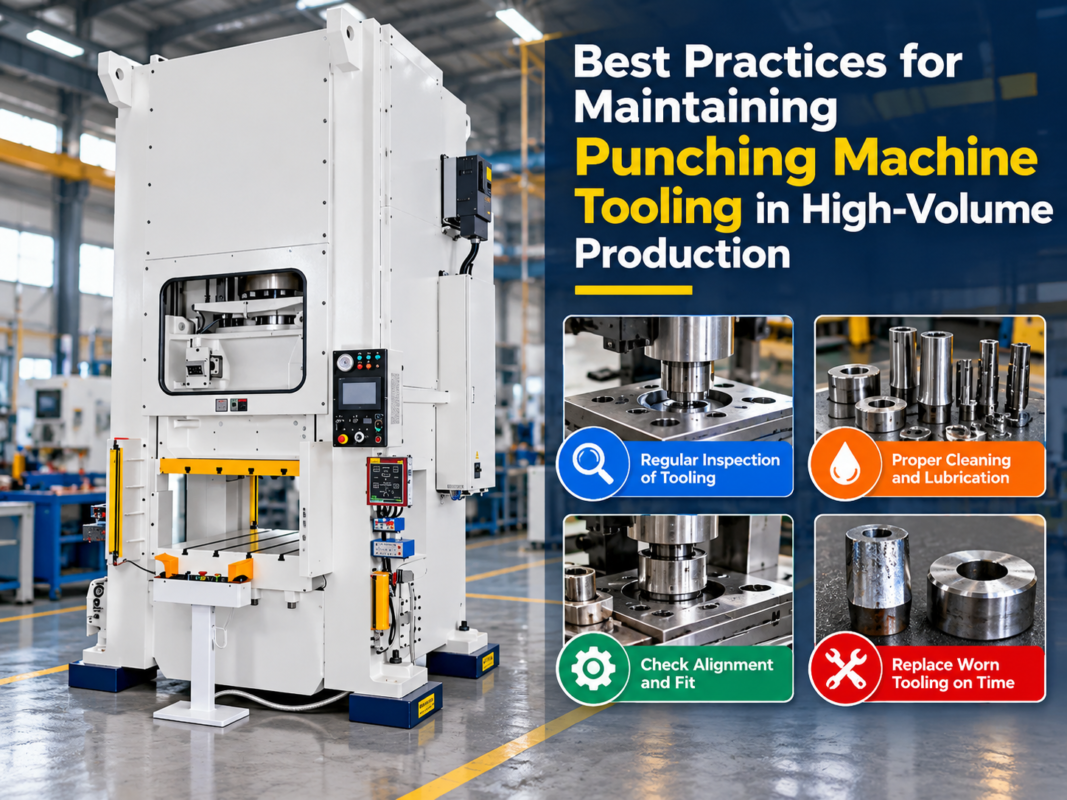
Overload alarms are critical warnings that the machine is being pushed beyond its rated tonnage. This often happens when the punch and die clearance is incorrect for the material thickness, or when the material is harder than the machine’s specifications. If an overload alarm triggers, immediately inspect the tooling for signs of dullness or chipping, as a dull punch requires significantly more force to penetrate the metal. Furthermore, ensure that the lubrication system is functioning, as increased friction between the punch and the guide can mimic an overload condition.
Advanced Troubleshooting Strategies
When standard procedures fail, advanced troubleshooting is required. This involves checking the machine’s electrical cabinet for loose connections, which can cause intermittent signal drops. Use a multimeter to verify voltage levels at the sensor terminals. If the voltage is inconsistent, the issue may lie in the power supply unit (PSU) rather than the sensor itself. Additionally, check for electromagnetic interference (EMI) if the machine is located near high-frequency welding equipment or large motors, as this can corrupt signal data and trigger false alarms.
Selection Advice for Reliable Operation
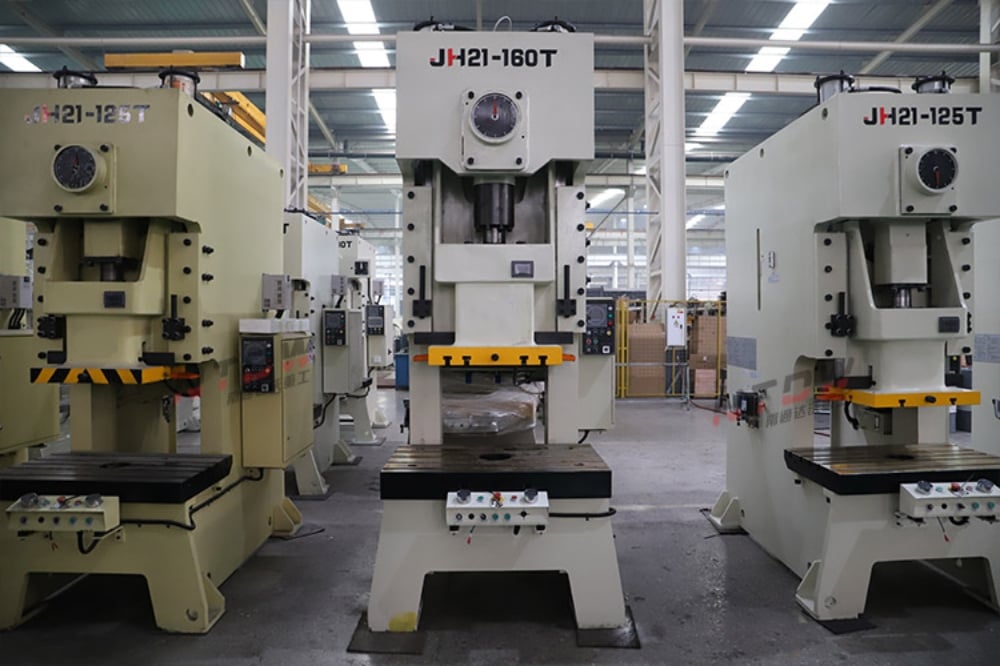
When selecting a punching machine, the quality of the diagnostic system should be a primary consideration. HARSLE machines are designed with advanced PLC (Programmable Logic Controller) systems that provide descriptive error messages rather than just cryptic codes. When choosing equipment, look for systems that offer real-time monitoring of hydraulic pressure and motor load.
Consider the environment in which the machine will operate. If your facility is prone to dust or high humidity, ensure that your machine’s electrical cabinet is IP-rated for those conditions. Dust accumulation is a frequent cause of ‘ghost’ alarms, where sensors trigger due to interference or short circuits caused by conductive metal particles.
Furthermore, invest in machines that offer remote diagnostic capabilities. Modern HARSLE punching machines can often be connected to the factory network, allowing technicians to pull error logs and perform remote troubleshooting. This feature can save hours of downtime by allowing experts to identify the exact sensor or valve causing the alarm before they even arrive on-site.
Finally, prioritize machines with modular safety systems. If a specific safety light curtain or interlock fails, a modular system allows for the replacement of that specific component without requiring a total overhaul of the machine’s control logic. This modularity is a hallmark of high-quality industrial design and significantly lowers the long-term cost of ownership.
Preventive Maintenance Checklist
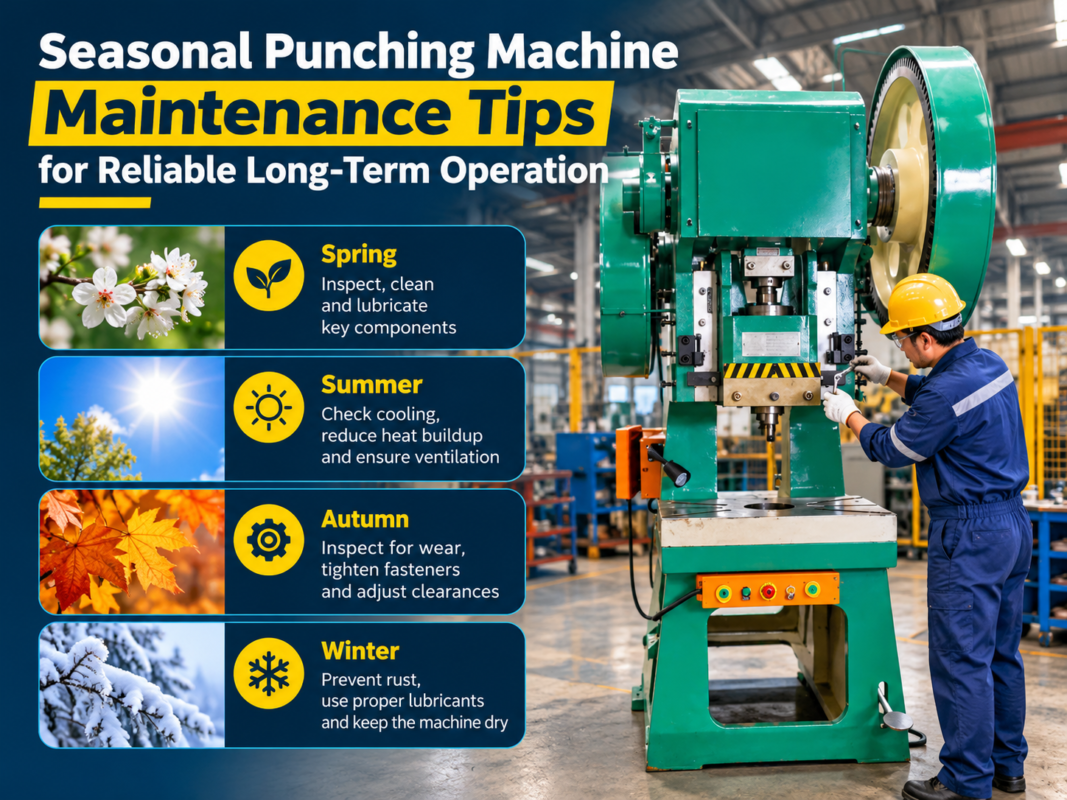
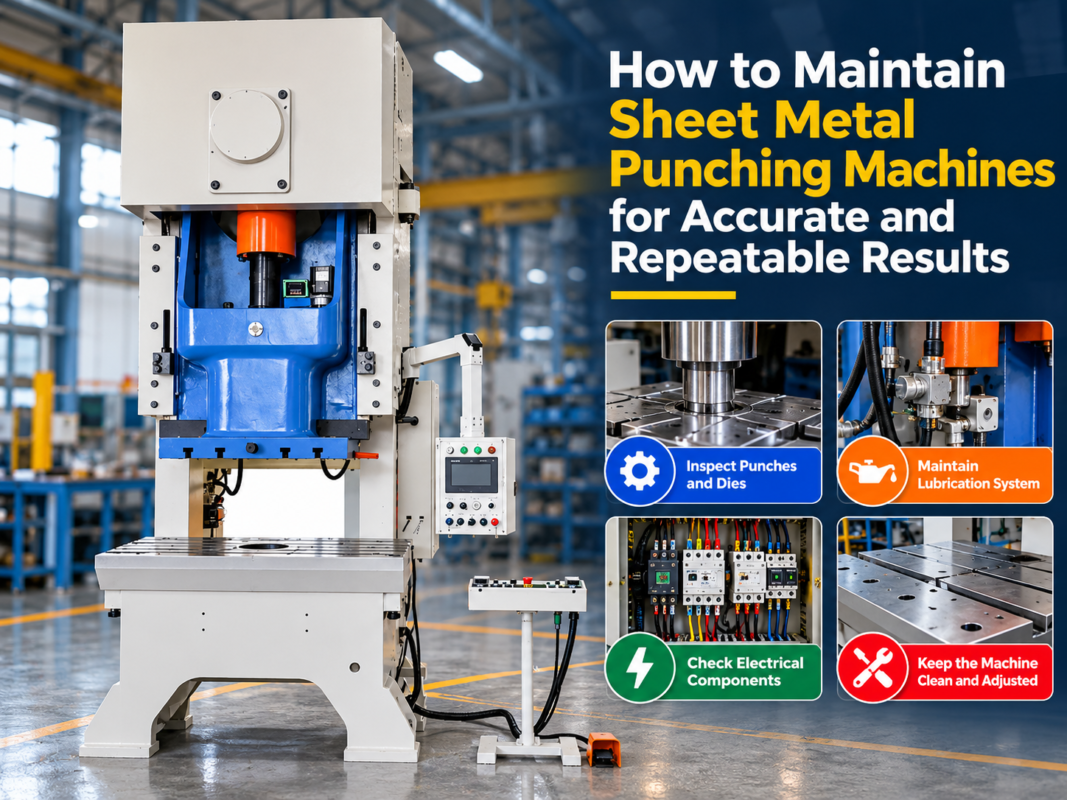
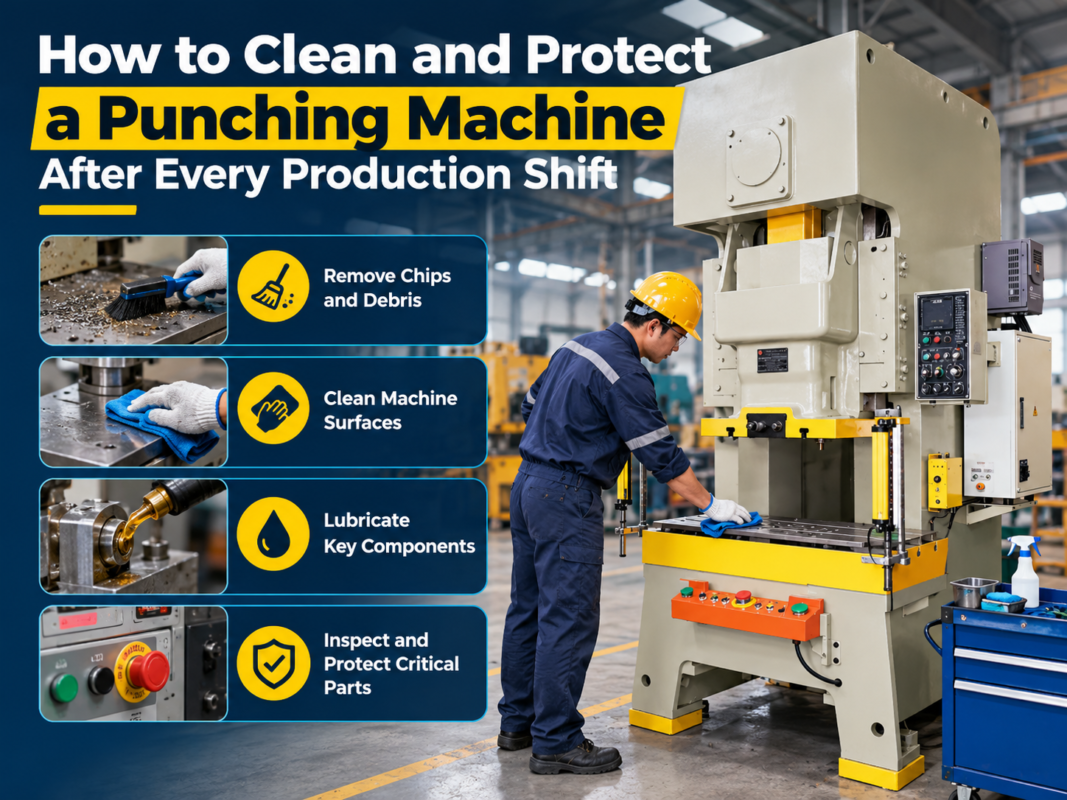
To minimize the frequency of alarms, implement a strict preventive maintenance schedule. This should include: 1. Weekly cleaning of all optical sensors and light curtains. 2. Monthly inspection of hydraulic hoses for signs of wear or weeping. 3. Quarterly testing of all emergency stop buttons and safety interlocks. 4. Annual calibration of the tonnage monitoring system to ensure accuracy. By adhering to this schedule, you reduce the likelihood of unexpected downtime and ensure that your machine operates within its optimal parameters.
Frequently Asked Questions (FAQ)
- Q: What should I do if the alarm won’t clear after a restart?
A: If a restart does not clear the alarm, it indicates a persistent fault. Check the machine’s error log for a specific error code, inspect the physical area associated with that code, and ensure all emergency stops are fully released. - Q: Can I ignore a ‘Filter Clogged’ warning?
A: No. Ignoring filter warnings can lead to hydraulic fluid contamination, which will eventually damage the pump and valves, leading to much more expensive repairs. - Q: Why does my machine trigger an overload alarm on thin material?
A: This is often caused by incorrect tool clearance or a dull punch. Ensure your die clearance is set to 10-15% of the material thickness and check the punch for wear. - Q: How often should I perform preventive maintenance?
A: We recommend a full inspection every 500 operating hours. This includes checking hydraulic fluid, tightening electrical connections, and cleaning all sensor surfaces. - Q: Are HARSLE alarms universal across all models?
A: While many error codes are standardized, specific models may have unique alarms based on their configuration. Always refer to the specific manual provided with your machine. - Q: What is the most common cause of a ‘Safety Gate Open’ alarm?
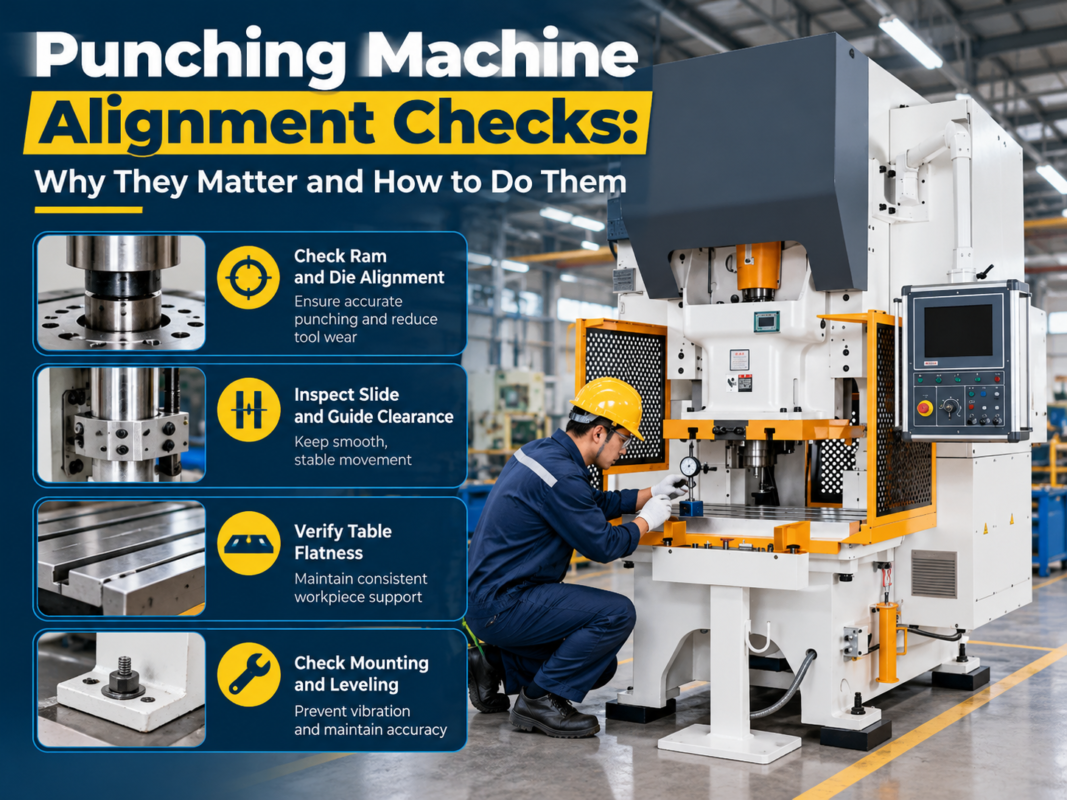
A: This is usually caused by a misaligned safety switch or a loose magnet on the gate. Check the physical alignment of the gate and ensure the sensor is securely mounted.
Conclusion
Mastering Punching Machine Safety Alarm Troubleshooting: What Each Warning May Mean is an ongoing process that combines technical knowledge with diligent maintenance habits. By treating every alarm as a valuable piece of data rather than a nuisance, you can transform your maintenance strategy from reactive to proactive. HARSLE is committed to providing the tools and information necessary to keep your fabrication operations running at peak performance.
Remember that the safety of your operators and the longevity of your machinery are inextricably linked. When you take the time to understand the ‘why’ behind every warning, you are not just fixing a machine—you are ensuring the safety of your workspace and the quality of your output. For further assistance with specific error codes or to schedule a professional service visit, always consult your HARSLE operation manual or contact our dedicated support team.
Consistency is the key to industrial excellence. By maintaining a clean environment, performing regular sensor checks, and keeping detailed records of all machine alerts, you will minimize downtime and maximize the return on your investment in high-quality metal fabrication equipment. Stay vigilant, stay informed, and keep your production line safe.