Affordable Laser Cutting Machine Options for Startups and Job Shops: A Comprehensive Guide


Introduction to Laser Cutting for Startups and Job Shops
In the modern manufacturing landscape, the ability to cut metal with precision, speed, and minimal waste is no longer a luxury—it is a necessity. For startups and small-to-medium-sized job shops, the transition from traditional mechanical cutting or plasma cutting to fiber laser technology represents a significant milestone. However, the primary hurdle remains the initial investment. Finding affordable laser cutting machine options for startups and job shops requires a delicate balance between upfront cost, operational efficiency, and long-term reliability.
HARSLE understands that for a new business, every dollar spent must contribute directly to the bottom line. A fiber laser cutting machine is often the most expensive piece of equipment in a shop, but it is also the most productive. By automating the cutting process and achieving tolerances that manual methods cannot match, these machines allow startups to take on complex projects from industries like aerospace, automotive, and medical device manufacturing. This guide aims to demystify the pricing structures and technical configurations that define the current market for affordable laser cutters.
The term “affordable” is relative in the industrial sector. For a startup, it might mean a machine that fits within a $30,000 to $60,000 budget, while for an established job shop looking to expand, it might mean a high-efficiency 3kW system under $100,000. Regardless of the specific number, the goal is to maximize the “value-to-cost” ratio. This involves looking beyond the sticker price and evaluating the total cost of ownership, including power consumption, gas usage, and maintenance requirements.
As we delve into the specifics of affordable laser cutting machine options for startups and job shops, we will explore how different configurations affect the price and how a well-chosen machine can pay for itself in a surprisingly short period. Whether you are cutting thin decorative panels or thick structural steel, there is a configuration tailored to your specific needs and budget.
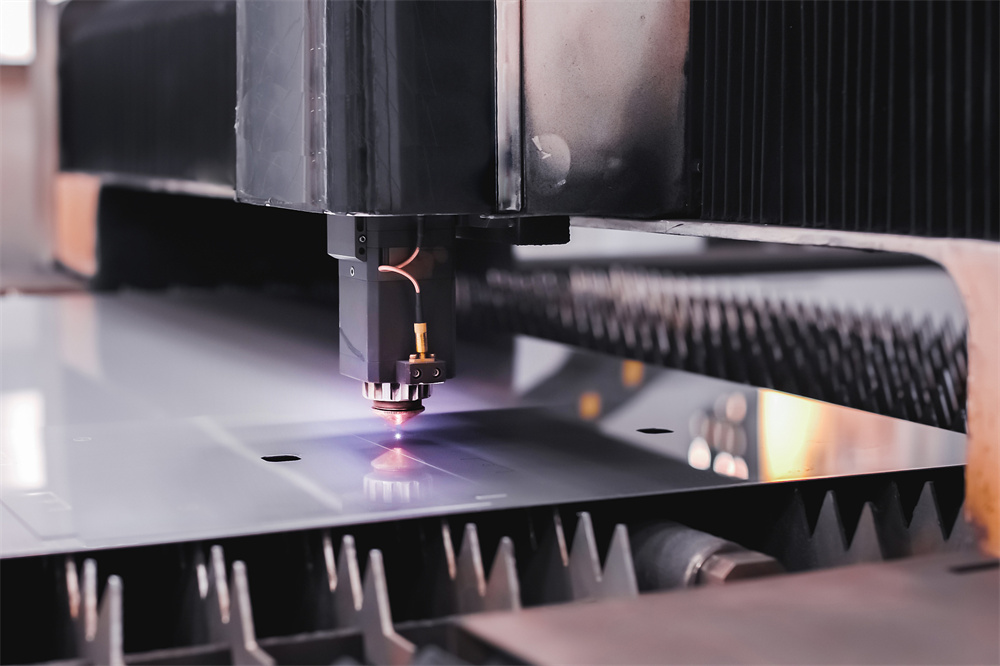
Price Range Overview for Laser Cutting Machines
The market for fiber laser cutting machines has matured significantly over the last decade. What used to cost half a million dollars is now available at a fraction of the price, thanks to advancements in laser source manufacturing and increased competition. For startups and job shops, the market is generally divided into three pricing tiers based on power and features.
Entry-Level Systems ($25,000 – $45,000): These machines typically feature laser sources between 1kW and 1.5kW. They are ideal for startups focusing on thin materials (under 6mm carbon steel or 3mm stainless steel). These units are often “open-type” machines without exchange tables, meaning the operator must manually load and unload sheets. While they lack some high-end automation, they offer the same precision as more expensive models, making them perfect for low-volume, high-complexity work.
Mid-Range Workhorses ($50,000 – $90,000): This is the “sweet spot” for most growing job shops. In this range, you will find 2kW to 4kW machines. These often include features like autofocus cutting heads and more robust frames. Some models in this bracket may include a basic exchange table, which significantly increases throughput by allowing the operator to load a new sheet while the machine is still cutting the previous one. These machines can comfortably handle up to 12mm-16mm carbon steel, covering the vast majority of general fabrication needs.
High-Performance Affordable Options ($100,000 – $150,000): While the price seems high, these machines are considered affordable compared to premium European or Japanese brands that can exceed $300,000. These systems offer 6kW to 12kW of power, full enclosures for safety and dust collection, and high-speed exchange tables. For a job shop with a high volume of thick plate cutting (20mm+), the increased speed of a 6kW or 12kW machine reduces the cost-per-part so drastically that the higher initial investment is often recovered faster than a cheaper, lower-powered machine.
Main Cost Drivers in Fiber Laser Technology
Understanding what drives the price of a laser cutting machine is essential for making an informed purchase. Not all 3kW machines are created equal, and the price difference often lies in the quality of the internal components. For startups, it is tempting to choose the cheapest option, but understanding these four drivers will help prevent costly mistakes.
1. The Laser Source
The laser source is the heart of the machine and typically accounts for 30% to 40% of the total cost. Brands like IPG Photonics are considered the gold standard for reliability and global support, but they come with a premium price tag. For those looking for affordable laser cutting machine options for startups and job shops, brands like Raycus or Maxphotonics offer excellent performance at a significantly lower cost. These sources have improved drastically in reliability over the last five years and are now the preferred choice for budget-conscious fabricators.
2. Machine Bed and Frame Construction
A laser machine must maintain extreme precision while moving at high speeds. This requires a rigid frame. Cheaper machines use thin, welded steel tubes that can vibrate or warp over time, leading to poor cut quality. Higher-quality “affordable” machines, like those from HARSLE, use heavy-duty plate-welded frames or even cast-iron beds that have been heat-treated to relieve internal stresses. A heavier frame allows for higher acceleration (G-force), which translates to faster cycle times and better cornering accuracy.
3. The Cutting Head and Motion System
The cutting head (the part that holds the lens and nozzle) can be manual focus or autofocus. For a job shop that switches between material thicknesses frequently, autofocus is a vital feature that saves hours of setup time. Additionally, the motion system—comprising the servo motors, gearboxes, and rack-and-pinion rails—dictates how fast the machine can move. High-end Japanese (Yaskawa) or European servo motors are more expensive but offer better longevity and precision than generic alternatives.
4. CNC Control System and Software
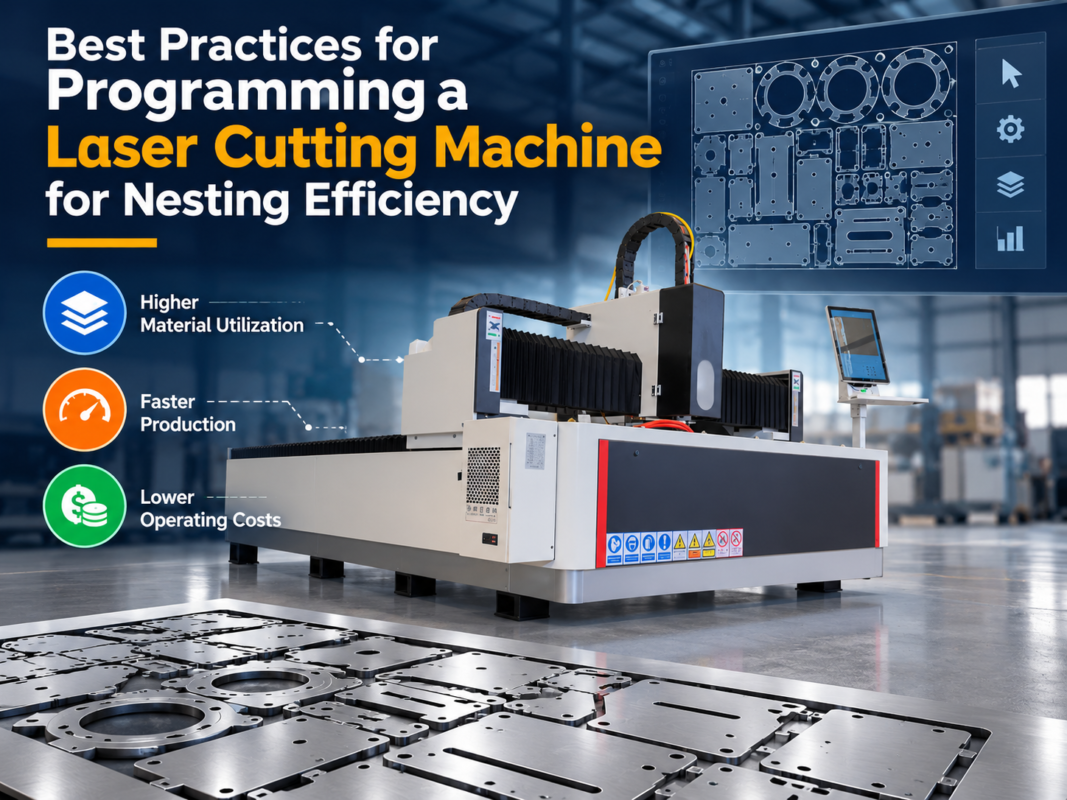
The software is the interface between the operator and the machine. Systems like CypCut are widely popular in the affordable laser market because they are user-friendly, feature-rich (including nesting capabilities), and require minimal training. More complex proprietary systems can drive up the price and may require specialized technicians for any troubleshooting, which is often a disadvantage for a small startup.
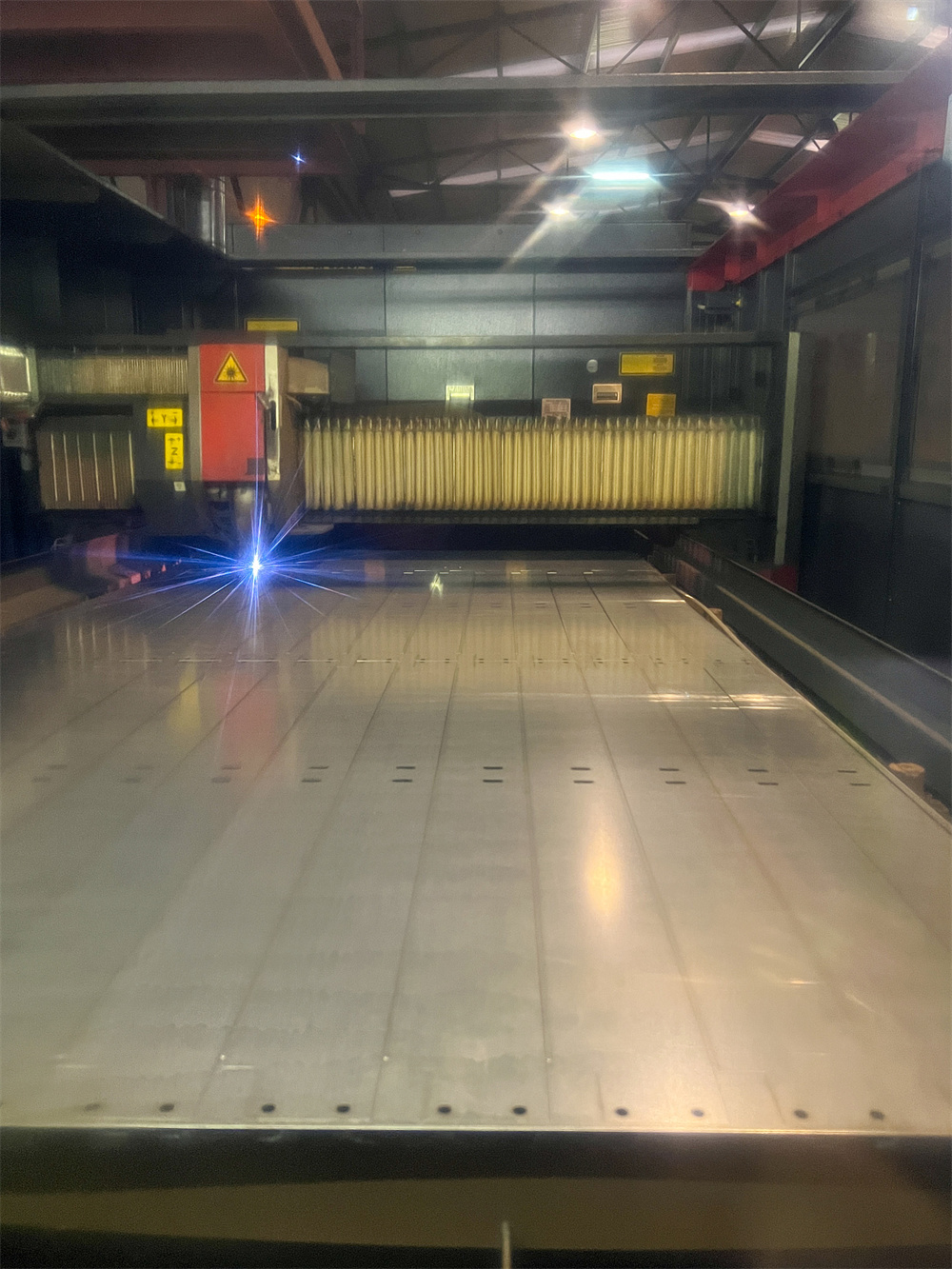
Configuration Impact: Balancing Performance and Budget
When selecting affordable laser cutting machine options for startups and job shops, you must decide which features are “must-haves” and which are “nice-to-haves.” The configuration you choose will directly impact your daily productivity and the types of jobs you can bid on.
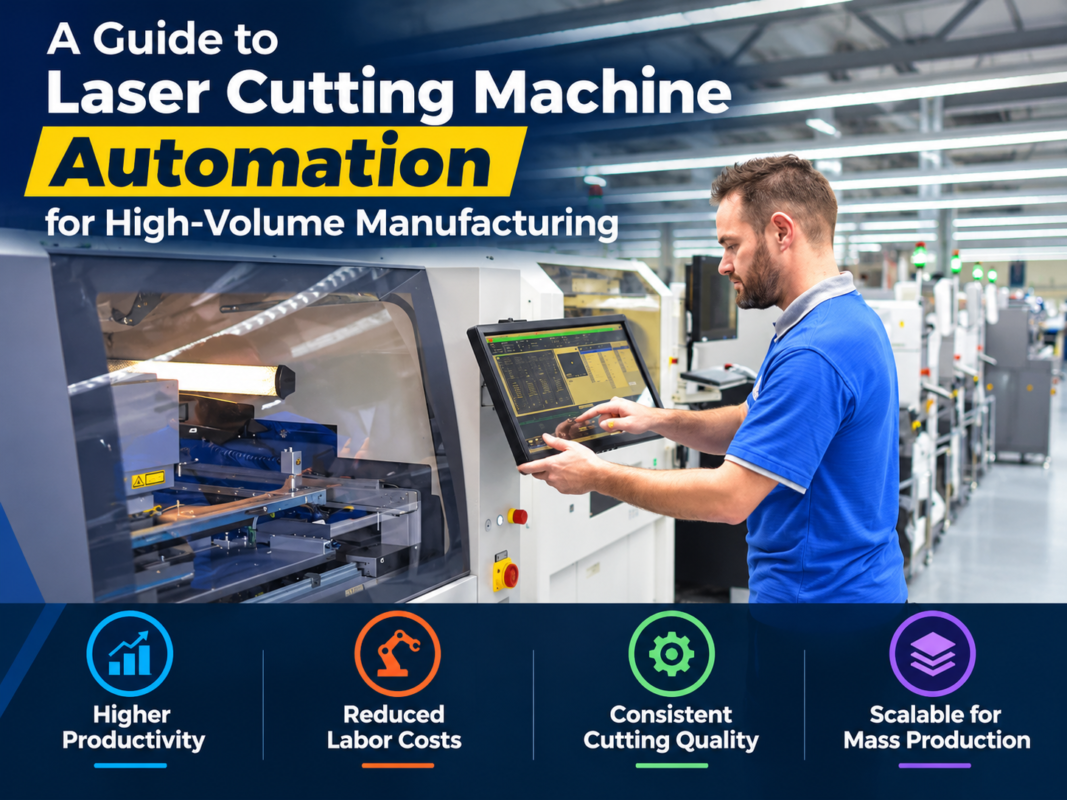
Single Table vs. Exchange Table: A single table machine is the most affordable. However, the machine sits idle while you unload parts and load a new sheet. In a job shop environment where time is money, an exchange table (shuttle table) can increase productivity by 30% to 50%. If your business model involves high-volume production, the extra $10,000-$15,000 for an exchange table is almost always worth it. If you are doing custom, one-off prototypes, a single table is sufficient.
Open vs. Enclosed Design: Open-type machines are cheaper and offer easier access to the cutting area. However, they require the operator to wear safety goggles at all times and offer no protection against the fine dust generated during cutting. Enclosed machines (Full Cover) are safer and allow for much more efficient dust extraction. Many modern job shops prefer enclosed designs to meet strict health and safety regulations and to keep the rest of the shop clean.
Power Selection: It is a common mistake to under-buy on power. A 1.5kW machine can cut 12mm carbon steel, but it does so very slowly and with a lower-quality edge. A 3kW machine can cut the same material three times faster and with a much cleaner finish. For most job shops, 3kW is currently the best balance of price and capability, allowing for efficient cutting of both thin and medium-thickness materials.
Hidden Costs of Owning a Laser Cutter
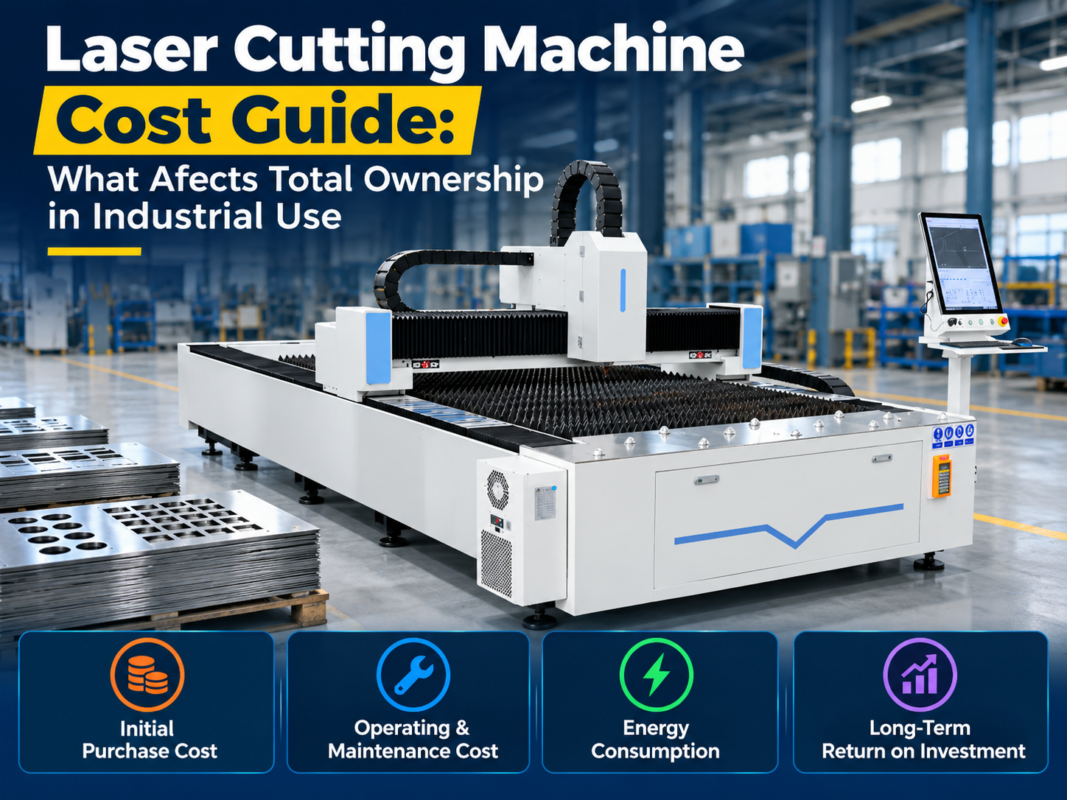
The purchase price is just the beginning. To truly find affordable laser cutting machine options for startups and job shops, you must account for the ongoing operational costs. Ignoring these can quickly turn a profitable machine into a financial burden.
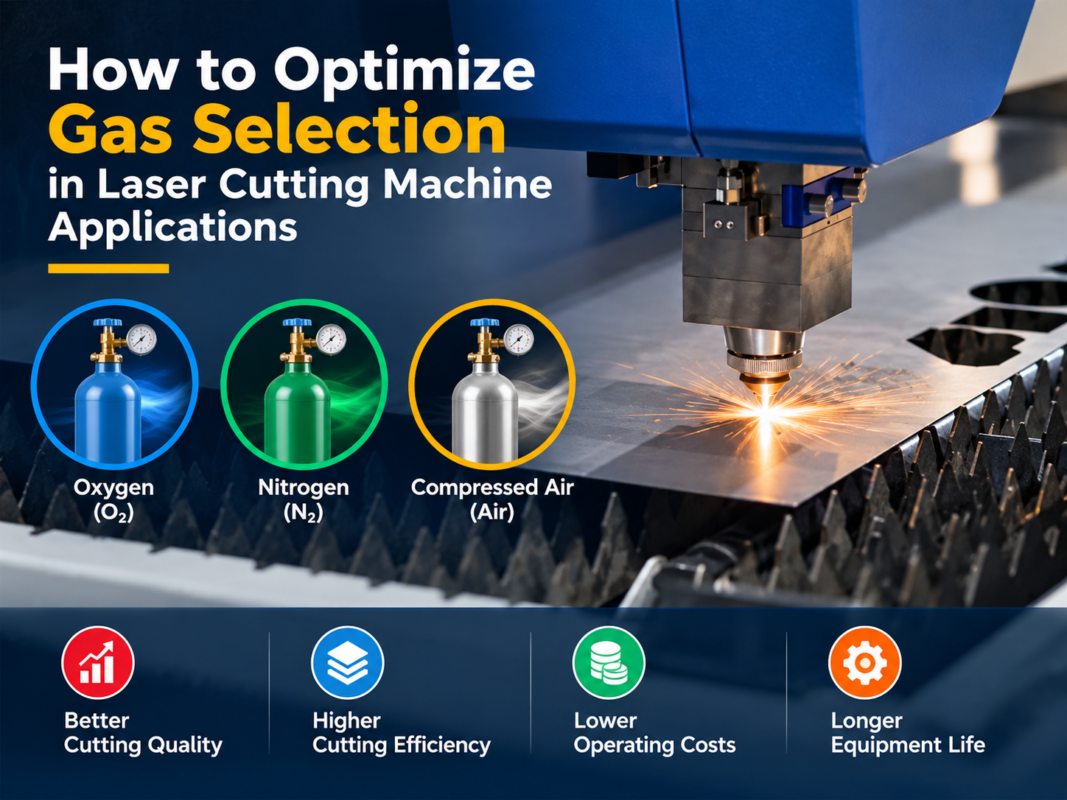
- Assist Gases: Laser cutting requires Oxygen, Nitrogen, or Compressed Air. Oxygen is used for carbon steel but leaves an oxide layer that must be removed before painting. Nitrogen provides a clean, shiny edge on stainless steel and aluminum but is expensive. Many startups are now moving toward high-pressure air cutting, which requires a specialized compressor but drastically reduces the cost-per-part.
- Consumables: You will regularly need to replace copper nozzles, ceramic rings, and protective windows (lenses). While these parts are relatively cheap, they add up over time. Using high-quality consumables prevents damage to the more expensive internal optics.
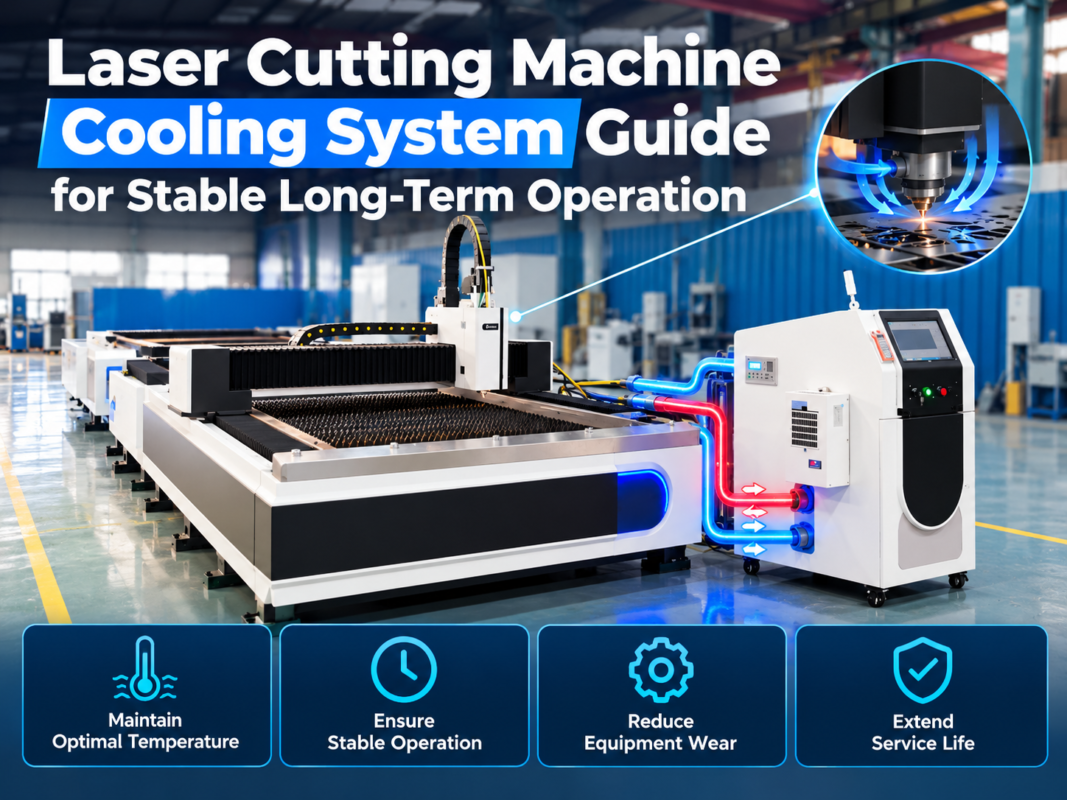
- Electricity: Fiber lasers are much more efficient than old CO2 lasers, but they still consume significant power, especially when you factor in the chiller (cooling system) and the dust extractor. Ensure your facility has the necessary electrical capacity (usually 3-phase power) before the machine arrives.
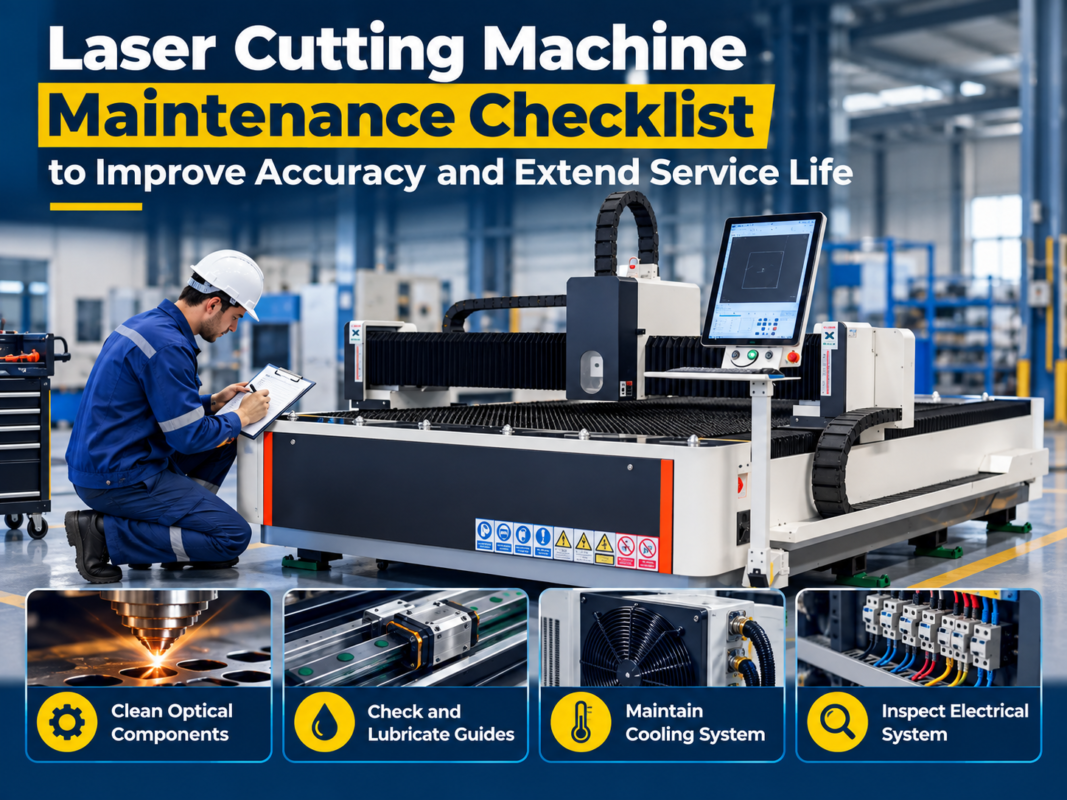
- Maintenance and Training: While fiber lasers require less maintenance than CO2 lasers (no mirrors to align), they still need regular cleaning and lubrication. Furthermore, investing in professional training for your operators will prevent expensive crashes and ensure the machine is running at peak efficiency from day one.
ROI Calculation: When Will Your Machine Pay for Itself?
For a startup, the Return on Investment (ROI) is the most critical metric. To calculate this, you need to compare the cost of owning the machine against the cost of outsourcing your laser cutting or the revenue generated by selling laser-cutting services.
Consider a typical scenario: A job shop spends $3,000 per month outsourcing laser-cut parts. By purchasing an affordable 2kW fiber laser for $45,000, their monthly payment (if financed) might be around $1,200. Adding $800 for gas, electricity, and consumables, the total monthly cost is $2,000. The shop immediately saves $1,000 per month while gaining total control over their production schedule and lead times.
Furthermore, the shop can now take on outside work. If they bill the machine out at $100 per hour and run it for just 20 hours a week, that is $8,000 in monthly revenue. After subtracting costs, the machine could potentially pay for itself in less than 12 months. This ability to generate high revenue with relatively low labor input is why fiber lasers are the cornerstone of successful modern job shops.
| Expense Category | Estimated Monthly Cost (USD) | Notes |
|---|---|---|
| Machine Financing | $1,000 – $2,500 | Depends on power and features |
| Assist Gas (N2/O2) | $400 – $1,200 | Air cutting can reduce this to near zero |
| Electricity | $200 – $500 | Includes chiller and dust collector |
| Consumables | $100 – $300 | Nozzles, lenses, and ceramics |
| Total Operating Cost | $1,700 – $4,500 | Excluding labor |
Buying Advice for New Job Shops and Startups
Choosing from the many affordable laser cutting machine options for startups and job shops can be overwhelming. Here is a checklist to help you navigate the process:
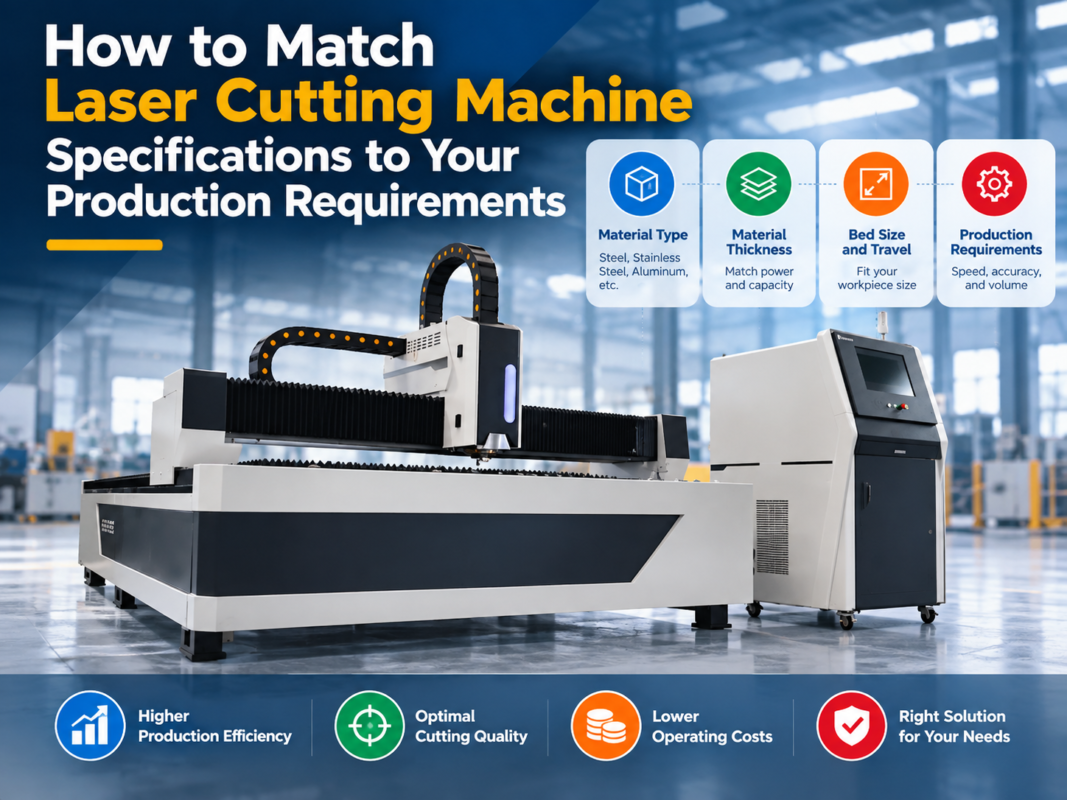
- Define Your Material Mix: Don’t buy a 6kW machine if 90% of your work is 2mm aluminum. Conversely, don’t buy a 1kW machine if you plan to cut 10mm steel all day. Match the power to your most common tasks.
- Check the Local Support: Even the best machine will eventually need a spare part or a technical question answered. Ensure the manufacturer or distributor has a reliable service team in your region or offers robust remote support.
- Test Cut Your Parts: Before buying, send your most complex CAD files to the manufacturer. Ask them to cut the parts in the specific material and thickness you use. This proves the machine can handle your specific quality requirements.
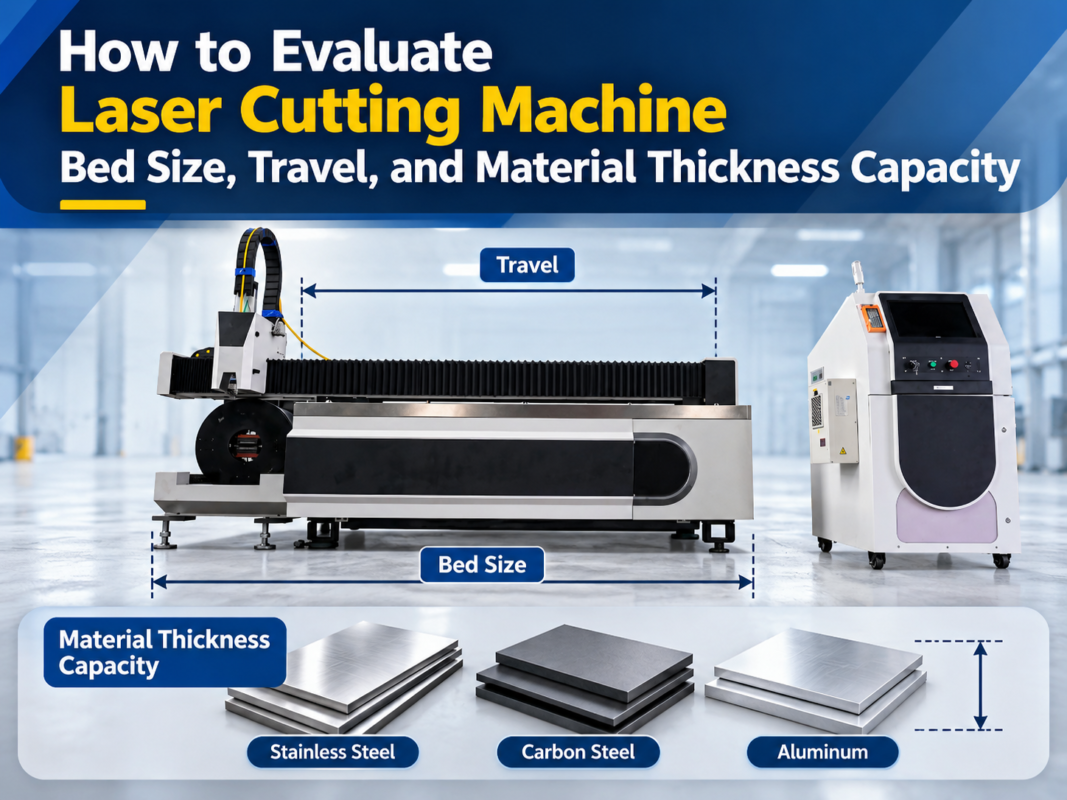
- Consider Future Growth: It is often cheaper to buy a machine with a slightly larger bed or more power now than to trade it in and upgrade two years later. A 1500x3000mm bed is the industry standard for a reason—it fits standard sheet sizes.
- Vet the Manufacturer: Look for companies like HARSLE that have a long history in the metal fabrication industry. Check reviews, ask for customer references, and look at the quality of the components they use in their standard builds.
Frequently Asked Questions
What is the difference between Fiber and CO2 lasers for a startup?
Fiber lasers are the superior choice for most startups today. they are 3-4 times more energy-efficient, have no moving parts or mirrors in the light-generating source (reducing maintenance), and cut thin-to-medium metals much faster than CO2 lasers. CO2 lasers are now mostly reserved for specialized applications like cutting wood, acrylic, or very thick non-metals.
Can I run a fiber laser on a standard household power outlet?
No. Industrial fiber lasers require 3-phase power (typically 220V or 380V/480V depending on the region). Startups operating out of small garages or workshops may need to upgrade their electrical panel or use a phase converter, which should be factored into the initial setup cost.
How long does a fiber laser source last?
Most reputable fiber laser sources (Raycus, IPG, Max) are rated for approximately 100,000 hours of operation. In a typical job shop environment, this equates to over 10-15 years of use. The diodes may degrade slightly over time, but the source itself is incredibly durable compared to older technologies.
Is it difficult to learn how to operate the software?
Modern CNC software like CypCut is designed to be intuitive. Most operators with basic computer skills can learn the fundamentals of nesting and cutting within 2-3 days of training. However, mastering the “art” of laser cutting—adjusting gas pressures and focal points for perfect edges—takes a few weeks of hands-on experience.
What safety equipment do I need?
For an open-type machine, you must have OD6+ rated safety glasses for everyone in the room. You also need a proper dust extraction system (fume extractor) because laser cutting metal produces fine particulate matter that is hazardous to inhale. Fire extinguishers rated for metal fires should also be kept nearby.