
Punching Machine Servo System Errors: Troubleshooting Guide for Operators


Introduction to Servo Systems in Modern Punching Machines
In the high-precision world of metal fabrication, the servo system is the heart of the modern CNC punching machine. It is responsible for the rapid, accurate movement of the sheet metal and the precise timing of the punch head. When a servo system fails or throws an error, production grinds to a halt, leading to costly downtime and potential damage to expensive workpieces. Understanding Punching Machine Servo System Errors: Troubleshooting Operators must master is essential for maintaining a competitive edge in the industry.
A servo system typically consists of four main components: the controller (CNC), the servo drive (amplifier), the servo motor, and the feedback device (usually an encoder). These components work in a closed-loop system, constantly communicating to ensure that the actual position of the machine matches the commanded position. Because these systems are highly sensitive and operate at high speeds, even minor electrical interference or mechanical resistance can trigger an error code. For operators, the ability to distinguish between a simple sensor glitch and a major mechanical failure is the difference between a five-minute fix and a week of lost production.
HARSLE, a leader in metal fabrication machinery, integrates advanced servo technology into its punching machines to provide maximum reliability. However, environmental factors, wear and tear, and improper maintenance can still lead to system alerts. This guide is designed to empower operators with the technical knowledge required to diagnose and resolve common servo system errors, ensuring that your HARSLE equipment continues to perform at peak efficiency.
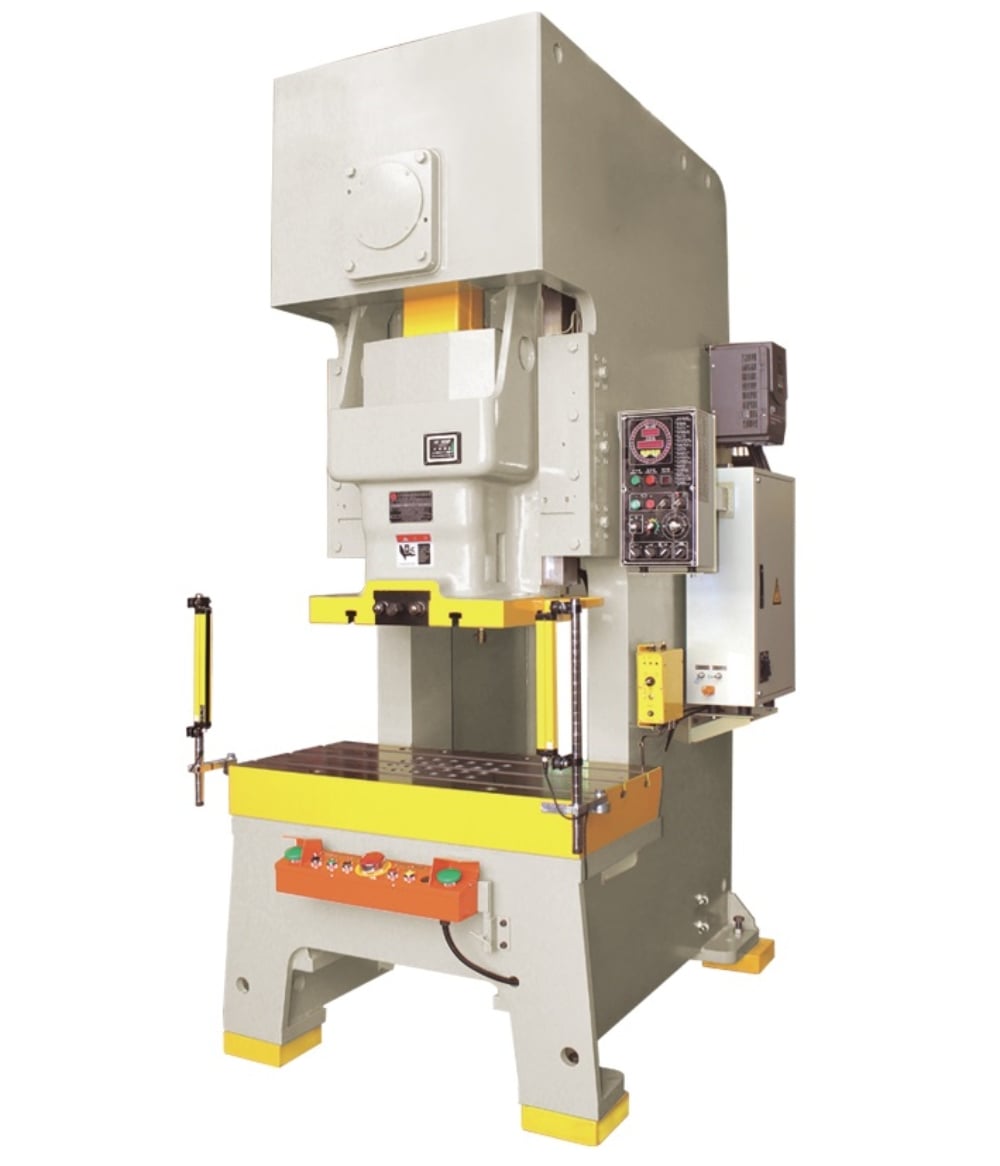
Key Considerations for Servo System Stability
Before diving into specific error codes, it is vital to understand the environmental and operational factors that influence servo stability. One of the most common causes of Punching Machine Servo System Errors: Troubleshooting Operators often overlook is electrical noise or Electromagnetic Interference (EMI). Because servo systems rely on low-voltage signals for feedback, high-voltage cables running too close to signal wires can induce false readings, leading to erratic behavior or “ghost” errors.
Thermal management is another critical consideration. Servo drives generate significant heat during high-speed punching operations. If the electrical cabinet’s cooling system fails or if filters are clogged with dust from the fabrication floor, the drives may overheat. Most modern drives have thermal protection that will shut the system down once a certain temperature threshold is reached. Regular cleaning of cabinet fans and heat sinks is a simple yet effective preventive measure.
Mechanical alignment and lubrication also play a direct role in servo performance. If the ball screws or linear guides of the punching machine are not properly lubricated, the friction increases. The servo motor must then draw more current to overcome this resistance, which can eventually trigger an “Overload” error. Operators should always ensure that the mechanical path is clear and well-maintained before assuming the error is purely electrical in nature.
Finally, power quality is paramount. Fluctuations in the factory’s main power supply, such as voltage spikes or sags, can damage sensitive drive electronics. Using a dedicated voltage stabilizer for CNC machinery is highly recommended to protect the servo system from external electrical instability. Understanding these foundational elements helps operators narrow down the root cause of an error much faster.
Technical Details: Common Servo Error Codes and Causes
When a servo error occurs, the CNC screen or the drive’s LED display will usually show a specific code. While these codes vary by manufacturer (such as Delta, Yaskawa, or Fanuc), they generally fall into several universal categories. Mastering Punching Machine Servo System Errors: Troubleshooting Operators involves recognizing these patterns.
1. Overload Errors (OL)
Overload errors occur when the drive detects that the motor is drawing more current than its rated capacity for an extended period. This is often caused by mechanical binding, such as a jammed workpiece or a lack of lubrication on the X/Y axis rails. It can also happen if the acceleration/deceleration parameters are set too aggressively for the weight of the material being processed. If the motor is hot to the touch, it is likely a genuine overload; if it is cool, the issue might be a faulty current sensor within the drive.
2. Encoder/Feedback Errors
The encoder provides the “eyes” for the servo system. If the controller loses the signal from the encoder, it will immediately stop the machine to prevent a crash. Common causes include a broken feedback cable, a loose connector at the back of the motor, or internal damage to the encoder due to excessive vibration. In some cases, oil or coolant may seep into the encoder housing, causing a short circuit. Operators should inspect the integrity of the cables and ensure they are properly shielded and grounded.
3. Overvoltage and Undervoltage
Overvoltage errors often occur during rapid deceleration. When a motor slows down, it acts as a generator, sending energy back to the drive. If the regenerative resistor is faulty or disconnected, this energy has nowhere to go, causing the DC bus voltage to spike. Conversely, undervoltage errors usually point to an issue with the incoming power supply or a failing capacitor within the drive itself. Checking the input voltage with a multimeter is the first step in diagnosing these issues.
| Error Category | Common Symptoms | Potential Root Cause | Recommended Action |
|---|---|---|---|
| Overload | Motor stops during movement; high heat. | Mechanical friction; jammed axis. | Check lubrication; inspect rails for debris. |
| Feedback Error | Sudden jumps in position; immediate E-stop. | Damaged encoder cable; loose plug. | Inspect and secure encoder connections. |
| Overvoltage | Error occurs during high-speed stops. | Faulty regenerative resistor. | Test resistor resistance; check braking unit. |
| Communication | CNC loses contact with all drives. | EMI noise; faulty bus cable. | Check shielding; isolate signal cables. |
Step-by-Step Troubleshooting Guide for Operators
When an error appears, following a systematic approach is the best way to minimize downtime. Here is a recommended workflow for Punching Machine Servo System Errors: Troubleshooting Operators can implement immediately:
- Record the Error Code: Before resetting the machine, write down the exact error code and any sub-codes displayed on the drive or CNC screen. This information is vital for technical support.
- Perform a Visual Inspection: Check the axis associated with the error. Are there any visible obstructions? Is the material clamped correctly? Look for loose cables or signs of burnt components in the electrical cabinet.
- Check the Power Supply: Use a multimeter to verify that the incoming voltage is within the machine’s specified range. Check for tripped circuit breakers or blown fuses in the servo drive circuit.
- Isolate the Problem: If the machine has multiple identical axes, you can (with caution and proper training) swap cables or drives to see if the error follows the component. If the error moves with the drive, the drive is likely faulty. If it stays with the motor, the issue is the motor or the mechanical load.
- Verify Parameters: Sometimes, a battery failure in the absolute encoder can cause the machine to lose its “home” position or parameters. Ensure the backup batteries are fresh and that the parameters match the factory settings.
- Test the Mechanical Path: With the power off, try to manually move the axis (if possible). It should move smoothly. Any “tight spots” indicate a mechanical issue with the ball screw or bearings.
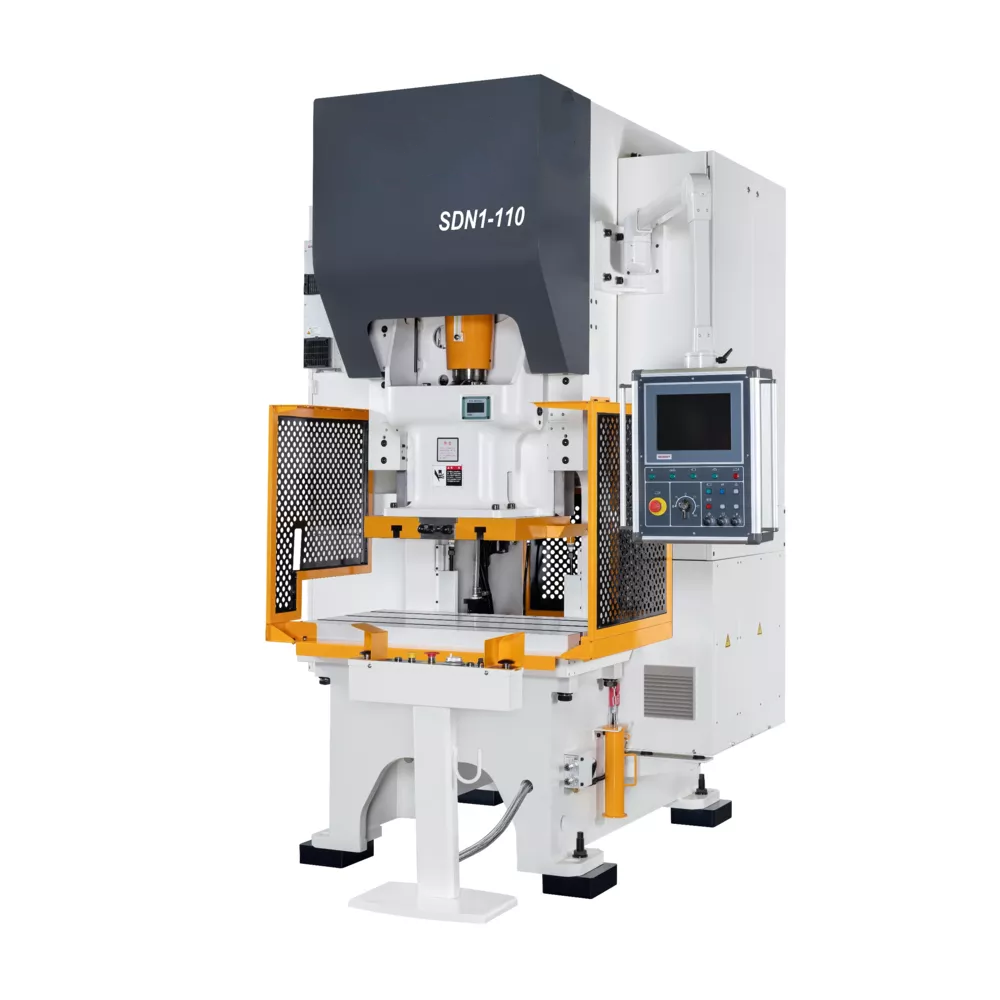
Selection Advice: Choosing Reliable Servo Systems
When purchasing a new punching machine or upgrading an existing one, the quality of the servo system should be a primary consideration. Not all servo systems are created equal. High-end systems from reputable brands offer better diagnostic tools, higher resolution encoders, and more robust protection circuits. When evaluating Punching Machine Servo System Errors: Troubleshooting Operators will face, the initial hardware choice plays a massive role.
Look for machines that utilize “Absolute Encoders.” Unlike incremental encoders, absolute encoders do not require the machine to be “homed” every time it is powered on. They retain their position even when the power is cut, which significantly reduces the risk of positioning errors and simplifies the recovery process after an E-stop. HARSLE machines often feature these advanced encoders to streamline the operator’s workflow.
Another factor is the integration of the drive and the controller. Systems that use a high-speed communication bus (like EtherCAT or CANopen) are less susceptible to noise than those using traditional pulse/direction signals. These digital buses also allow the CNC to display detailed diagnostic information directly on the main screen, making it much easier for the operator to identify which specific component is failing.
Finally, consider the availability of spare parts and technical support. A servo system is only as good as the support behind it. Choosing a manufacturer like HARSLE ensures that you have access to expert technicians and genuine replacement parts, which is critical when a complex servo error exceeds the operator’s troubleshooting capabilities.
Advanced Maintenance to Prevent Servo Errors
Preventive maintenance is the most effective way to handle Punching Machine Servo System Errors: Troubleshooting Operators. A well-maintained machine rarely experiences unexpected servo failures. Operators should establish a daily, weekly, and monthly maintenance schedule focused on the electrical and mechanical health of the system.
Daily tasks should include checking the cooling fans on the servo drives and ensuring the electrical cabinet door is tightly sealed to prevent the ingress of metal dust. Metal dust is conductive and can cause catastrophic short circuits if it settles on the drive’s circuit boards. Weekly, operators should inspect the servo motor cables for signs of wear, especially in high-flex areas like cable carriers (drag chains). Any fraying or cracking in the cable jacket should be addressed immediately.
Monthly maintenance should involve a deeper dive into the mechanical system. Check the tension of any timing belts connecting the servo motor to the ball screw. Loose belts can cause “backlash” errors, while overly tight belts can lead to premature bearing failure. Additionally, use a vacuum to clean the interior of the electrical cabinet, paying close attention to the air intakes of the servo drives. By maintaining a clean, cool, and well-lubricated environment, you can extend the life of your servo system by years.
FAQ: Punching Machine Servo Troubleshooting
Q1: Why does my punching machine show a ‘Servo Alarm’ every morning?
This is often related to temperature or battery issues. If the factory is cold, the grease in the bearings may be thick, causing an initial overload. Alternatively, if the drive uses absolute encoders, the backup battery might be low, causing a loss of position data during the overnight shutdown. Check the battery voltage and allow the machine a brief warm-up period.
Q2: Can I bypass a servo error to finish a job?
Absolutely not. Servo errors are safety and protection mechanisms. Bypassing or ignoring them can lead to permanent damage to the motor, drive, or the machine’s mechanical structure. It can also pose a significant safety risk to the operator. Always resolve the root cause before resuming production.
Q3: How often should I replace servo motor cables?
There is no fixed timeline, but cables in high-motion axes should be inspected every six months. If you notice the outer jacket is worn or if the machine is experiencing intermittent communication errors, it is time to replace the cables with high-flex, shielded versions designed for CNC applications.
Q4: What is the difference between a ‘Soft’ and ‘Hard’ servo error?
A ‘Soft’ error is usually parameter-related or a minor glitch that can be cleared by resetting the power. A ‘Hard’ error indicates a physical failure, such as a blown transistor in the drive or a shorted winding in the motor, and will require component replacement.
Conclusion
Mastering Punching Machine Servo System Errors: Troubleshooting Operators guide is a vital skill for any modern fabricator. By understanding the relationship between the controller, drive, and motor, and by recognizing the environmental factors that lead to failure, operators can significantly reduce downtime and maintenance costs. Whether it is a simple matter of cleaning a cooling fan or a more complex task like diagnosing an encoder failure, a systematic and informed approach is key.
HARSLE remains committed to providing high-quality punching machines equipped with the industry’s most reliable servo technology. However, the longevity and performance of any machine ultimately depend on the knowledge and diligence of its operators. By following the troubleshooting steps and maintenance advice outlined in this guide, you can ensure that your HARSLE equipment remains a productive and profitable asset for your business for many years to come. Remember, precision in maintenance leads to precision in production.


