
Fiber Laser Cutter Maintenance Tips for Industrial Workshops: The Ultimate Guide


The Critical Importance of Fiber Laser Cutter Maintenance
In the fast-paced world of modern metal fabrication, the fiber laser cutter stands as the cornerstone of productivity. For industrial workshops, these machines represent a significant capital investment, and their performance directly dictates the quality of the final product and the profitability of the business. Implementing comprehensive Fiber Laser Cutter Maintenance Tips for Industrial Workshops is not merely a suggestion; it is a necessity for ensuring operational longevity and precision. A well-maintained machine operates at peak efficiency, reduces the risk of unexpected downtime, and ensures that the intricate components of the laser source and cutting head remain in optimal condition.
Fiber laser technology is renowned for its efficiency and lower maintenance requirements compared to older CO2 lasers. However, the high-precision nature of fiber optics means that even minor contaminants or misalignments can lead to significant issues. In an industrial environment, factors such as dust, humidity, and fluctuating power supplies can take a toll on the equipment. By following a structured maintenance regimen, workshop managers can extend the lifespan of their HARSLE machines, maintain tight tolerances, and ensure a safe working environment for operators. This guide provides an in-depth look at the essential practices required to keep your fiber laser cutter running at its best.
The Financial Impact of Neglect
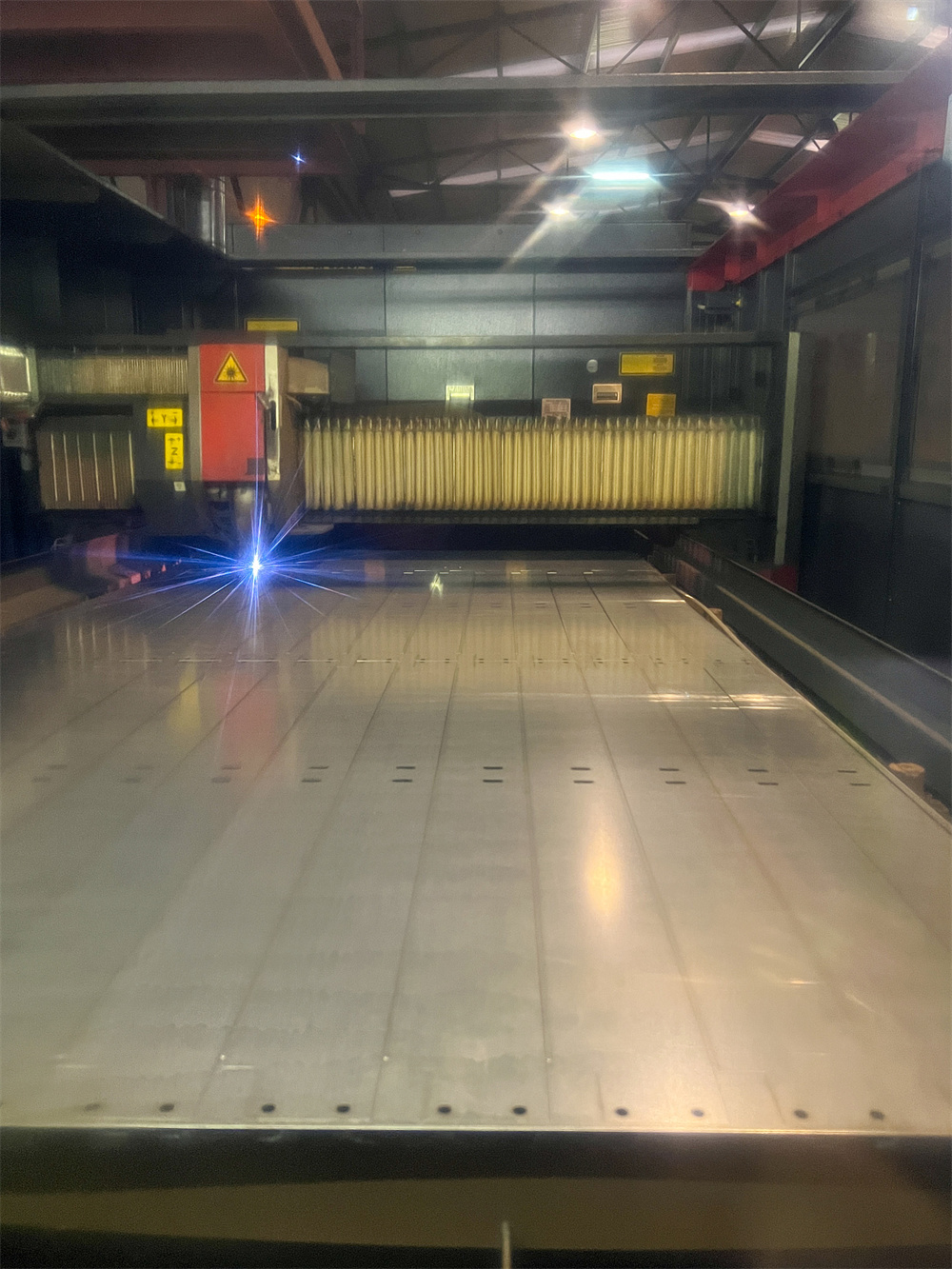
Neglecting maintenance often leads to a domino effect of mechanical failures. For instance, a dirty protective lens can cause the laser beam to scatter, leading to poor cut quality, increased dross, and eventually, damage to the expensive cutting head. The cost of replacing a cutting head or a laser source far outweighs the cost of routine cleaning and inspection. Furthermore, unplanned downtime can disrupt supply chains and lead to missed deadlines, damaging a workshop’s reputation. Therefore, viewing maintenance as a proactive investment rather than a reactive chore is the first step toward industrial excellence.
Daily Inspection: The First Line of Defense
Daily inspections are the most effective way to catch minor issues before they escalate into major repairs. Every shift should begin with a standardized checklist to ensure the machine is ready for high-intensity work. The primary focus of daily maintenance is the cleanliness of the optical path and the stability of the gas and cooling systems. Because fiber lasers operate with extremely high energy densities, even a microscopic speck of dust on a lens can absorb enough heat to crack the glass or damage the internal coatings.
Optical Component Care
The protective lens is the most vulnerable part of the cutting head. It sits closest to the workpiece and is constantly exposed to sparks, dust, and metal vapors. Operators must inspect the lens daily using a high-intensity light. If any contamination is found, it must be cleaned using specialized optical-grade swabs and high-purity isopropanol. It is vital to perform this in a clean environment to avoid introducing more dust. Beyond the lens, the nozzle must be checked for slag buildup or physical deformation. A damaged nozzle will disrupt the coaxial flow of assist gas, leading to inconsistent cuts and potential beam clipping.
Gas and Pressure Verification
Assist gases—typically Oxygen, Nitrogen, or Compressed Air—play a dual role: they aid the cutting process and protect the optics from debris. Daily checks should include verifying the pressure levels at the source and ensuring that the gas lines are free of leaks. Moisture in the gas lines is a common enemy of fiber lasers. If using compressed air, the filtration and drying system must be checked to ensure no oil or water vapor is reaching the cutting head. Consistent gas pressure is essential for maintaining the ‘sweet spot’ of the cutting parameters across different material thicknesses.
Hydraulic, Electrical, and Mechanical System Checks
While the laser beam does the cutting, the mechanical and electrical systems provide the precision and movement necessary for complex geometries. In an industrial workshop, the vibration and heat generated by continuous operation can loosen connections or wear down moving parts. A deep dive into these systems is required on a weekly and monthly basis to ensure the machine’s structural integrity remains intact.
Electrical Cabinet and Controller Maintenance
The electrical cabinet houses the ‘brain’ of the fiber laser cutter, including the CNC controller, servo drives, and power supplies. Dust is a significant threat here, as it can cause short circuits or lead to overheating by clogging cooling fans. Monthly, the cabinet should be opened (with power off) and cleaned using a vacuum or low-pressure dry air. All electrical connections should be checked for tightness, as thermal expansion and contraction can loosen terminals over time. Additionally, ensure that the grounding system is intact to protect the sensitive electronics from static and power surges.
Mechanical Alignment and Rail Integrity
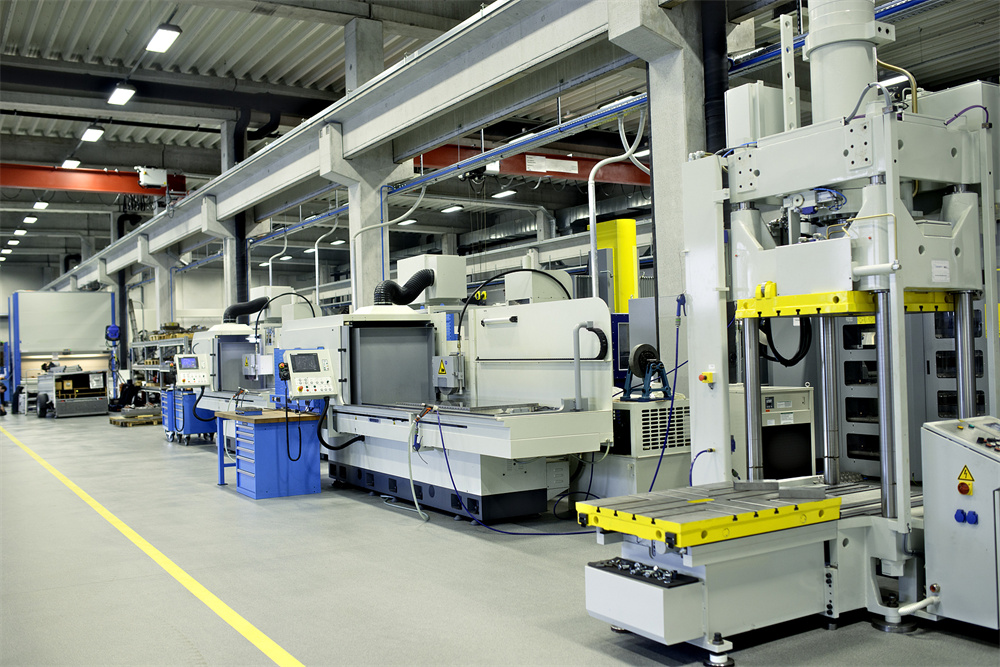
The X, Y, and Z axes of a fiber laser cutter rely on high-precision linear guides and rack-and-pinion systems. Any debris on these rails can cause ‘stuttering’ in the machine’s movement, which manifests as jagged edges on the cut parts. Weekly, the rails should be wiped down to remove old grease and metal dust. Check the tension of the drive belts and the alignment of the racks. If the machine utilizes a shuttle table (dual pallet changer), the hydraulic or motor-driven mechanism must be inspected for smooth transition and proper locking. Misalignment in the table can lead to focal point errors if the workpiece is not perfectly level.
The Heart of the System: Cooling and Water Chiller Maintenance
The fiber laser source and the cutting head generate immense amounts of heat. The water chiller is responsible for maintaining a stable temperature to prevent thermal drift and component failure. If the cooling system fails, the laser source can be permanently damaged within seconds. Therefore, the chiller requires rigorous attention as part of your Fiber Laser Cutter Maintenance Tips for Industrial Workshops.
Water Quality and Conductivity
Fiber lasers require deionized or distilled water to prevent mineral buildup and electrical conductivity issues within the cooling lines. The conductivity of the water should be monitored; if it exceeds the manufacturer’s recommended microsiemens (µS) level, the deionization filter must be replaced. Furthermore, the water should be changed every 3 to 6 months, depending on the workshop environment. In colder climates, ensure that the proper ratio of approved antifreeze is used to prevent the lines from bursting during shutdowns, though it is always preferable to keep the workshop at a stable temperature.
Chiller Airflow and Filters
The chiller works by exchanging heat with the ambient air. If the chiller’s condenser fins are clogged with dust, its efficiency drops, causing the laser source to run hotter. Clean the chiller’s air filters weekly and use compressed air to blow out the condenser coils monthly. Ensure the chiller is placed in a well-ventilated area with at least one meter of clearance on all sides. Overheating is one of the leading causes of ‘low power’ alarms in fiber laser systems, and it is almost entirely preventable through these simple steps.
Comprehensive Lubrication Plan
Proper lubrication reduces friction, prevents rust, and ensures the smooth transmission of power. However, over-lubrication can be just as detrimental as under-lubrication, as excess grease attracts metal dust and creates an abrasive paste that wears down components. A professional lubrication plan should be tailored to the specific workload of the industrial workshop.
- Linear Guides: Apply a thin layer of high-quality lithium-based grease every 100 hours of operation. Many HARSLE machines feature automatic lubrication systems; ensure the reservoir is filled and the pump is functioning.
- Rack and Pinion: These should be cleaned with a brush and solvent before applying new lubricant. Check for signs of uneven wear, which might indicate a mechanical misalignment.
- Ball Screws: Often found on the Z-axis, these require specialized fine-grade grease to maintain the high-speed vertical movements needed for height sensing and piercing.
- Motor Bearings: While many modern servo motors are sealed, any external bearings in the drive train should be checked for noise and heat, indicating a need for service.
Troubleshooting Signals: What to Watch For
Even with the best maintenance, components will eventually wear out. The key is to recognize the warning signs before a total failure occurs. Operators should be trained to ‘listen’ and ‘look’ at the machine’s output. Changes in the sound of the cutting process or the physical appearance of the machine can provide vital clues.
Identifying Beam and Quality Issues
If you notice an increase in dross (slag) on the bottom of the cut, or if the kerf width becomes inconsistent, the first suspect is the optics. Check the centering of the beam through the nozzle using the ‘tape test.’ If the beam is not perfectly centered, the cut quality will vary depending on the direction of travel. Another signal is a drop in cutting speed. If the machine can no longer cut at its rated speed for a specific material, it may indicate that the protective lens is dirty, the laser source is degrading (rare for fiber), or the focus calibration is off.
Mechanical and Audible Warnings
Unusual grinding or squeaking noises during high-speed traverses usually point to a lack of lubrication or a failing bearing. Vibrations during the cutting process can indicate loose bolts on the machine frame or a problem with the servo tuning. Additionally, pay close attention to the CNC alarm history. Frequent ‘following error’ alarms often suggest mechanical resistance in the axes, while ‘over-temperature’ alarms point directly to the cooling system issues discussed earlier.
Fiber Laser Cutter Maintenance Schedule Table
To help industrial workshops stay organized, the following table summarizes the essential maintenance tasks and their recommended frequencies.
| Frequency | Component | Action Required |
|---|---|---|
| Daily | Protective Lens & Nozzle | Inspect for cleanliness, slag, and centering. Clean or replace as needed. |
| Daily | Water Chiller | Check water levels and temperature settings. Ensure no alarms are present. |
| Daily | Assist Gas Source | Verify gas pressure and check for leaks in the delivery lines. |
| Weekly | Linear Guides & Racks | Clean debris and check lubrication levels. Wipe down rails. |
| Weekly | Chiller Air Filters | Remove and clean dust from the intake filters. |
| Monthly | Electrical Cabinet | Vacuum dust and check for loose wiring connections. |
| Monthly | Exhaust System | Clean dust collectors and check ducting for obstructions. |
| Quarterly | Cooling Water | Drain and replace distilled water; check conductivity and filters. |
| Yearly | Full Calibration | Professional inspection of beam alignment, squareness, and laser power. |
Frequently Asked Questions (FAQ)
1. How often should I replace the protective lens?
There is no fixed timeframe for lens replacement. In a clean environment with proper gas filtration, a lens can last for hundreds of hours. However, in a heavy-duty industrial workshop, it might need replacement every few days if it becomes pitted or burnt. Regular inspection is the only way to determine the replacement cycle.
2. Can I use tap water in my laser chiller?
No. Tap water contains minerals that will create scale inside the laser source and cooling lines, leading to hotspots and reduced cooling efficiency. Always use distilled or deionized water as specified by the manufacturer.
3. Why is my fiber laser cutting poorly on one side of the sheet?
This is usually a sign of a leveling issue with the machine bed or a slight misalignment in the beam centering. If the cutting head is not perfectly perpendicular to the workpiece across the entire travel area, the focal point will shift, causing inconsistent cut quality.
4. What is the best way to clean the machine’s frame and slats?
The slats should be cleaned of slag regularly using a slat cleaner tool or a hammer and chisel. Excessive slag buildup can reflect the laser beam and damage the underside of the workpiece or the machine’s internal components. The frame should be kept free of metal dust to prevent interference with sensors.
5. Does the environment of the workshop affect the laser?
Absolutely. High humidity can cause condensation on the optics, while extreme heat can strain the cooling system. Ideally, a fiber laser should be operated in a temperature-controlled environment with adequate dust extraction to protect both the machine and the operators.
Conclusion
Maintaining a fiber laser cutter in an industrial workshop requires a blend of daily discipline and technical oversight. By following these Fiber Laser Cutter Maintenance Tips for Industrial Workshops, you ensure that your HARSLE equipment remains a reliable asset for years to come. From the delicate cleaning of optical lenses to the robust maintenance of mechanical rails and cooling systems, every action contributes to a higher standard of fabrication. Remember, a clean machine is a fast machine, and a well-lubricated machine is a precise one. Stay proactive, keep a detailed maintenance log, and your workshop will reap the rewards of uninterrupted, high-quality production.