Offline Programming for Press Brakes: Maximizing Shop Efficiency


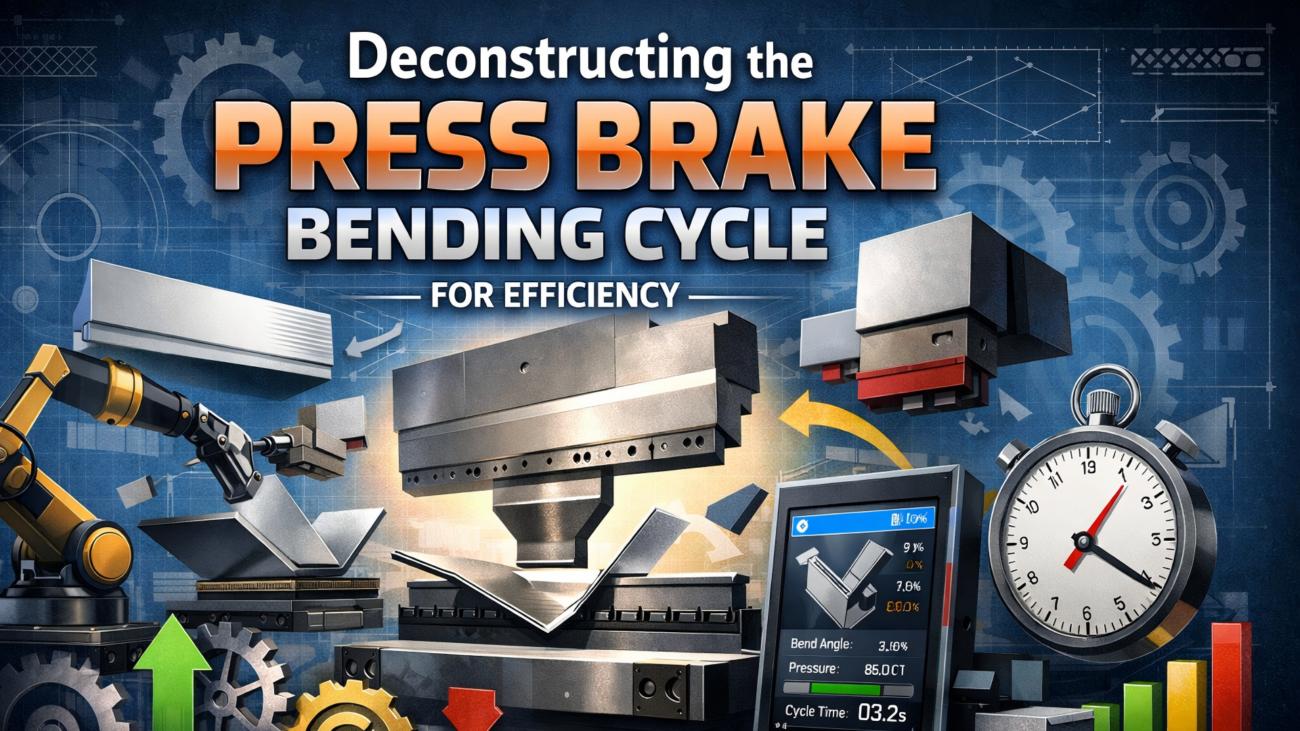
In modern sheet metal fabrication, press brake efficiency is defined more by uptime than maximum tonnage or speed. Traditionally, operators programmed machines directly at the CNC controller, which works for simple parts but creates bottlenecks in high-mix, low-volume production. Time spent entering coordinates, selecting tools, and testing bend sequences reduces productive machine time. Offline programming addresses this challenge by allowing engineers to create and simulate bending programs on a computer while the press brake continues running. This approach improves efficiency, reduces setup time, and minimizes errors, making it an essential solution for optimizing productivity in today’s smart manufacturing environments.
Understanding the Basics of Offline Programming

Offline programming (OLP) is the process of generating CNC code for a press brake using dedicated software on a separate workstation. Unlike manual programming, OLP uses 3D CAD models to automatically calculate bend sequences, tooling selection, and backgauge positions. At its core is the digital twin concept—a virtual model of the press brake, including the bed, ram, backgauges, and tooling. This allows full simulation of the bending process before production. By identifying potential collisions and errors in advance, OLP ensures higher accuracy, reduces setup time, and enables a smooth, predictable transition from design to finished part in modern fabrication workflows.
Why This Topic Matters in Sheet Metal Fabrication
The main reason for adopting offline programming is to eliminate machine idle time. In traditional workflows, programming a complex part at the controller can take 30 to 60 minutes. If multiple jobs are processed daily, this results in significant production loss. Manual programming also increases the risk of human error, especially in bend calculations and sequencing. Mistakes can lead to material waste or damage to costly tooling. As skilled operator availability declines and labor costs rise, shifting programming tasks to engineers becomes a strategic advantage. This allows operators to focus on production and quality control, improving efficiency and overall workflow.
Humanize 101 words
The most expensive press brake in your shop is the one that is sitting idle while an operator attempts to solve a complex bending sequence manually.
Key Factors to Consider in Offline Programming Software
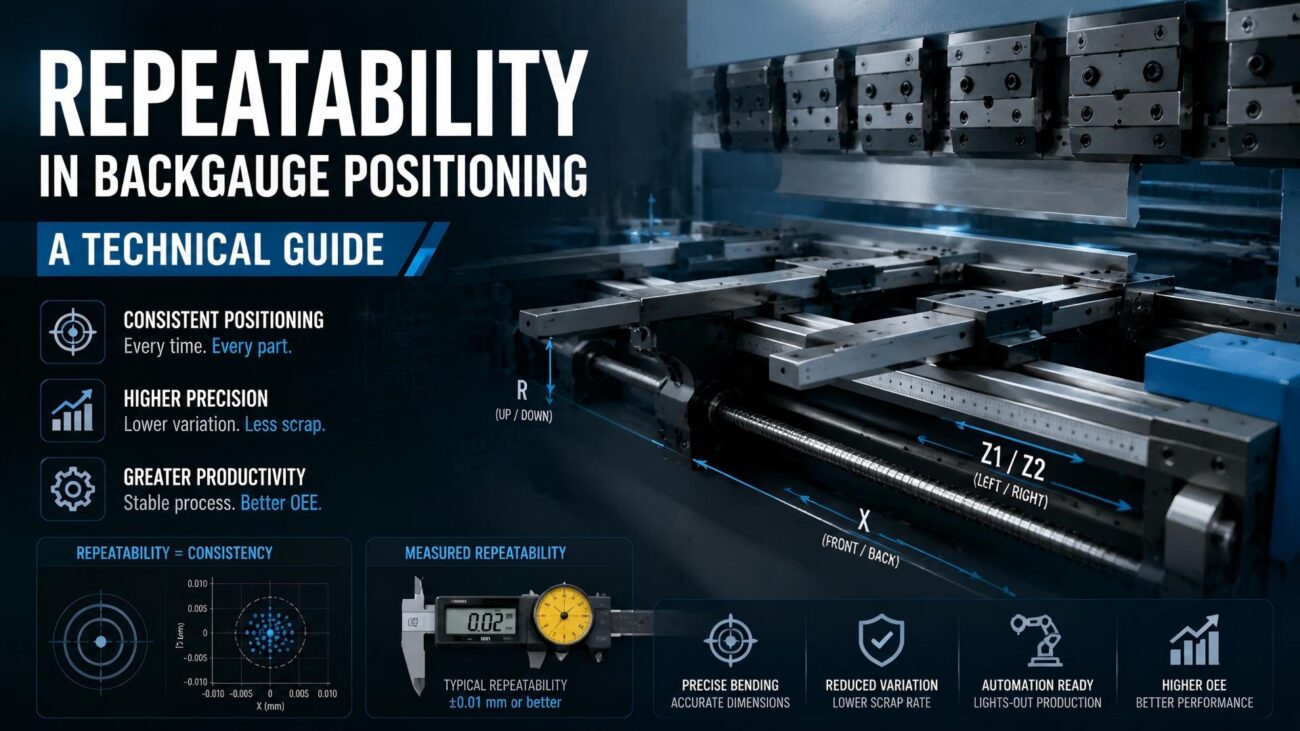
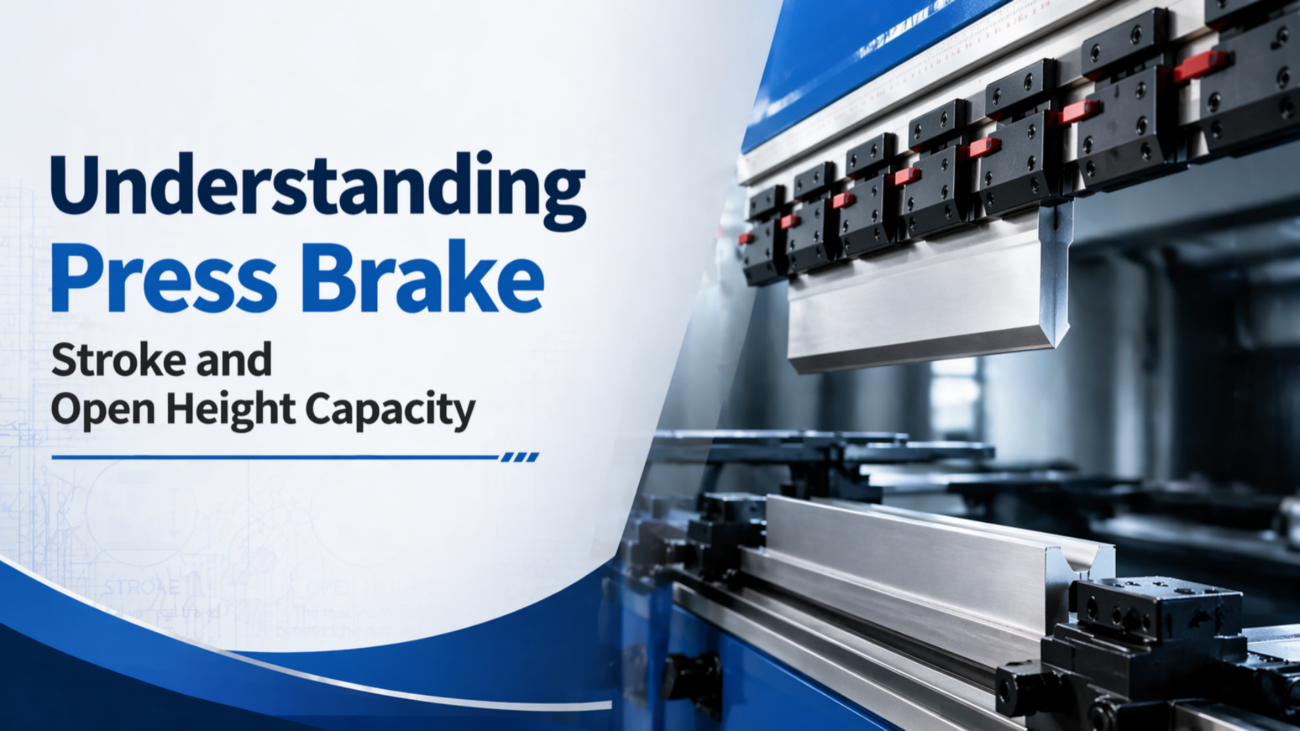
Selecting the right offline programming (OLP) solution requires evaluating key technical factors that directly impact accuracy. First, CAD integration is essential. The software should support formats like STEP, IGES, and native SolidWorks or Inventor files while maintaining precise geometry. Second, the tooling library must be accurate, including detailed 3D models of punches and dies with correct dimensions, radii, and load limits. Third, the simulation engine must reflect real machine constraints, such as stroke length, open height, and multi-axis backgauge movement. Without these considerations, the generated program may appear correct virtually but fail during actual machine operation.
Technical Explanation and Engineering Calculations
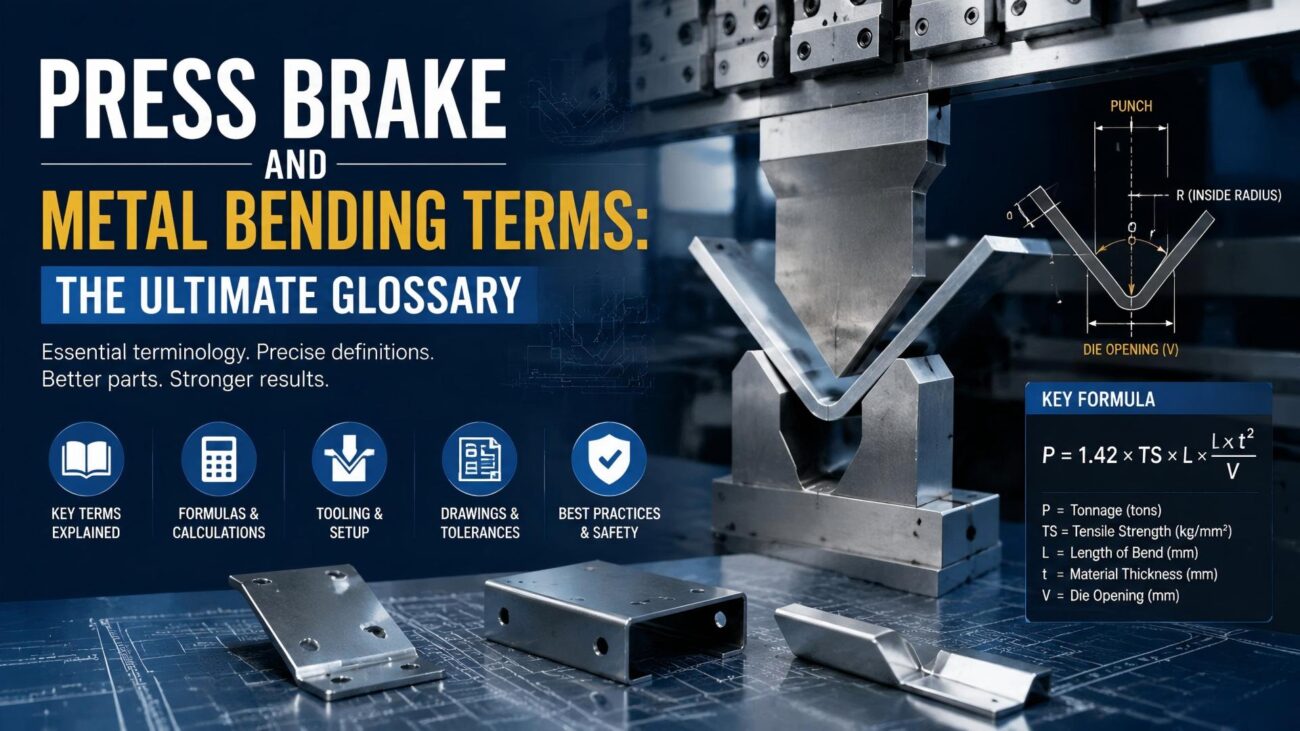
At the core of offline programming is calculating the developed flat length of a part. During bending, outer fibers stretch while inner fibers compress. The software uses the K-factor, representing the neutral axis position, to calculate Bend Allowance (BA): BA = Angle × (π / 180) × (Radius + K-factor × Thickness). This ensures the flat pattern matches the final 3D shape. Another key calculation is required tonnage: P = (650 × S × T²) / W, where P is tonnage per meter, S is tensile strength, T is thickness, and W is die opening. OLP software monitors these values in real time to ensure safe, accurate production.
Comparison: On-Machine vs. Offline Programming
To understand the value proposition, one must compare the two primary programming methods across various metrics of shop performance. The following table highlights the technical and operational differences between these approaches.
| Metric | On-Machine Programming | Offline Programming (OLP) |
|---|---|---|
| Machine Utilization | Low – machine stops during entry | High – machine runs while programming |
| Error Detection | Reactive – found during first piece | Proactive – found during 3D simulation |
| Sequence Optimization | Limited by operator time/skill | Advanced algorithms for shortest path |
| Collision Checking | Visual estimation by operator | Automatic 3D interference detection |
| Tooling Management | Manual selection from rack | Digital library with automatic suggestions |
| Setup Time | 30 – 60 minutes per part | 5 – 10 minutes per part |
Step-by-Step Guide to the Offline Programming Workflow

- CAD Model Import: Import the 3D model of the sheet metal part into the OLP software. The software analyzes the geometry, identifying the material type, thickness, and all intended bend lines.
- Tool Selection: The software scans the digital tooling library to select the most appropriate punch and die based on the required bend radius and material thickness. It checks for potential tool interference with the part’s flanges.
- Bend Sequencing: The software calculates the most efficient order of bends. It prioritizes sequences that minimize part flipping and movement, which reduces operator fatigue and cycle time.
- Collision Simulation: A full 3D simulation is performed. The software checks for collisions between the part and the tools, the backgauges, and the machine frame. If a collision is detected, the software suggests an alternative sequence or tool.
- NC Code Generation: Once the simulation is validated, the software generates the specific NC code for the machine’s controller and a setup sheet for the operator, detailing the tool placement and backgauge positions.
Common Mistakes to Avoid
One of the most common mistakes in implementing offline programming is failing to keep the software’s tooling library aligned with the actual tools on the shop floor. For example, if the software assumes a 2mm punch radius but a 1mm tool is used, part accuracy will be compromised. Another issue is ignoring K-factor variations between material batches, as differences in tensile strength or grain direction can affect bend results. Engineers also sometimes overlook operator feedback. A theoretically optimal sequence may be difficult or unsafe to execute. Successful OLP implementation requires continuous communication between engineering and production to ensure practical, accurate outcomes.
Industry Applications and Practical Scenarios
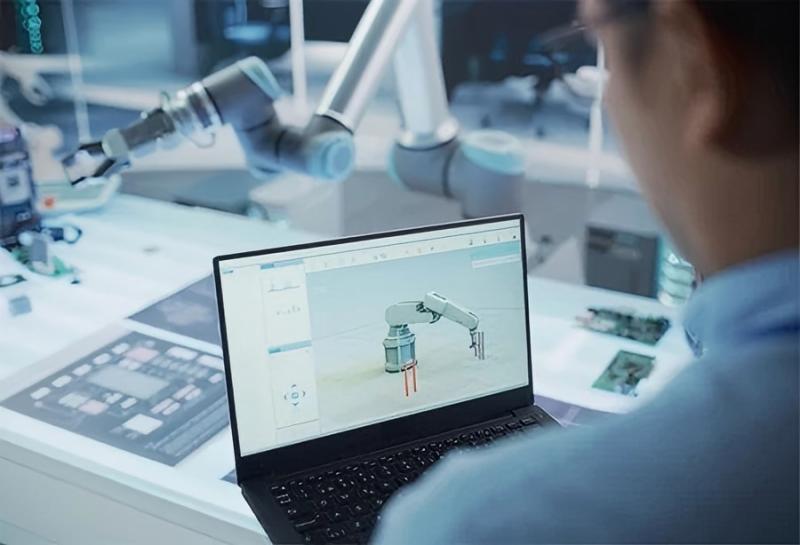
Offline programming is essential in industries where precision and complexity are critical. In aerospace, components often involve complex geometries and costly materials, making scrap extremely expensive. OLP enables virtual prototyping, ensuring first-piece accuracy. In the medical device industry, strict quality and surface requirements demand consistent bend angles and precise tooling, which OLP supports effectively. For custom job shops, OLP allows fast quoting and programming of small, diverse batches, improving flexibility and competitiveness. By reducing setup time and errors, manufacturers can handle more orders efficiently and lower production costs, even for low-volume, high-mix production environments.
Conclusion and Technical Recommendations
The transition to offline programming for press brakes has become a necessity for manufacturers seeking higher efficiency and reduced waste. By shifting programming and simulation away from the machine, companies can maximize uptime and improve part accuracy. Successful implementation begins with building a complete digital twin of tooling and defining standardized K-factors for commonly used materials. Proper training for both engineers and operators ensures effective use of simulation tools and smooth collaboration between design and production. In the context of Industry 4.0, offline programming provides the digital validation needed to fully optimize fabrication processes and unlock the true potential of modern equipment.
FAQ
Does offline programming software support all press brake brands?
Most modern OLP software is brand-agnostic and can support a wide variety of controllers, including Amada, Trumpf, Bystronic, and LVD, provided the correct post-processors are configured.
How does the software handle material springback?
OLP software uses material databases and empirical formulas to estimate springback, often recommending an over-bend angle to achieve the final desired geometry.
Can OLP software detect if a part is too heavy for an operator?
Yes, advanced software packages can calculate the part weight and center of gravity during the bend sequence, flagging steps that might require a crane or a second operator.
Is it necessary to have a 3D model for OLP?
While 2D DXF files can be used, a 3D model is highly recommended as it allows the software to accurately simulate collisions and verify the final assembly dimensions.
What is the typical ROI for press brake OLP software?
Most shops report a return on investment within 6 to 12 months, primarily driven by a 20-30 percent increase in machine uptime and a significant reduction in scrap rates.